







01
Add your script or brief
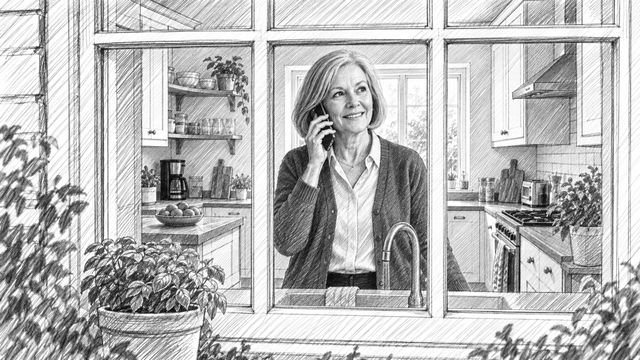
Paste a script, treatment, or client brief. Boords breaks it into scenes and turns each beat into a storyboard frame.

Turn scripts or prompts into client-ready storyboards in minutes. Keep characters and locations consistent across scenes, tweak individual shots, and get client sign-off in one place.





Paste a script, treatment, or client brief. Boords breaks it into scenes and turns each beat into a storyboard frame.
Generate frames from prompts using your saved characters and style, pick from 3M+ stock photos and icons, or upload your own stills.
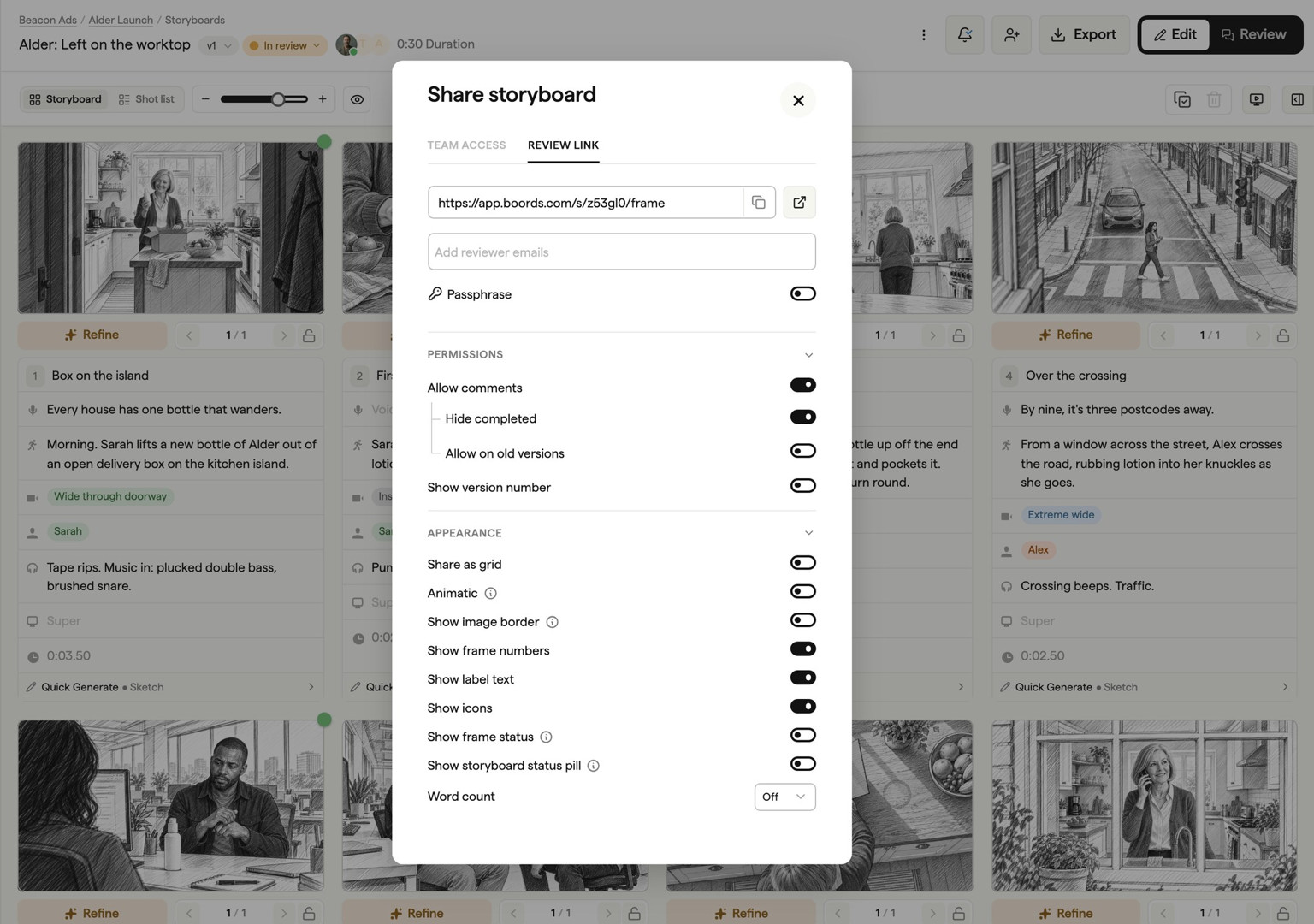
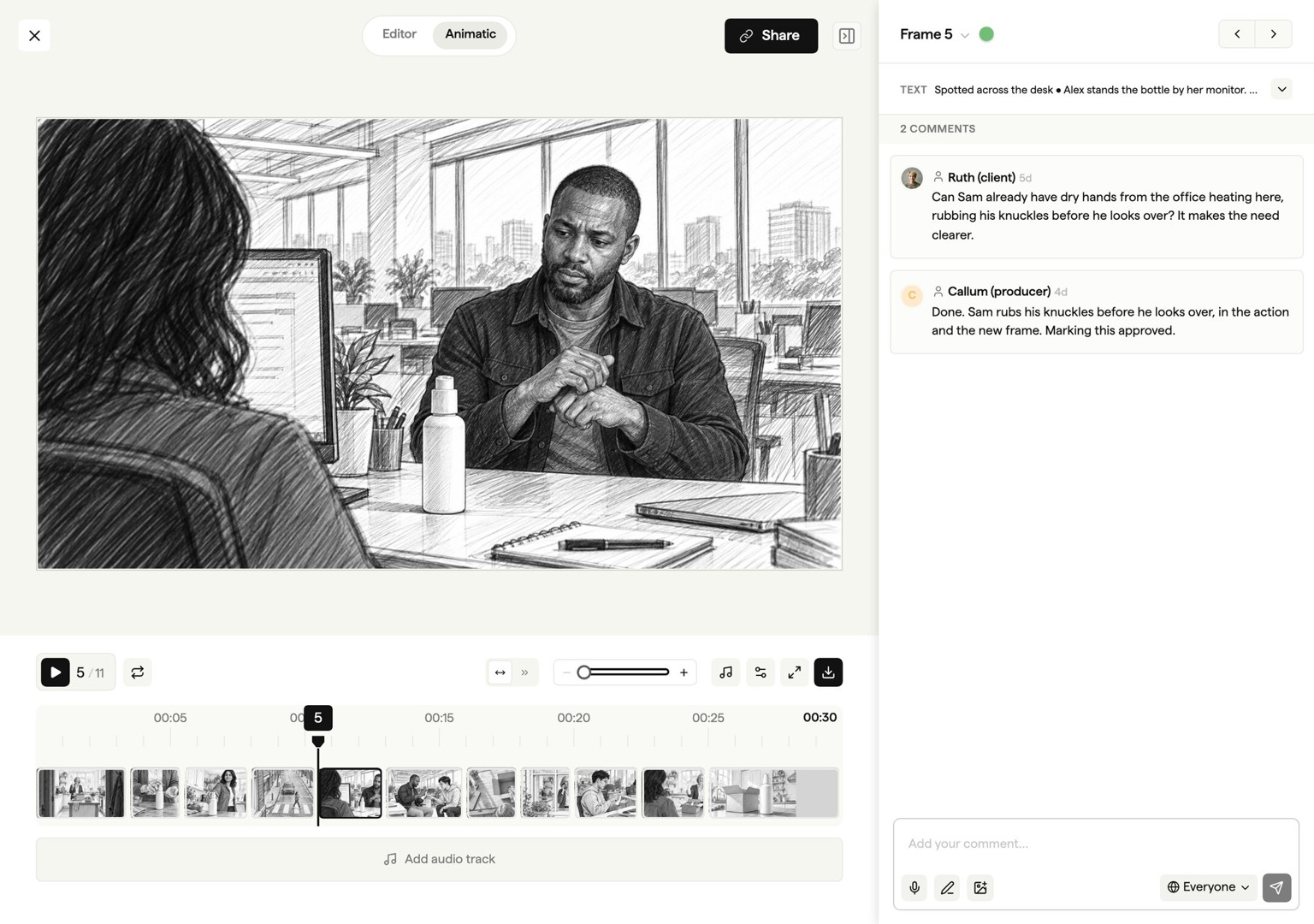
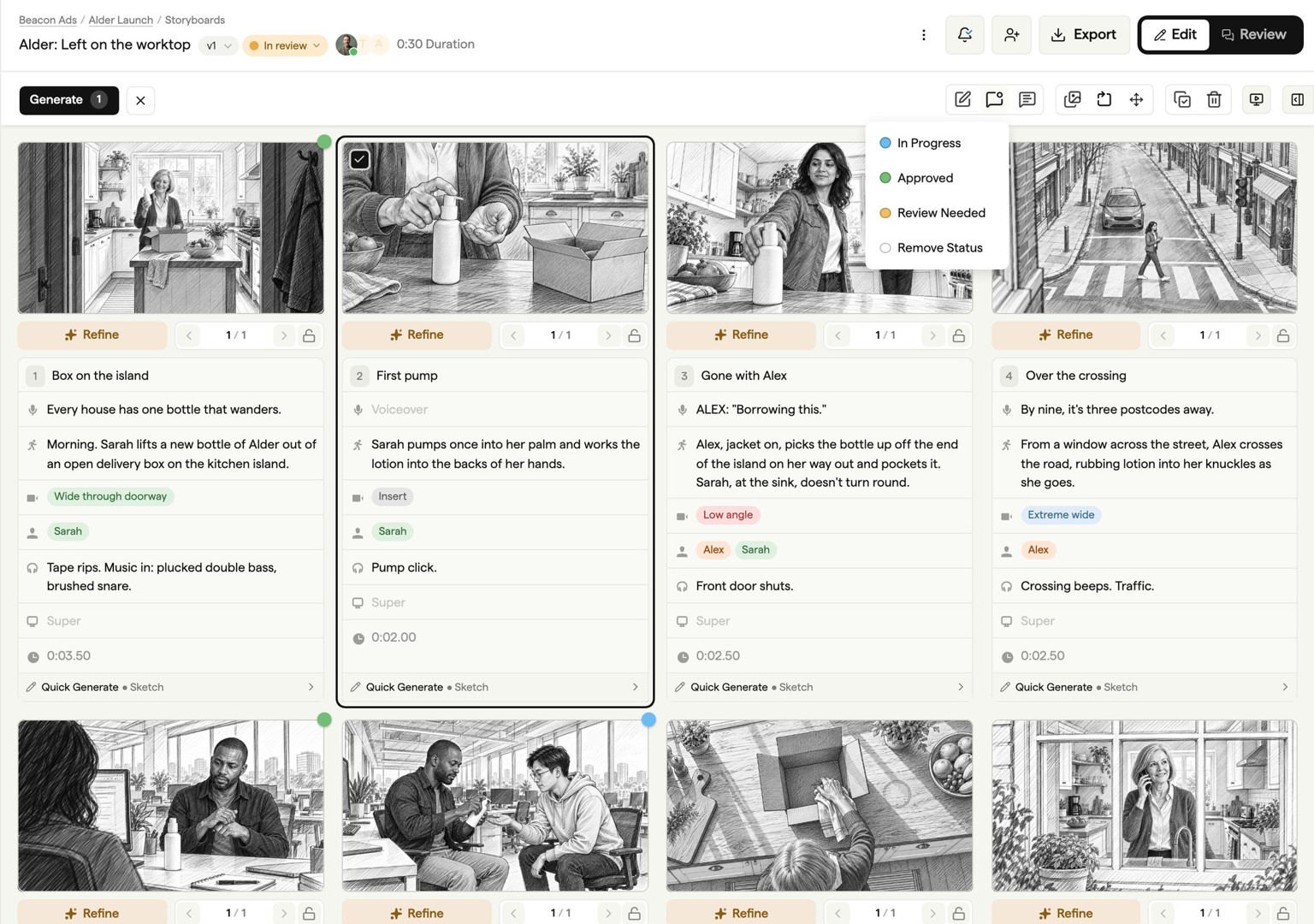
Send one link so clients can comment on each frame with no login and review pacing as an animatic. When they sign off, your team marks the board Approved.
Re-describe every character in every prompt
Type @ to reuse saved characters
Hope separate images match each other
Share one asset library across every storyboard
Regenerate the whole image and lose what worked
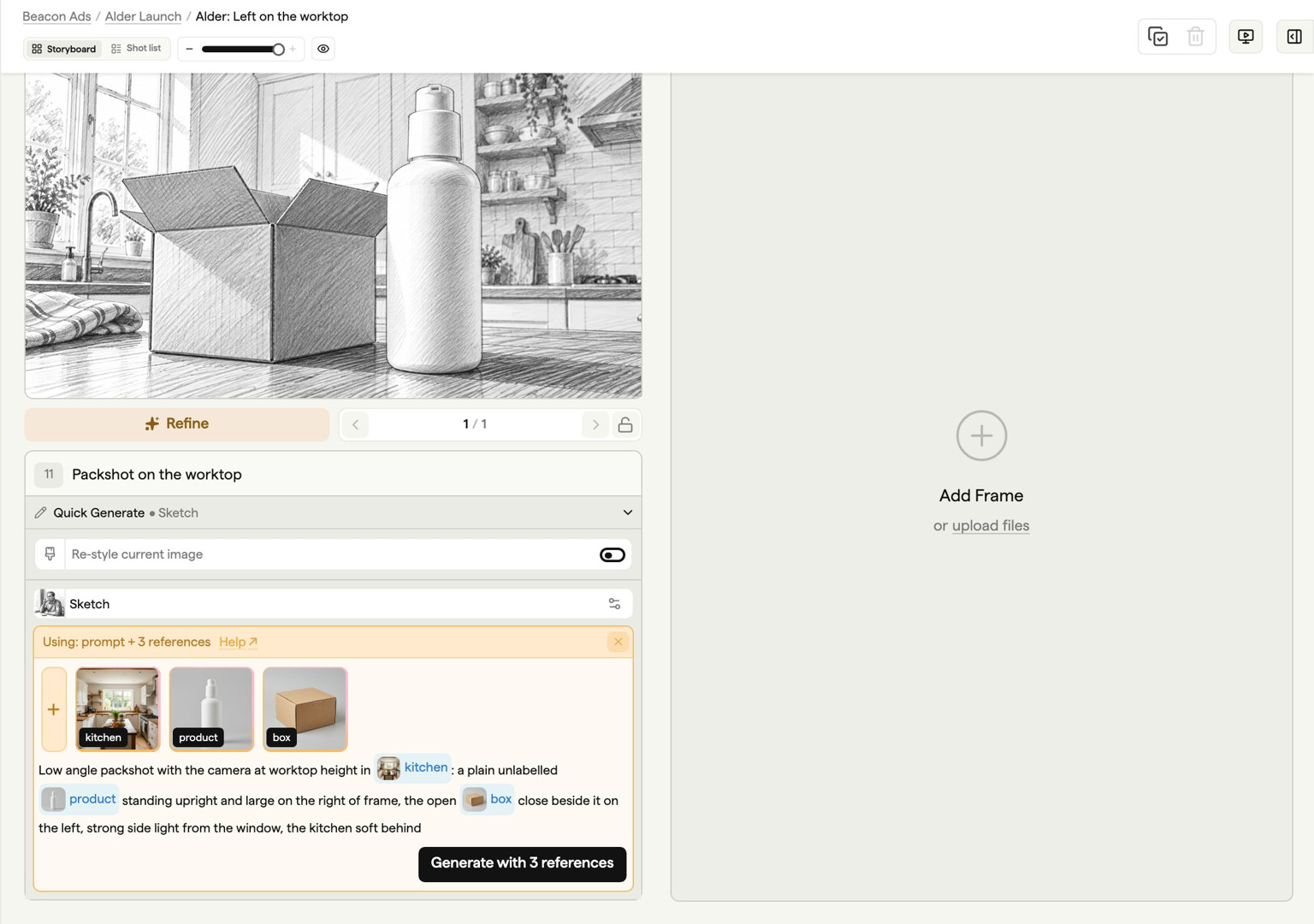
Highlight and change just one detail
Download files and build the deck somewhere else
Generate straight into the storyboard
Chase client notes across email and Slack
Clients comment directly on each frame
Juggle versions and sign-off by hand
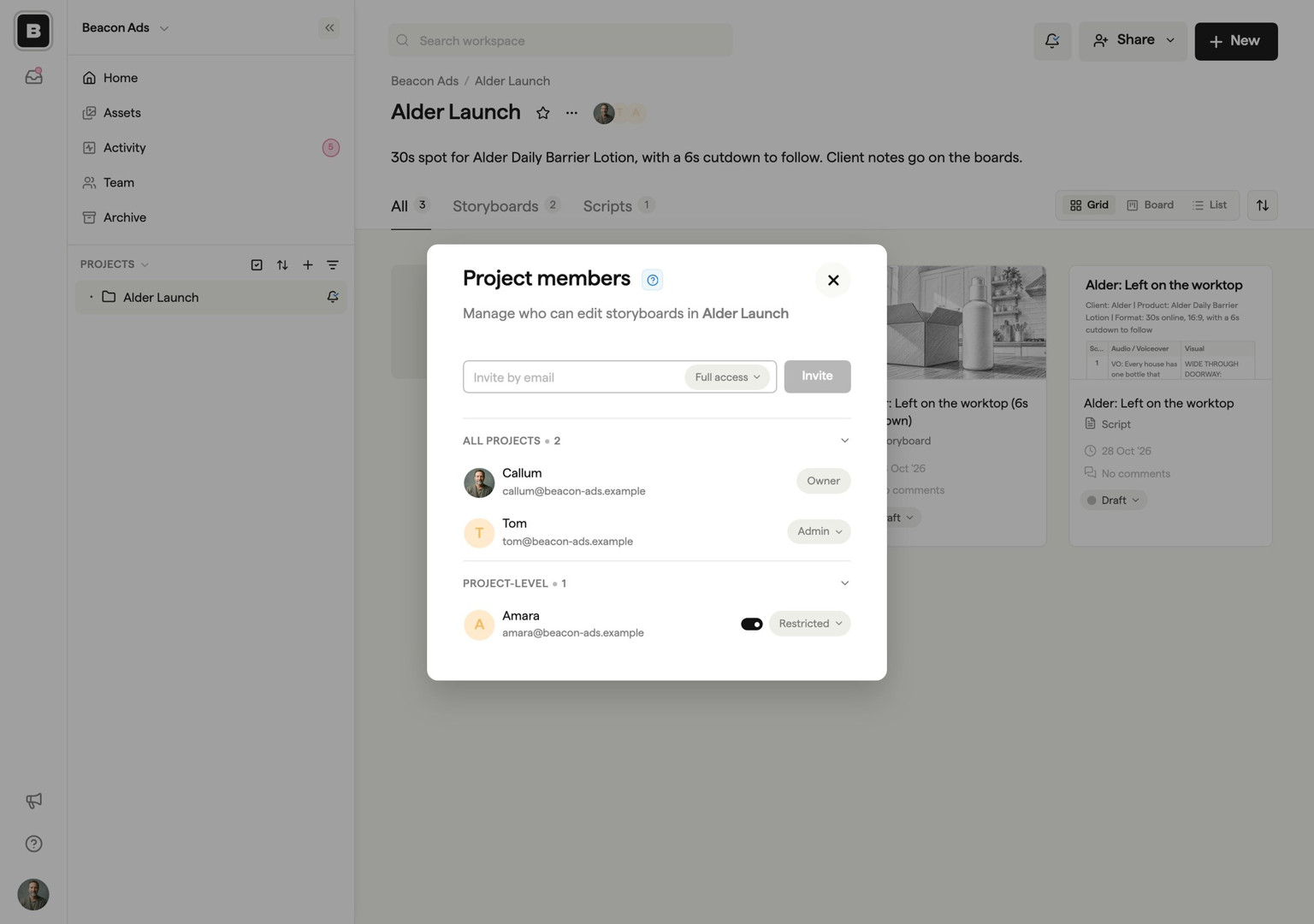
Share, record sign-off, animate, and export in one place
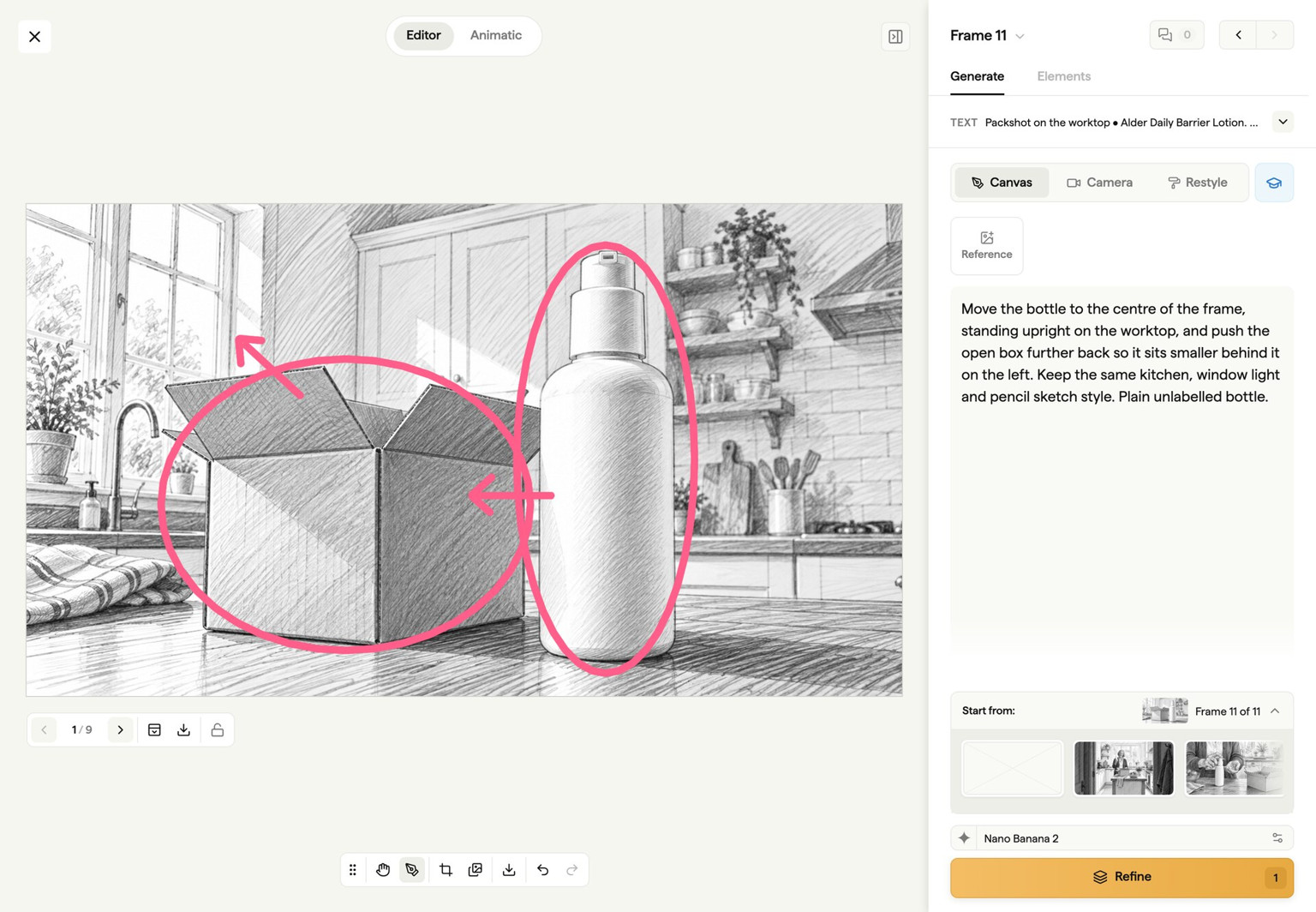
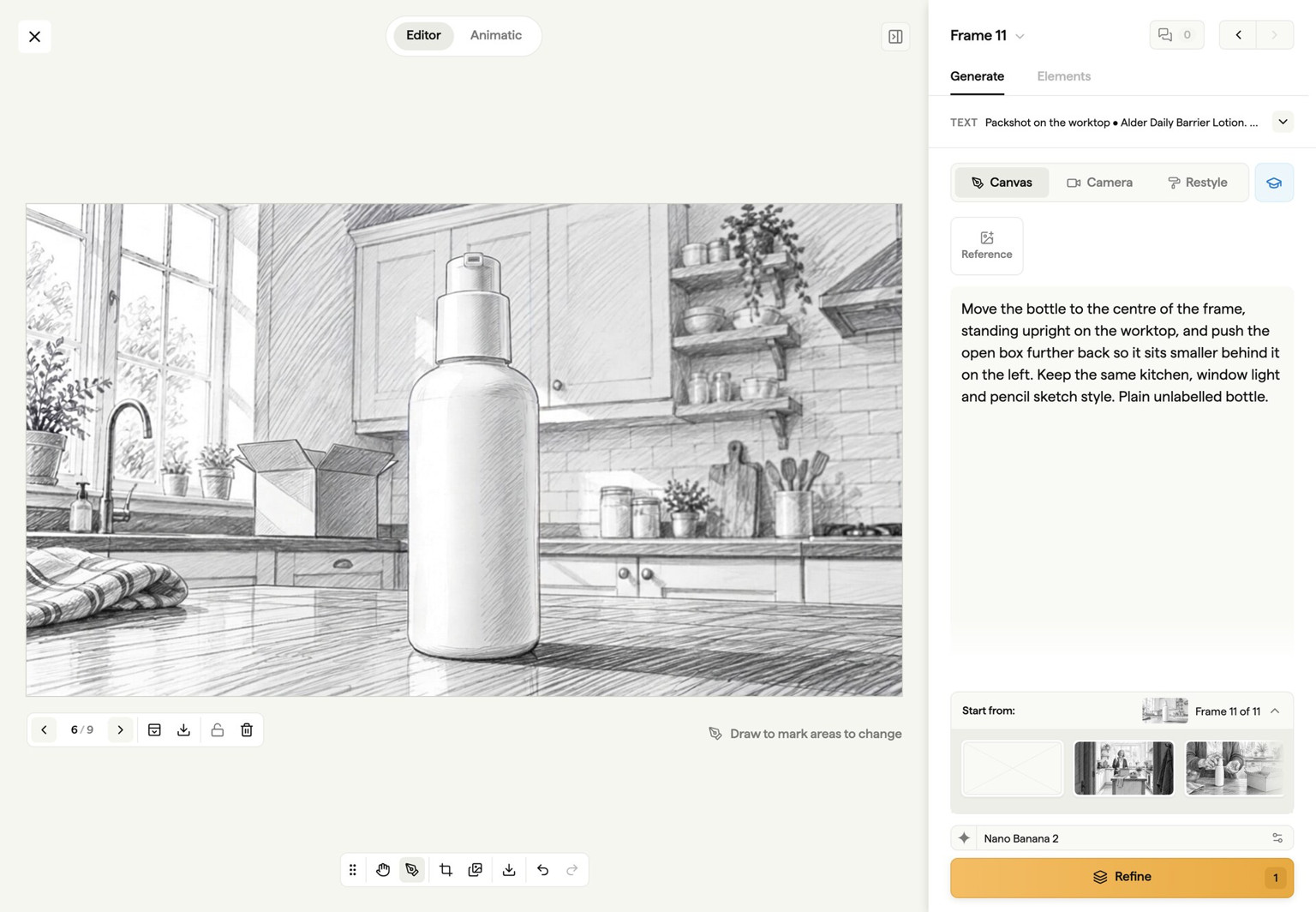
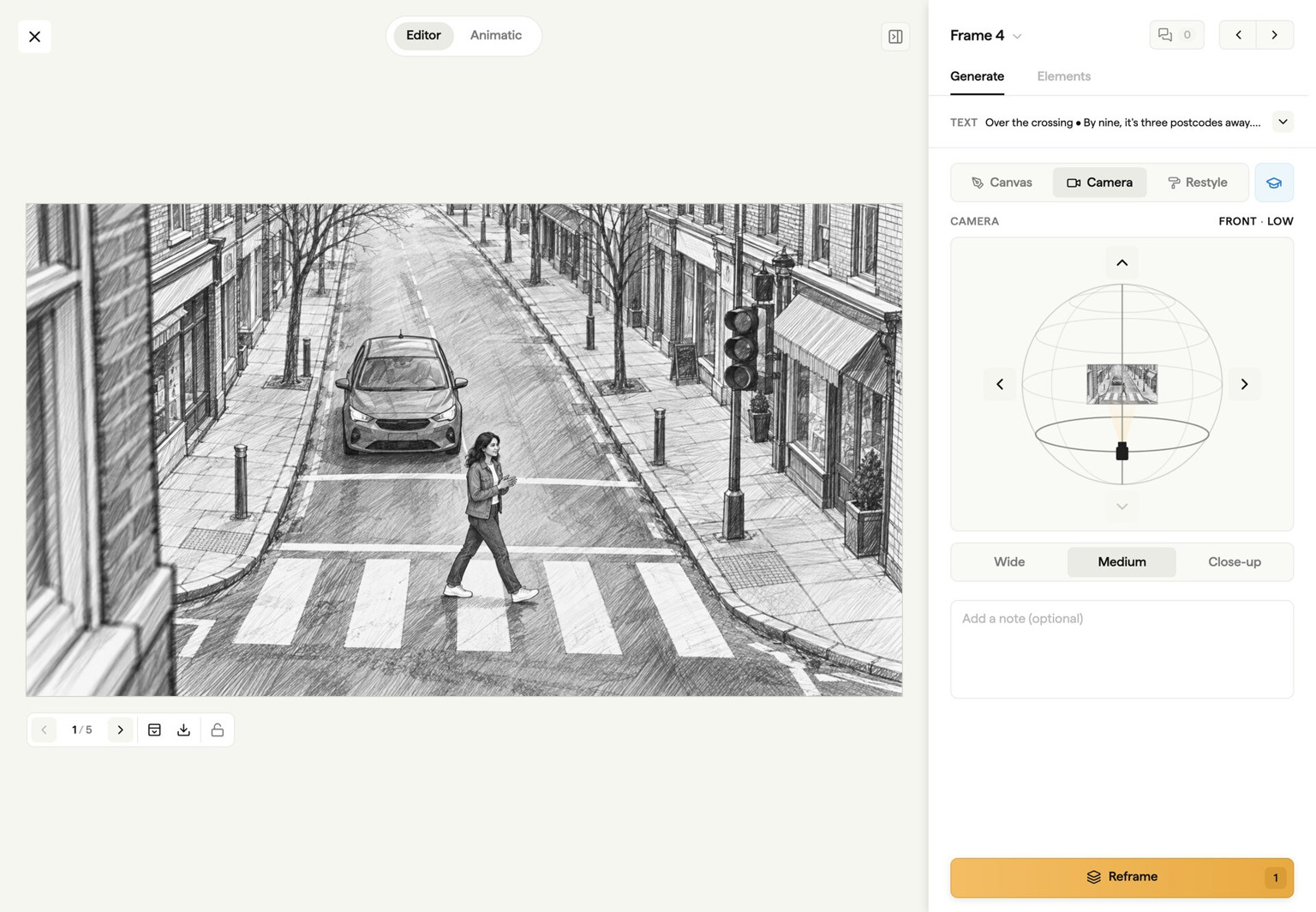
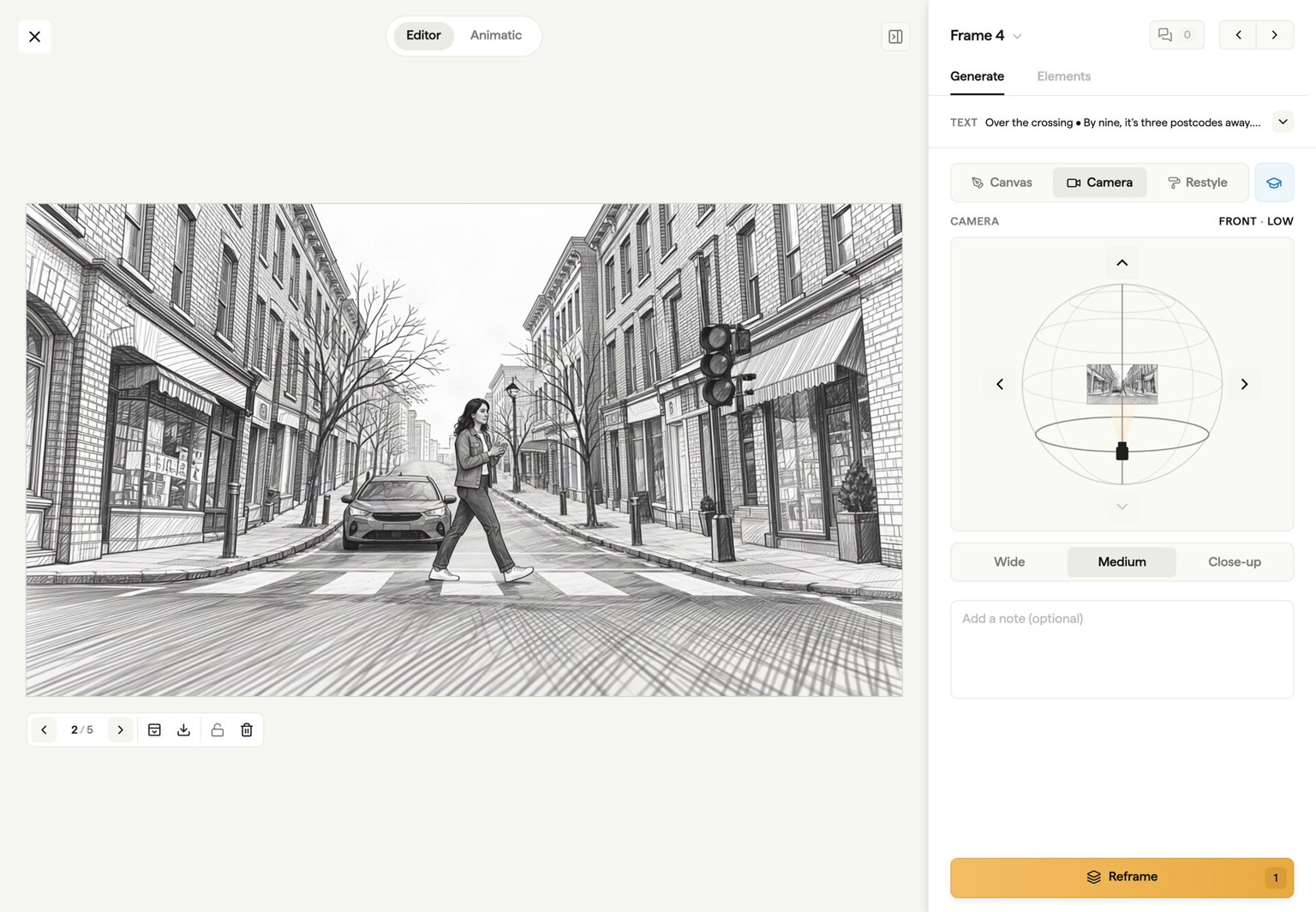











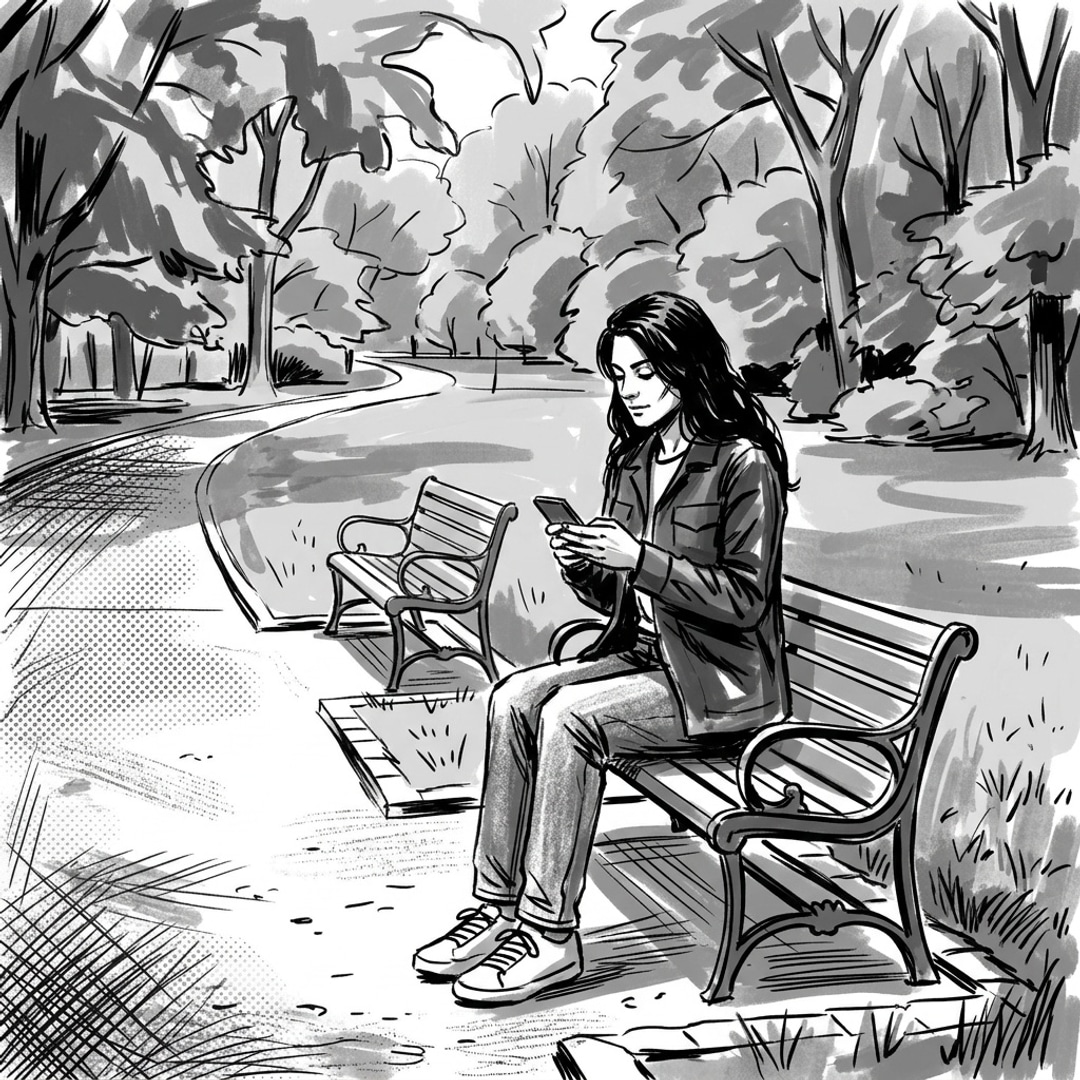
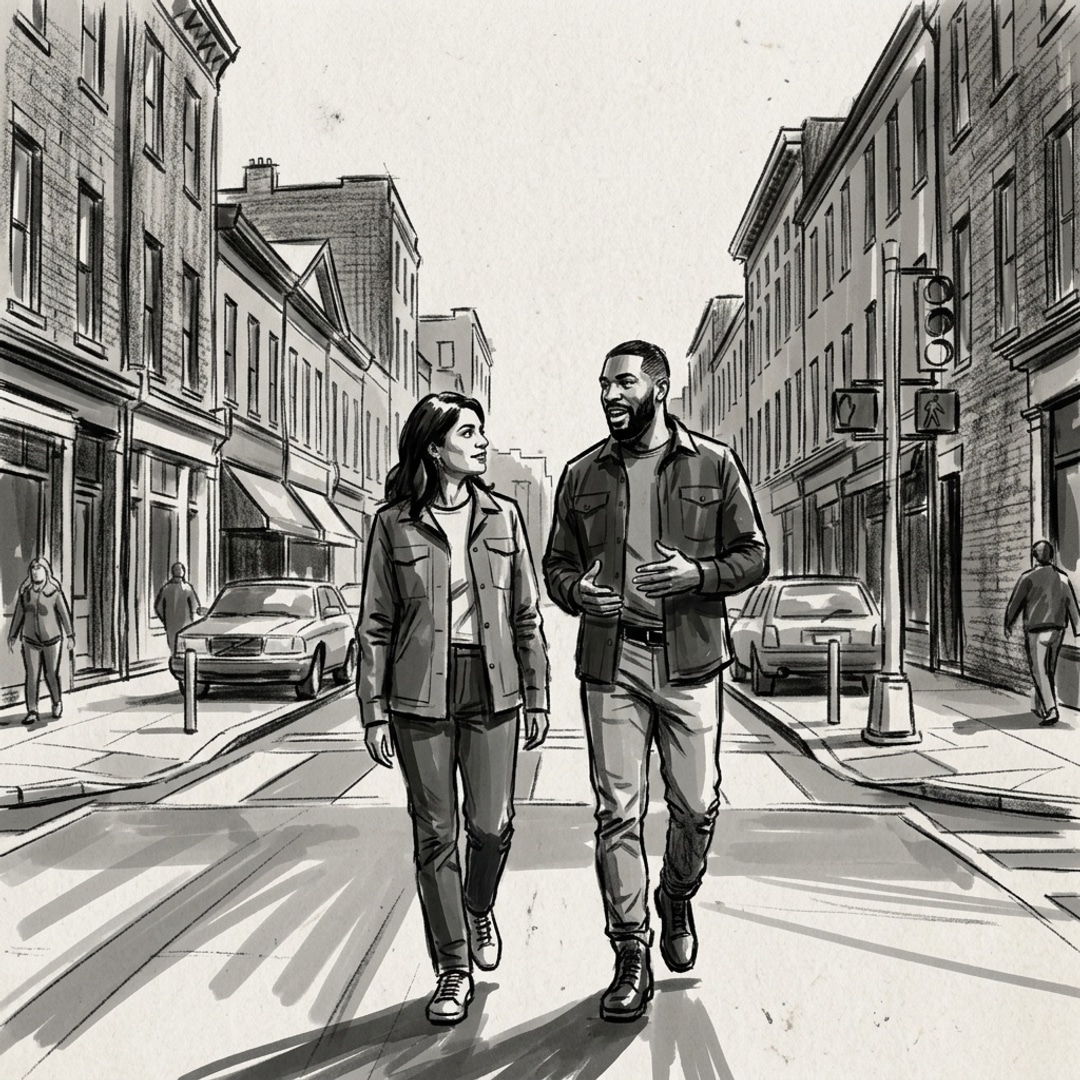
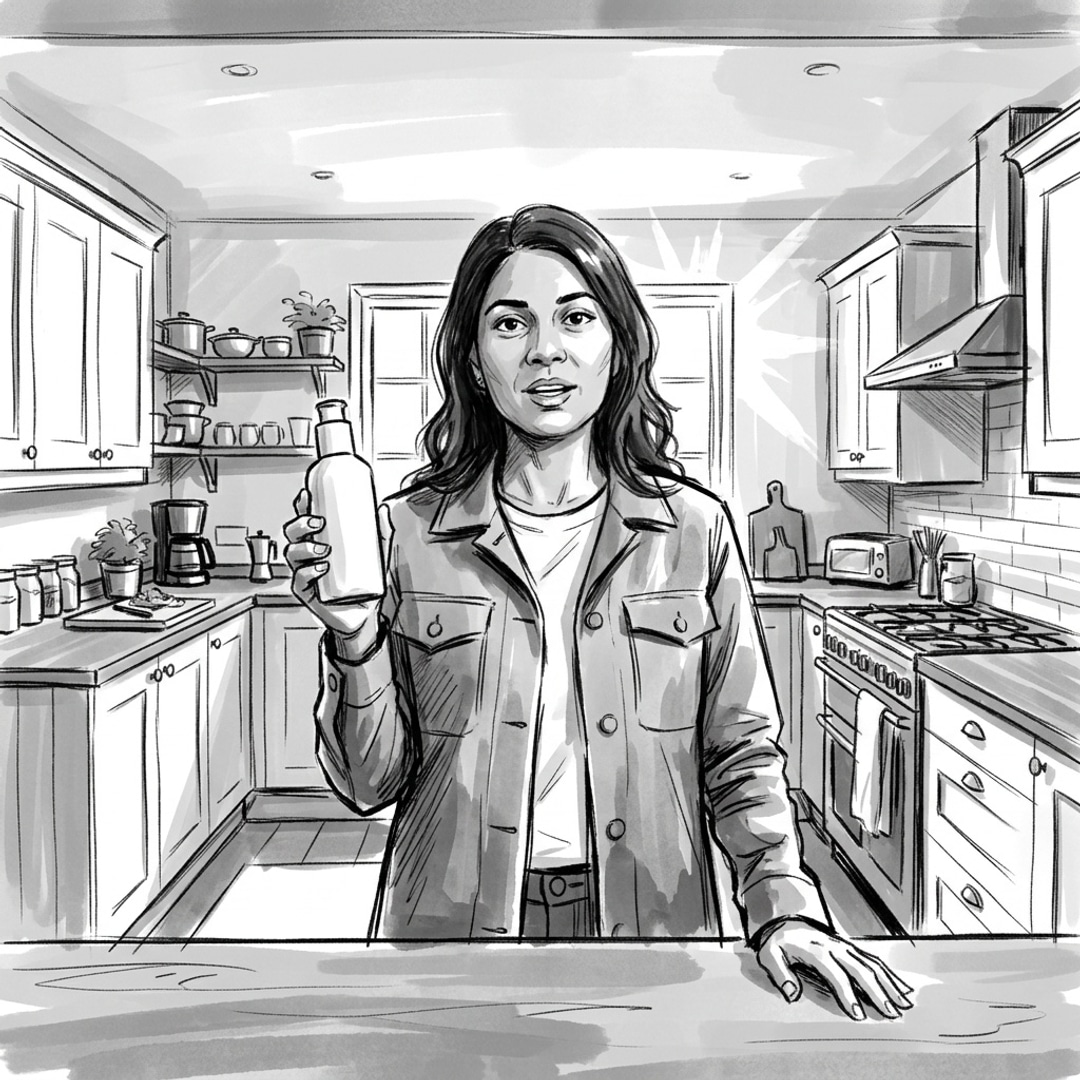
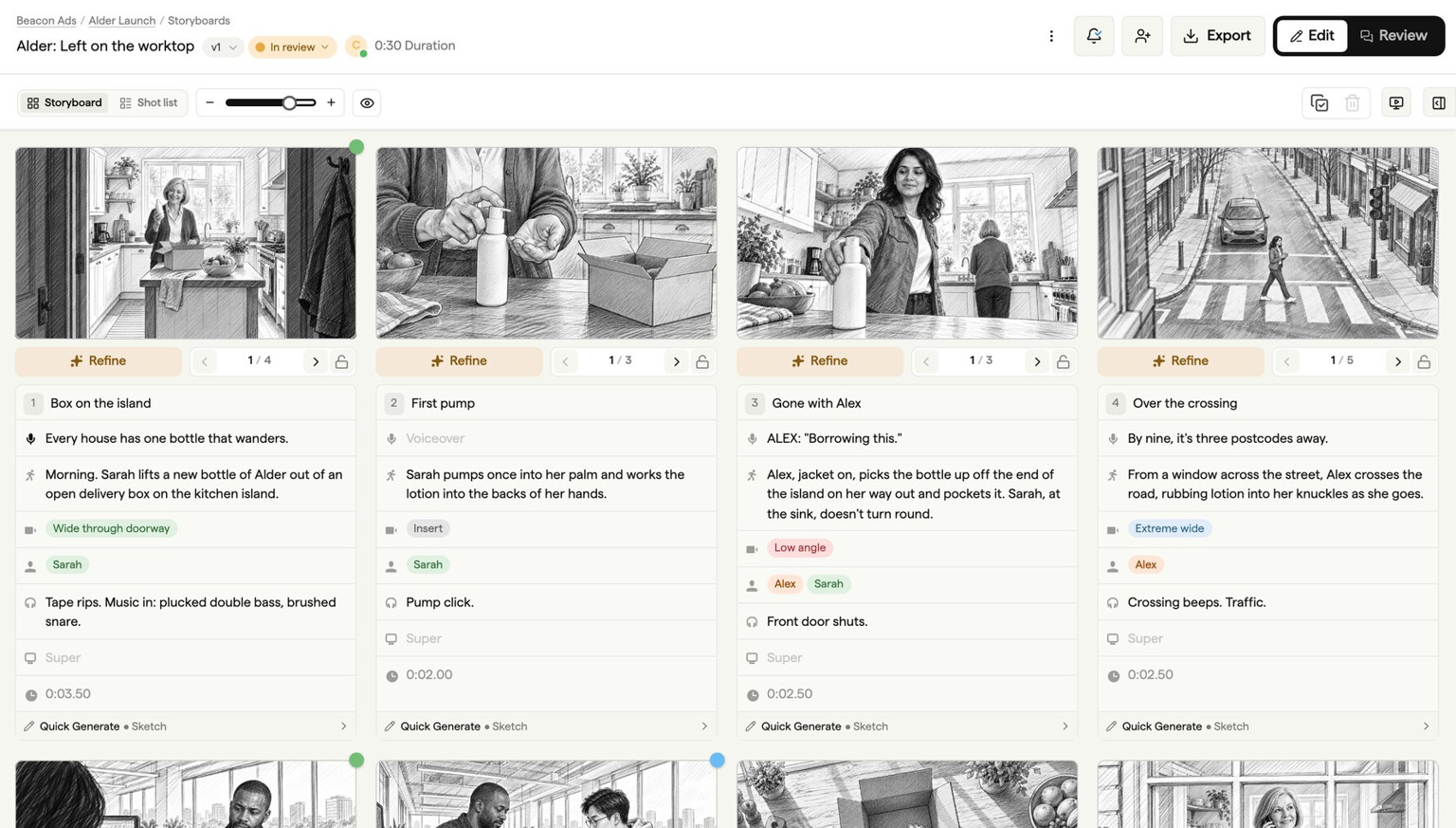
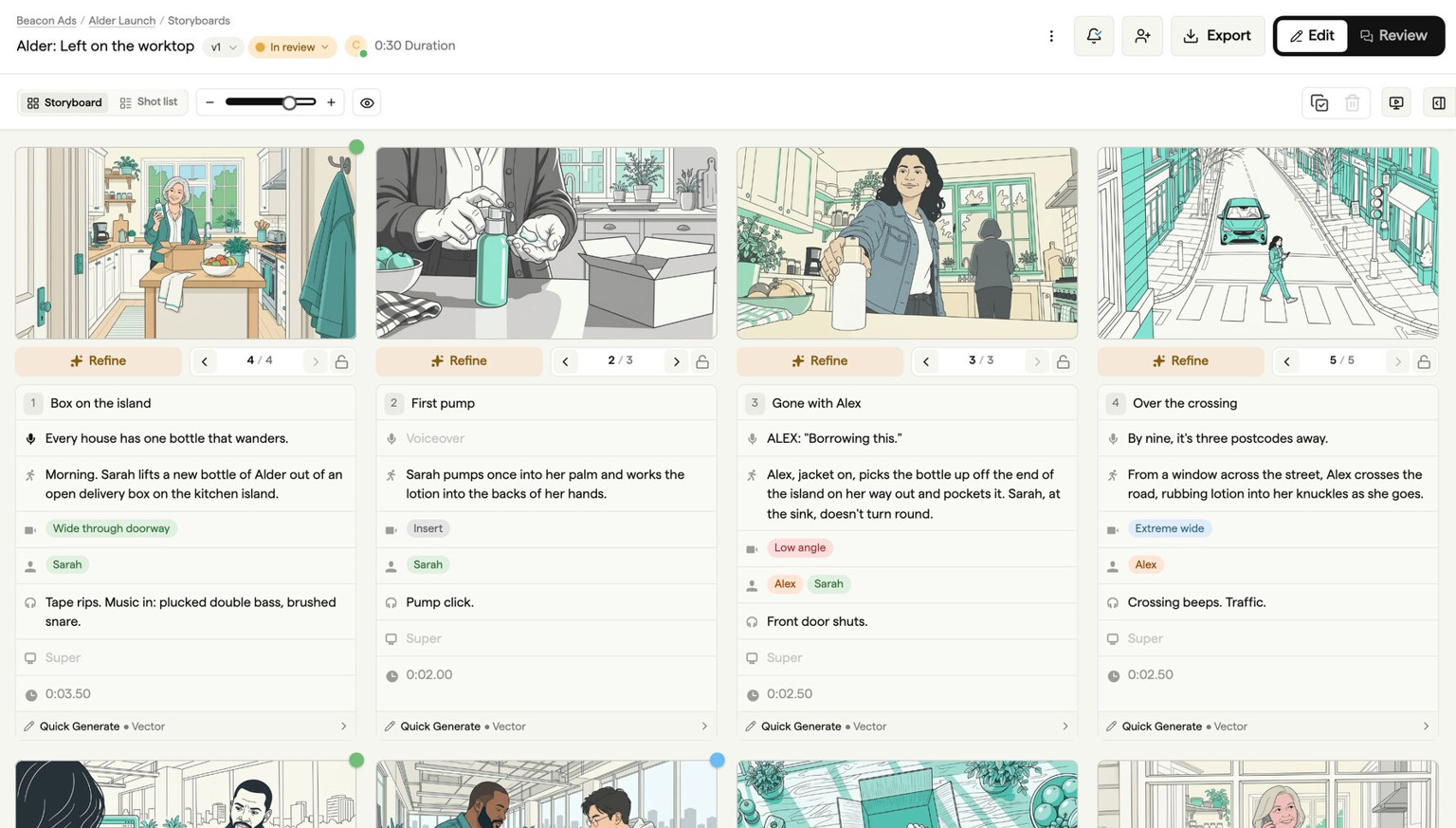
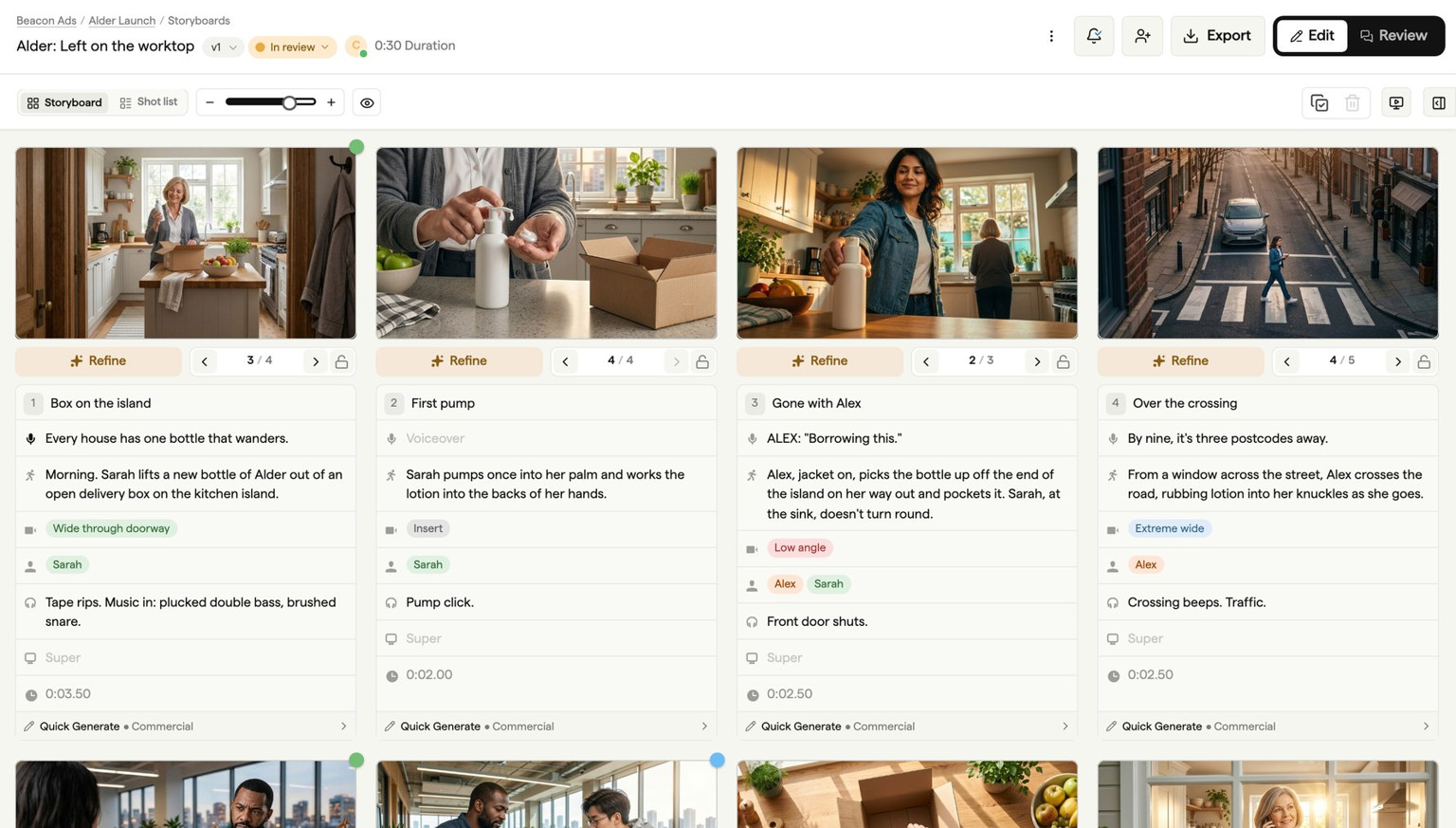
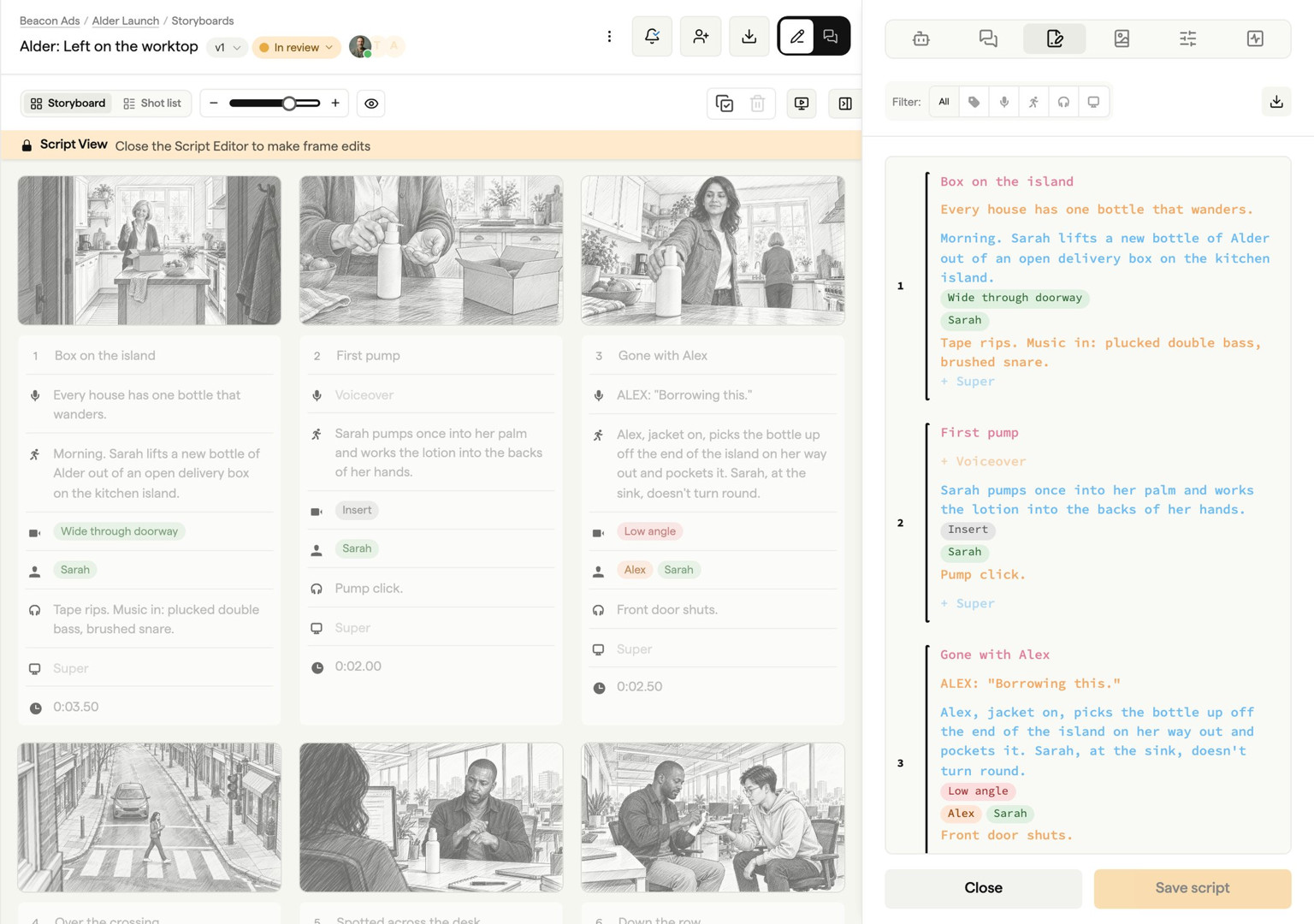
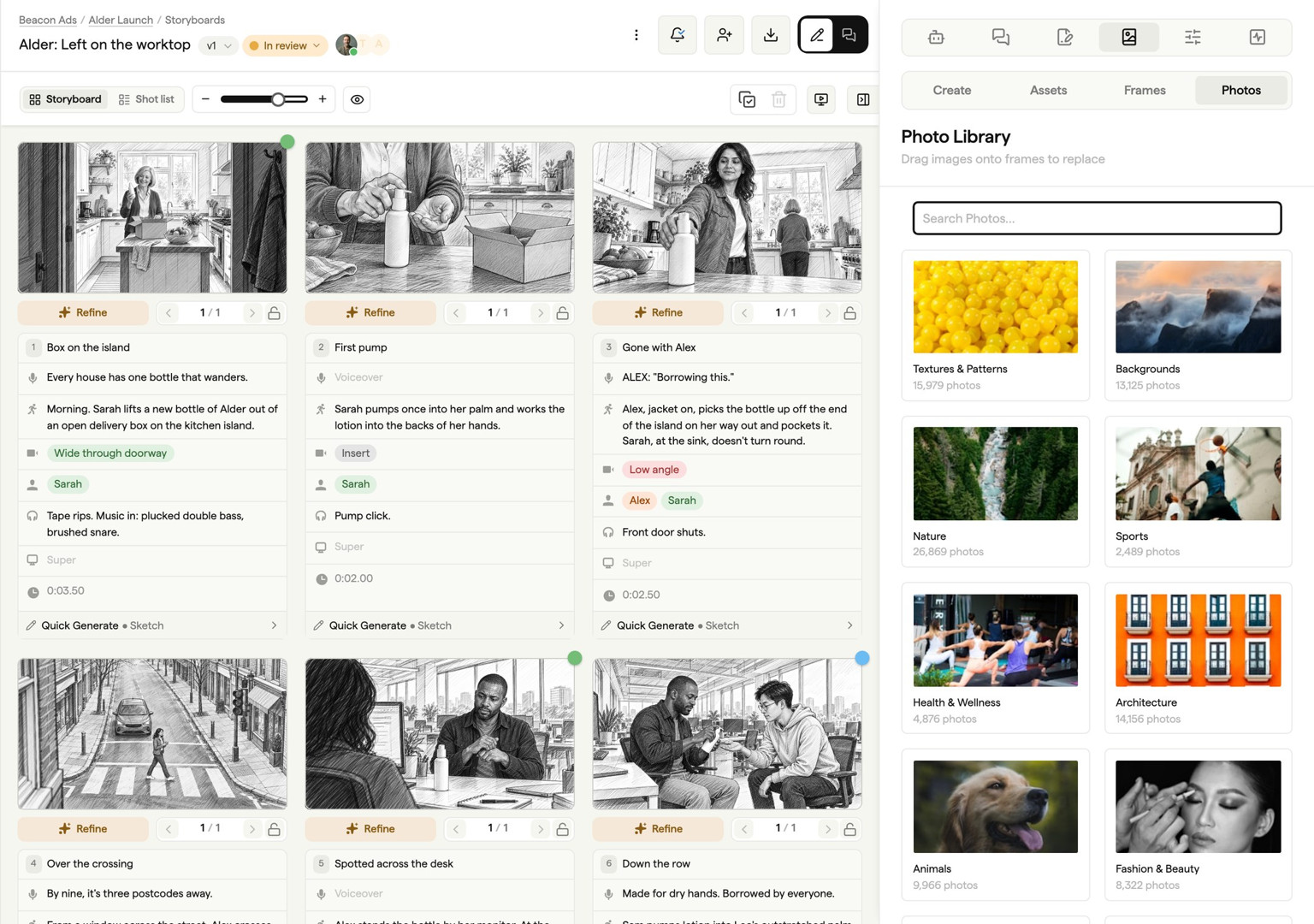
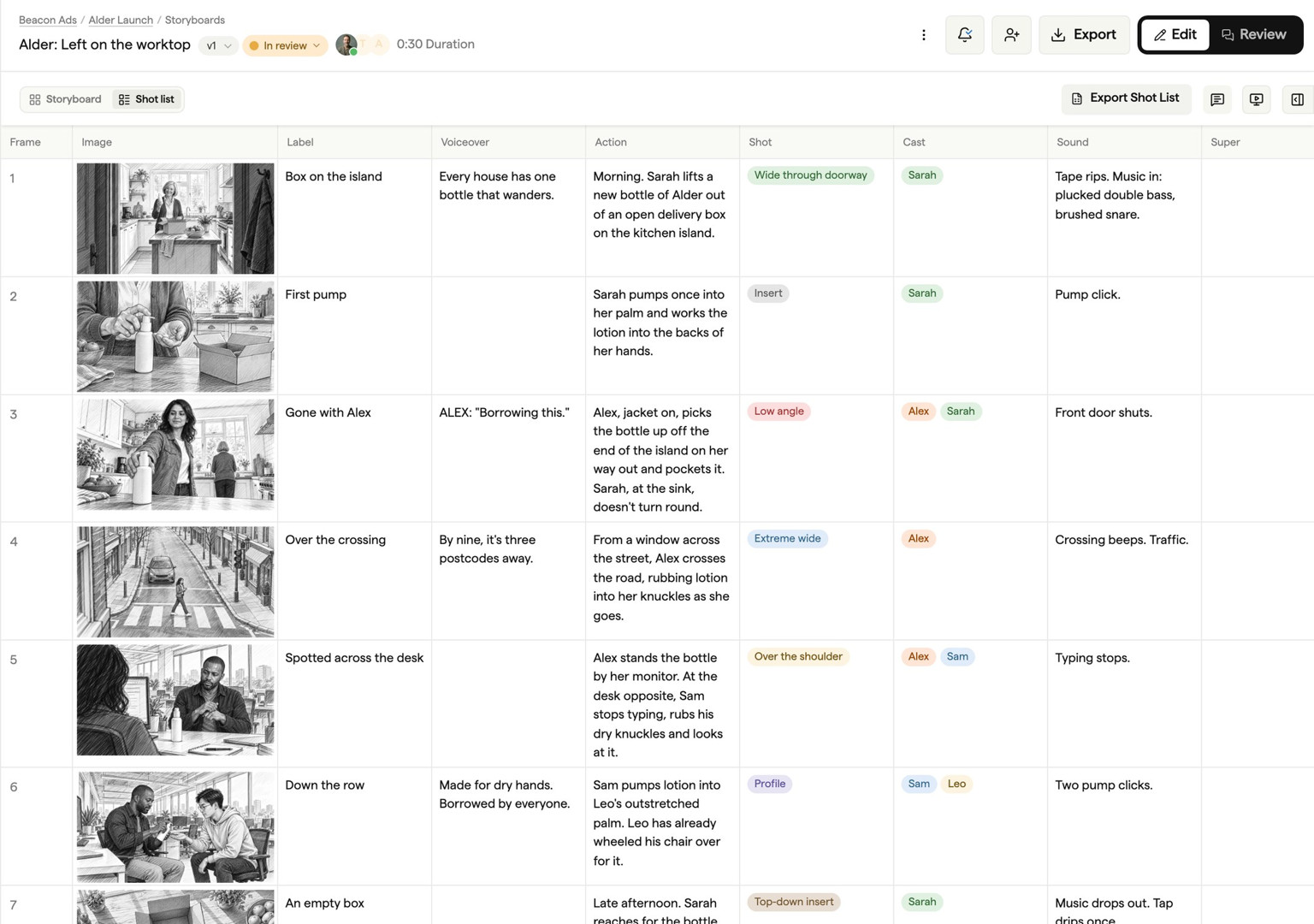
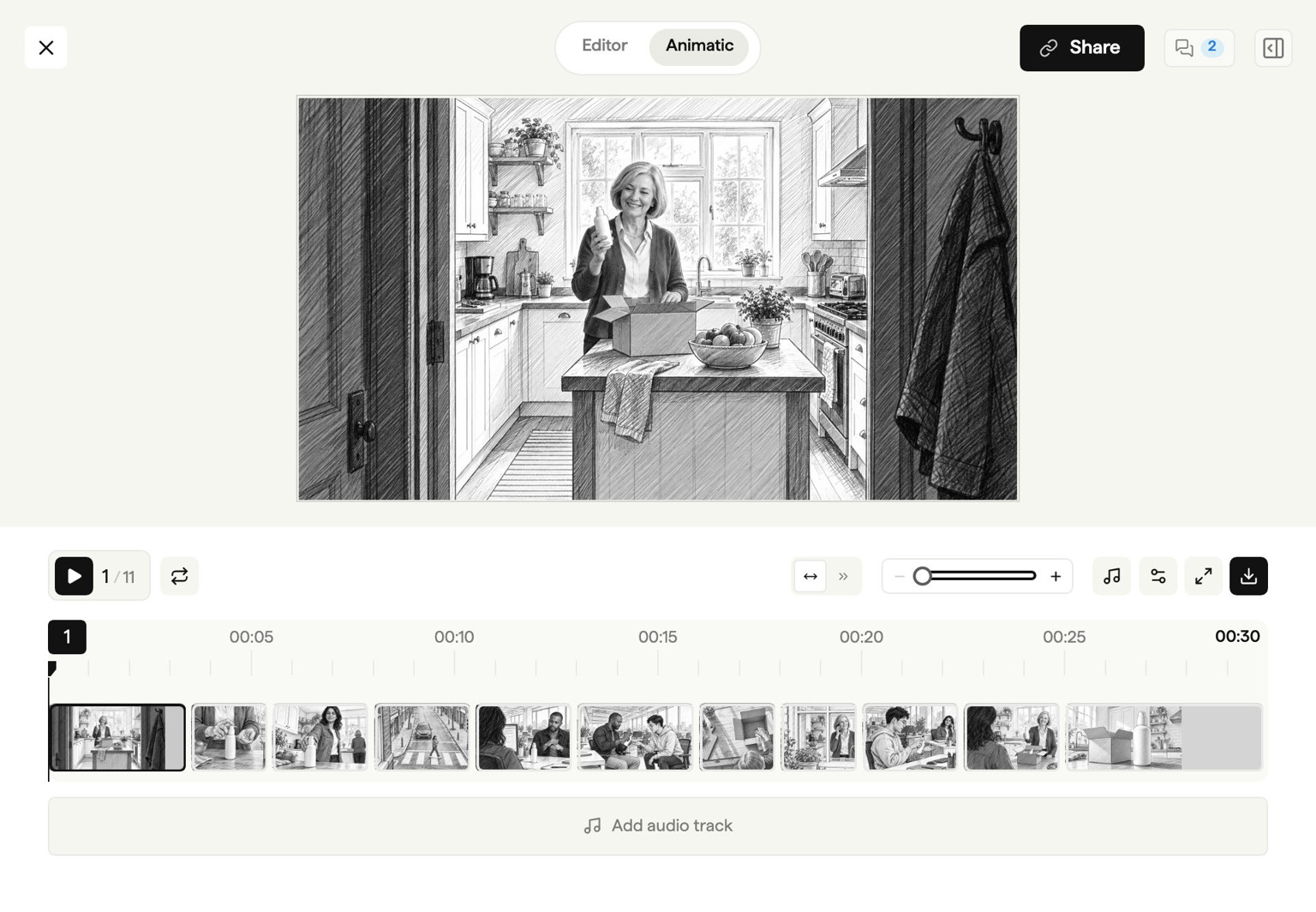
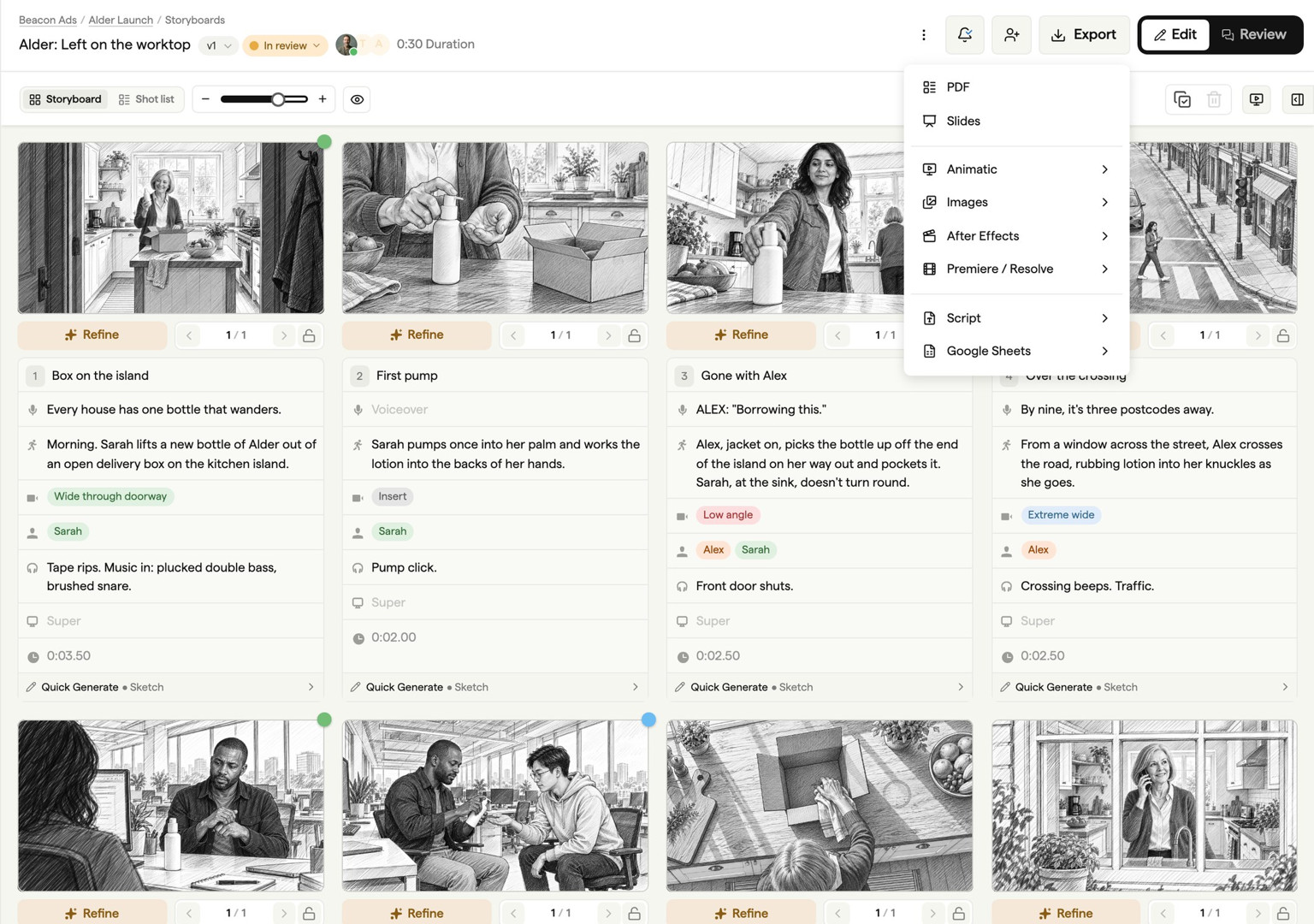
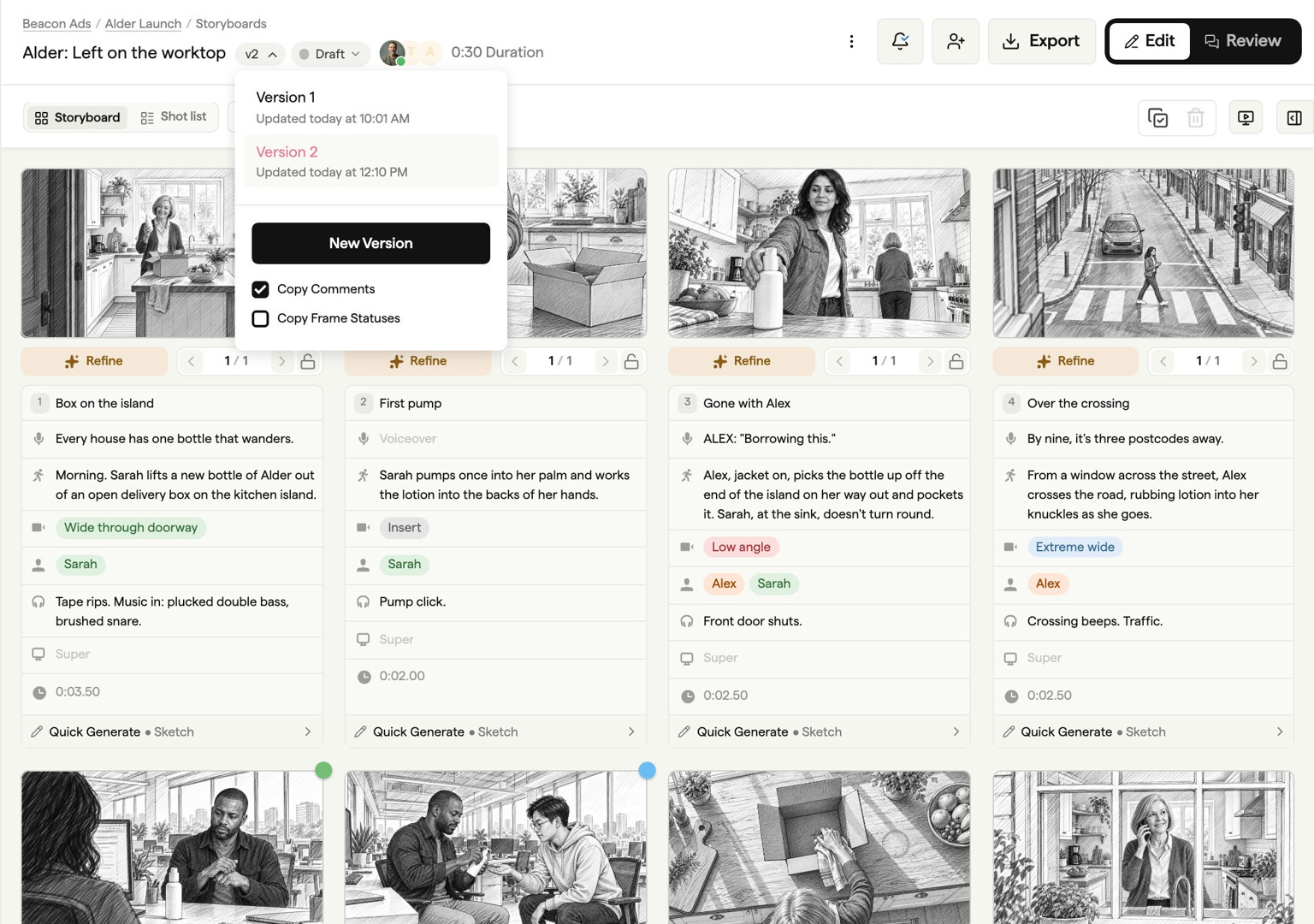
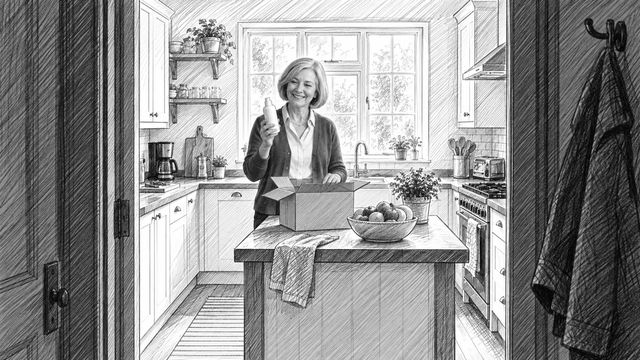
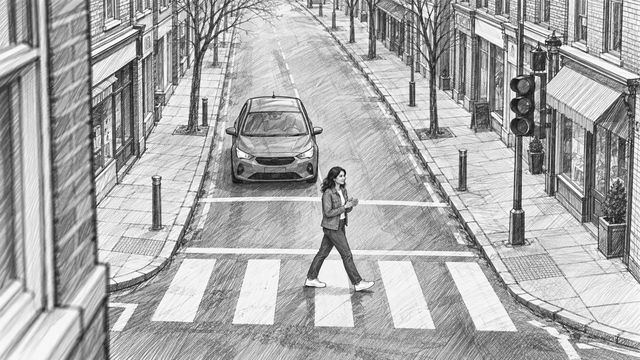
An AI storyboard generator turns a script or text prompt into a sequence of storyboard frames, so studios can plan every shot without drawing by hand. Describe a scene in plain language and Boords generates the frame in sketch, vector, or realistic style in seconds.
Standalone image tools leave you with loose files, and static storyboard templates still need rebuilding every time a shot changes. Boords keeps every frame inside the board your team and clients review. Reuse saved characters, locations, and props with @mentions, edit one detail in a shot with Refine, or mix AI frames with uploaded stills and 3M+ stock photos and icons.
You can start for free with no credit card required. The free plan includes five active storyboards, unlimited manual frames, and a sample allowance of AI image credits. Free-plan exports, including PDFs and slide images, carry a Boords watermark, while the images inside your frames do not. See pricing for paid plans and monthly credits.
For video agencies and animation studios, Boords covers everything between the brief and production. Write or import your script in the storyboard software, break it into frames, and test pacing as a timed animatic before a camera rolls or an animator opens a timeline.
Fixing a pacing issue on a storyboard takes minutes. Fixing it on set or halfway through animation costs days. Clients leave comments right on the frame through one shared link, with no login. Your team updates the board and marks the final version Approved, so nobody digs through email threads or Final_v3.pdf files.
Boords also includes Boords Agent, the first pre-production agent. Ask it to import a script, generate frames from your reference library, restyle a sequence, or translate frame copy right inside the storyboard your clients review.
Last updated November 2026.
Scripts, boards and sign-off stay in Boords. Everything else plugs in.
AI connections and Slack DMs are on every Boords plan, even Free.
Yes. You can browse the examples on this page without an account, and generating your own frames takes a free Boords account. Signing up takes a few seconds with no credit card, and includes sample AI image credits so you can test it right away.
Yes, Boords is free to start with no credit card required. The free plan includes five active storyboards with unlimited manual frames in each, plus a one-off sample allowance of AI image credits (not a monthly allowance, so unlimited frames does not mean unlimited AI images). Free-plan exports, including PDFs and slide images, carry a Boords watermark, while the images generated in your frames do not. See the pricing page for paid plans and monthly credits.
Paste or import a script, treatment, or brief into Boords and it breaks the text into scenes with a frame for each beat. From there, generate images from prompts, pick from 3M+ stock photos and icons, or upload your own stills. Converting a script creates a one-off snapshot, so later edits to the script won't update existing frames automatically; update those frames directly or convert the new draft into a fresh board.
Save your characters, locations, and props to your team's Asset Library once, then type @ in any prompt to include them. Boords draws from those saved references when generating new shots or changing camera angles, and Refine lets you edit one part of a frame without regenerating the rest.
Yes. Describe a scene in plain language and Boords generates the frame in sketch, vector, or realistic style in seconds. You can also turn a rough doodle into a finished frame, pull from 3M+ stock photos and icons, or upload reference photos, so anyone on a production or agency team can build a client-ready board.
Most AI storyboard generators stop once the images are made. Boords covers the whole pre-production process: break a script into scenes, generate frames with a saved cast, gather client comments on each frame through one no-login link, preview pacing as a timed animatic, and export for production once the board is signed off.
A storyboard template is a blank layout you fill in by hand. A storyboard maker is software for arranging frames, shot notes, and scripts digitally. An AI storyboard generator creates the frame artwork from a script or prompt. Boords combines all three: start from a template, arrange and review frames with your team, and generate or upload visuals in the same place.
Boords exports storyboards as high-resolution PDFs, a deck for PowerPoint or Google Slides, individual frame images, MP4 animatics, Excel and Google Sheets shot lists, a Word script table, and timelines for Premiere Pro, DaVinci Resolve, and After Effects. You can also share a presentation link with optional passphrase protection for client review.
Pick your favorite AI and ask what it thinks about Boords. No filter, no spin.
“I'm evaluating Boords (boords.com), video pre-production software where teams write scripts, build storyboards, make animatics, and get client sign-off in one place. What does it do, what are its strengths and weaknesses, and who is it best for?”
Turn scripts into storyboards and animatics with your team. Collect client feedback on one link and keep every version on record.