
Frame revisions
Page back through every image change on a frame
Every image change on a frame is saved as a revision. Revisions survive reload, ride with the frame, and let you page back to any earlier version of the image.
They're independent of generation, so anything that changes a frame's image (a Canvas sketch, a Restyle, a Camera reframe, a drag-dropped image, or an inline grid generation) becomes its own revision in the history.
Frame revisions are different from storyboard versions. Storyboard versions duplicate the whole storyboard. Revisions are the image history inside a single frame.
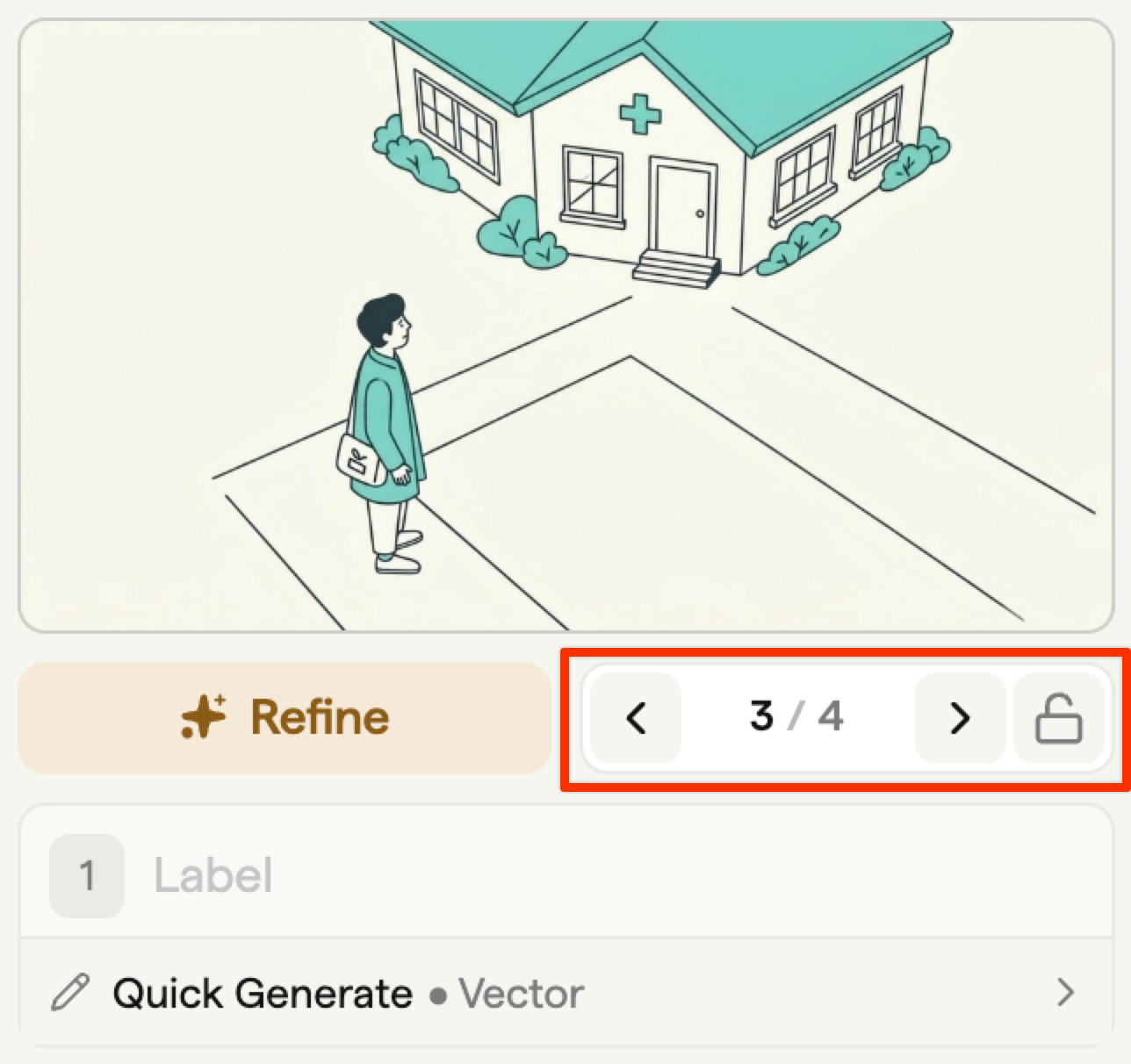
What creates a revision
A new revision is created whenever the frame's image changes. Common sources:
- Canvas generation (Blank, Current, or Another frame as Source)
- Restyle
- Camera reframe
- Drag and drop a local image onto the frame
- Paste an image from the clipboard
- The inline storyboard-grid generator
- Crop
The revisions drawer
The revisions drawer shows every revision for the current frame as a row of thumbnails. Open it from the frame's sidebar to see the full history.
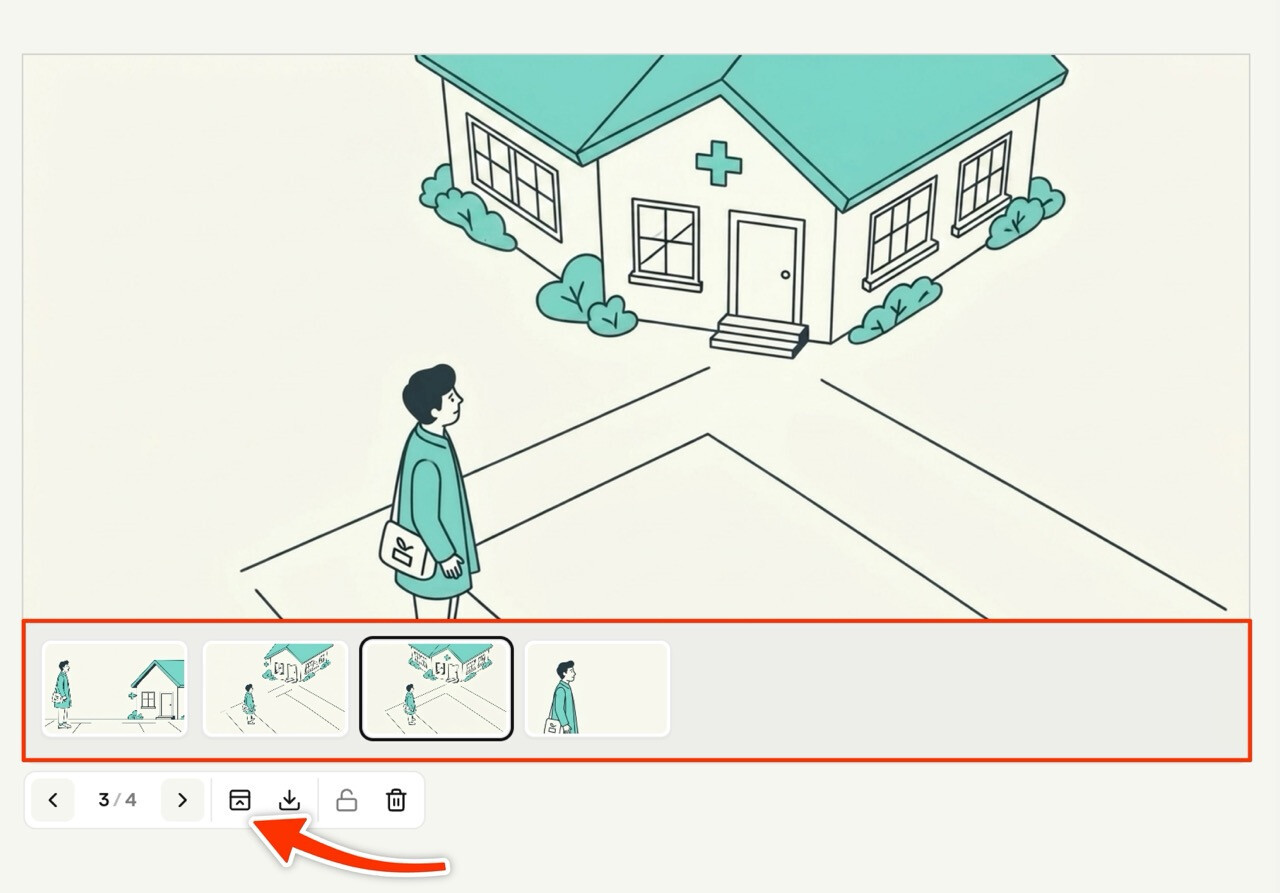
The active revision is highlighted. Older revisions appear in reverse-chronological order from newest to oldest.
Paging through revisions
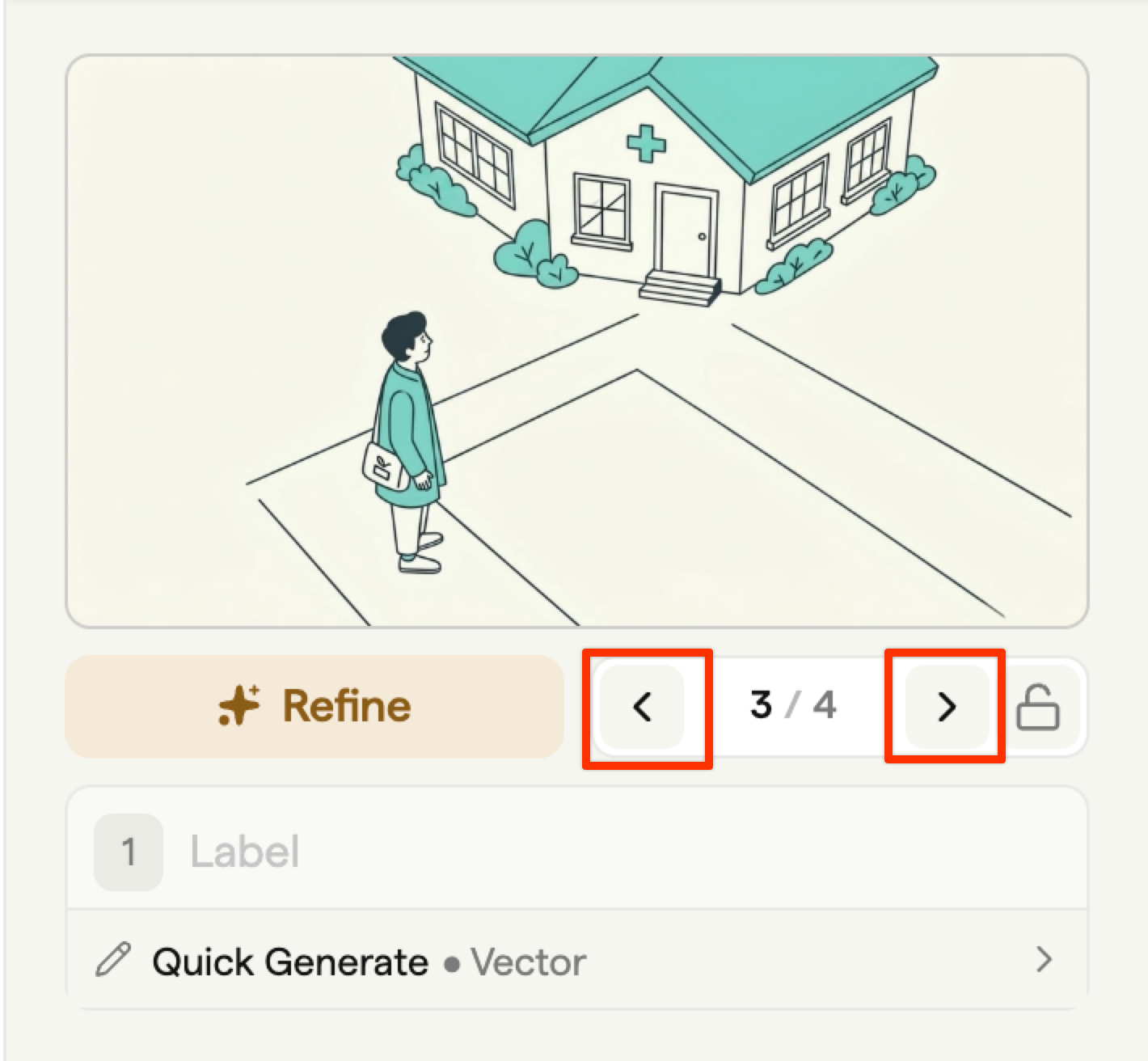
Click any thumbnail in the drawer to make it the active revision. The frame's main image updates to match. You can page through revisions as often as you like without losing any of them. The active selection is saved with the storyboard.
Locking a revision
Lock a revision to protect it from accidental overwrite. A locked revision can't be replaced by a new generation on the same frame; you'll need to unlock it first or page to a different revision before generating.
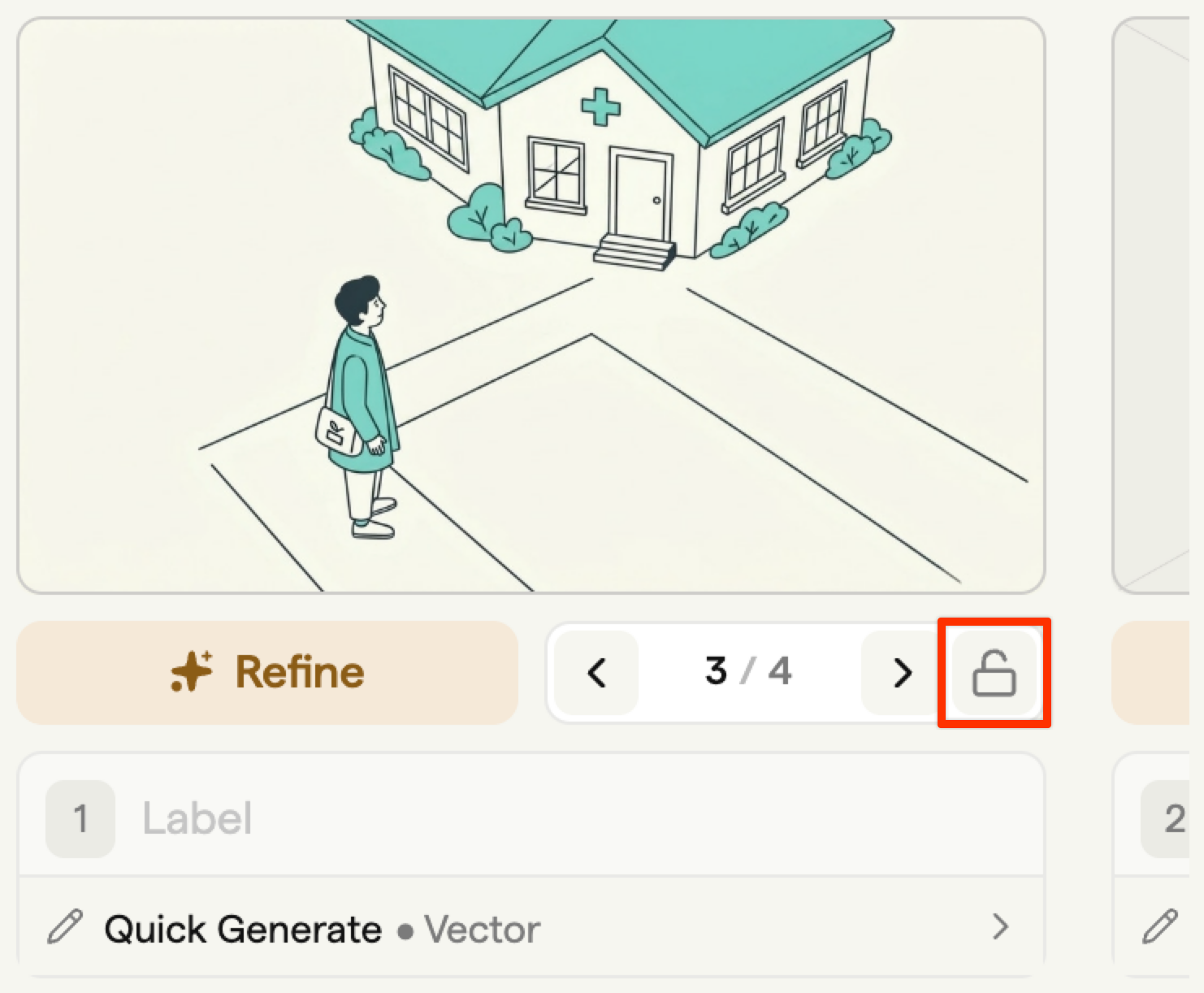
Use lock when:
- You've agreed a frame at sign-off and want to make sure no one regenerates over it.
- You're keeping two contrasting takes side by side and don't want either one accidentally replaced.
Anyone trying to unlock a revision with see a warning. Lock and unlock events are tracked in the team activity log.
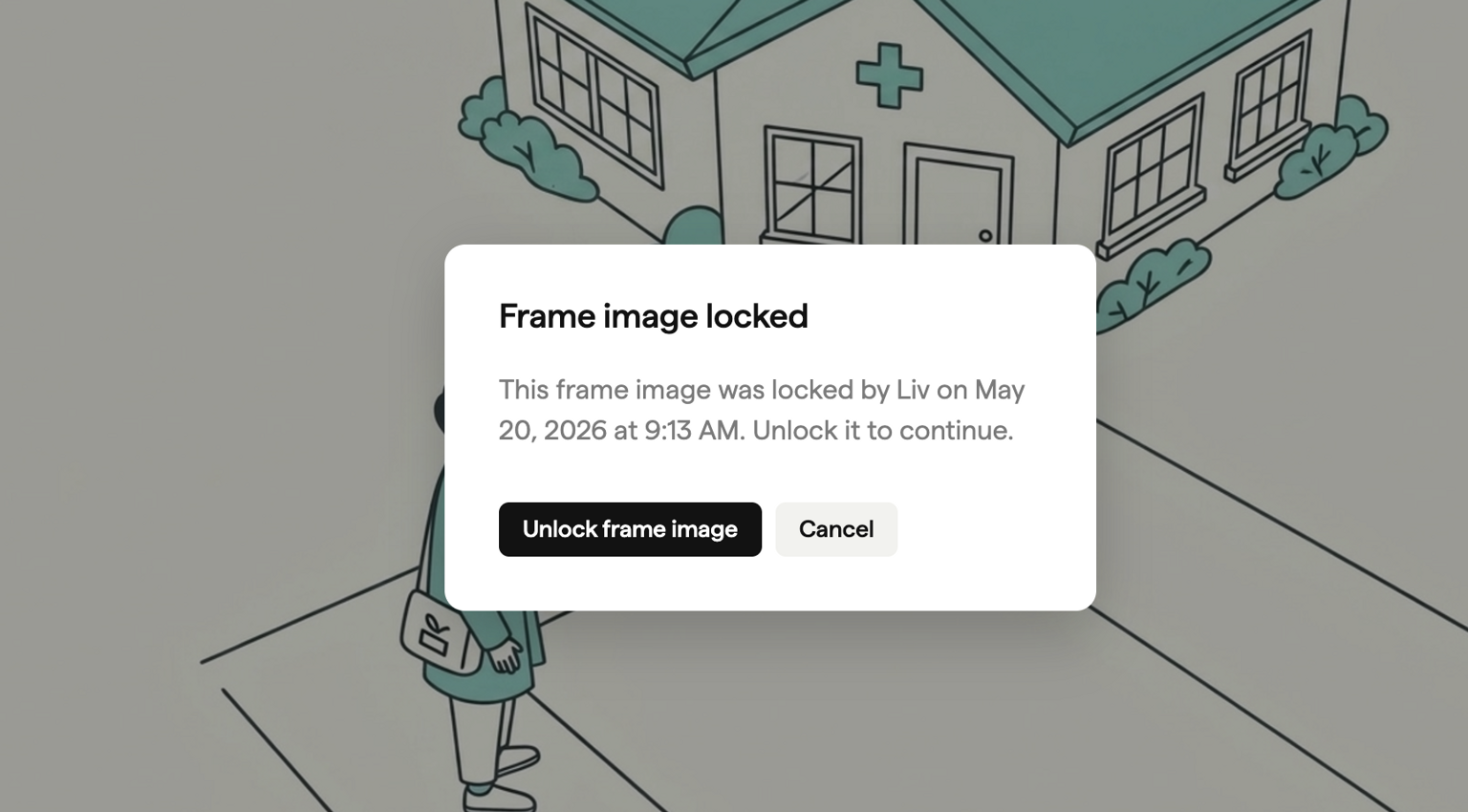
Deleting a revision
Delete a revision from its row in the drawer. The active revision pointer moves to the previous one. The storyboard keeps every other revision in place.
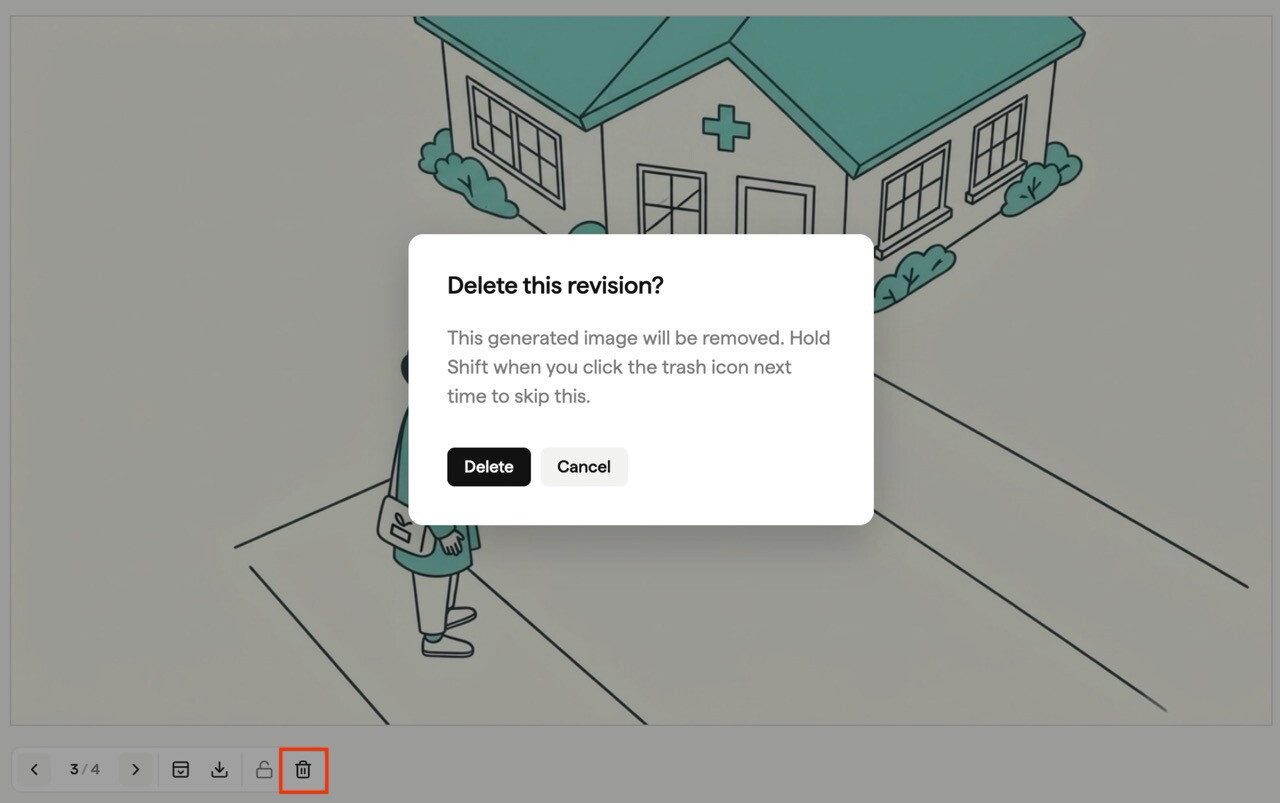
Tip: Hold shift when you click delete to skip the warning dialog.
Revisions and storyboard versions
Revisions are per-frame image history. Storyboard versions are full duplicates of the whole storyboard. Use revisions to compare image takes on a single frame. Use a storyboard version when you want a separate copy of the whole storyboard to iterate on without affecting the original.
Related
- Generating images for the Generate sidebar that produces most revisions.
- Styles & restyling for the Restyle sub-tab.
- Frame editor for the manual frame canvas tools.