01
1 → Add your script or brief
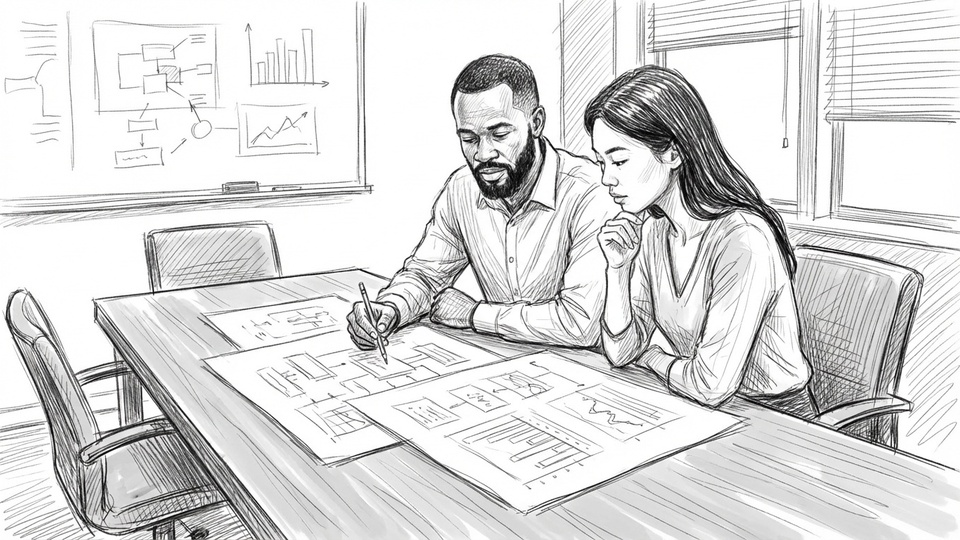
Paste your script or client brief and we'll convert it into a structured storyboard automatically.

Turn scripts into client-ready storyboards in minutes. Generate frames, explore camera angles, and lock client sign-off, all in one tool.




Rebuild their identity in every prompt
Mention the same saved cast by name
Hope separate generations look related
Reuse one visual library across storyboards and projects
Regenerate the image and lose good work
Mark and change only the problem area
Download and assemble frames elsewhere
Generate straight into the storyboard
Translate notes from email or chat
Keep comments attached to the frame
Manage versions and approval by hand
Share, approve, animate and export in place
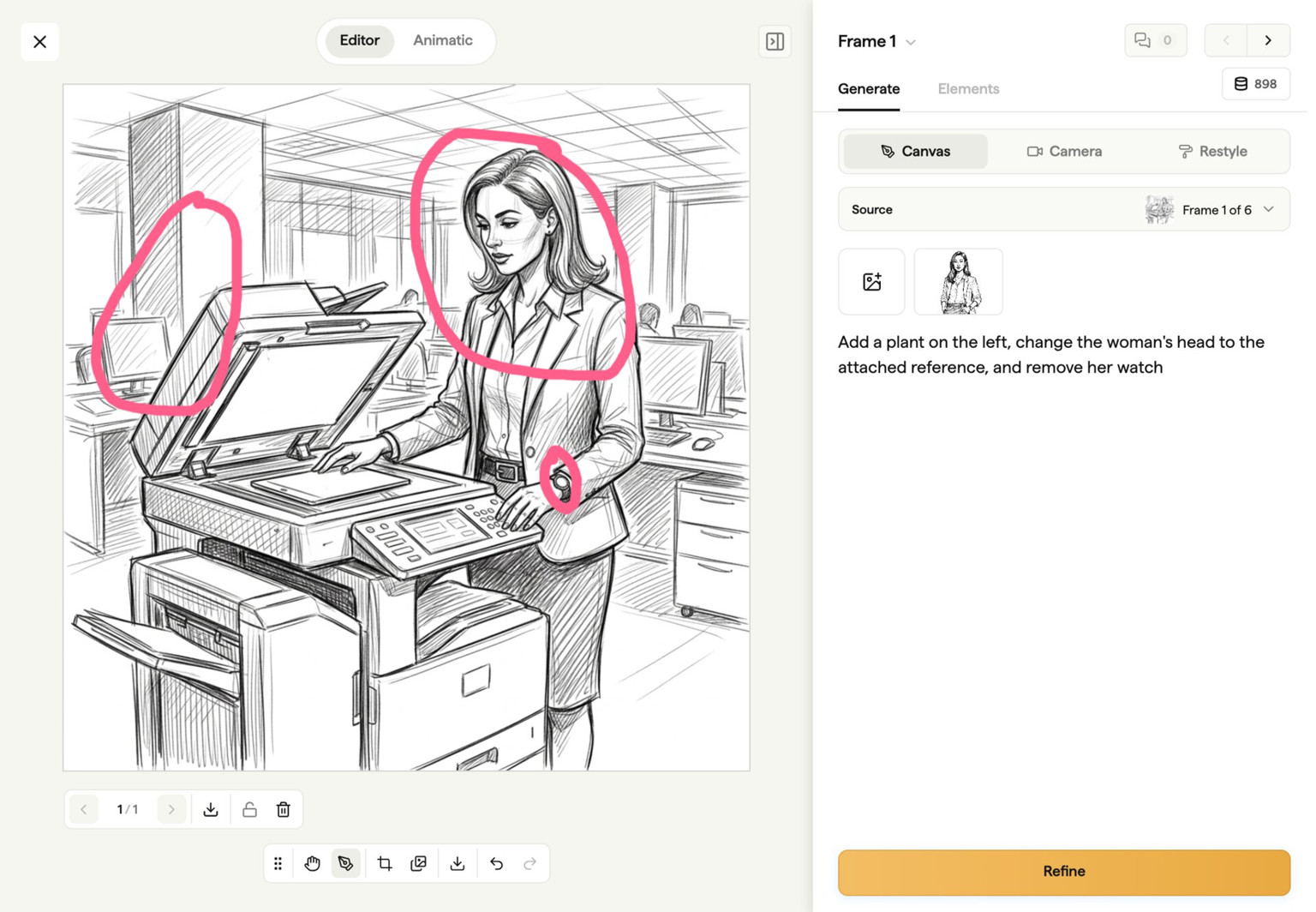
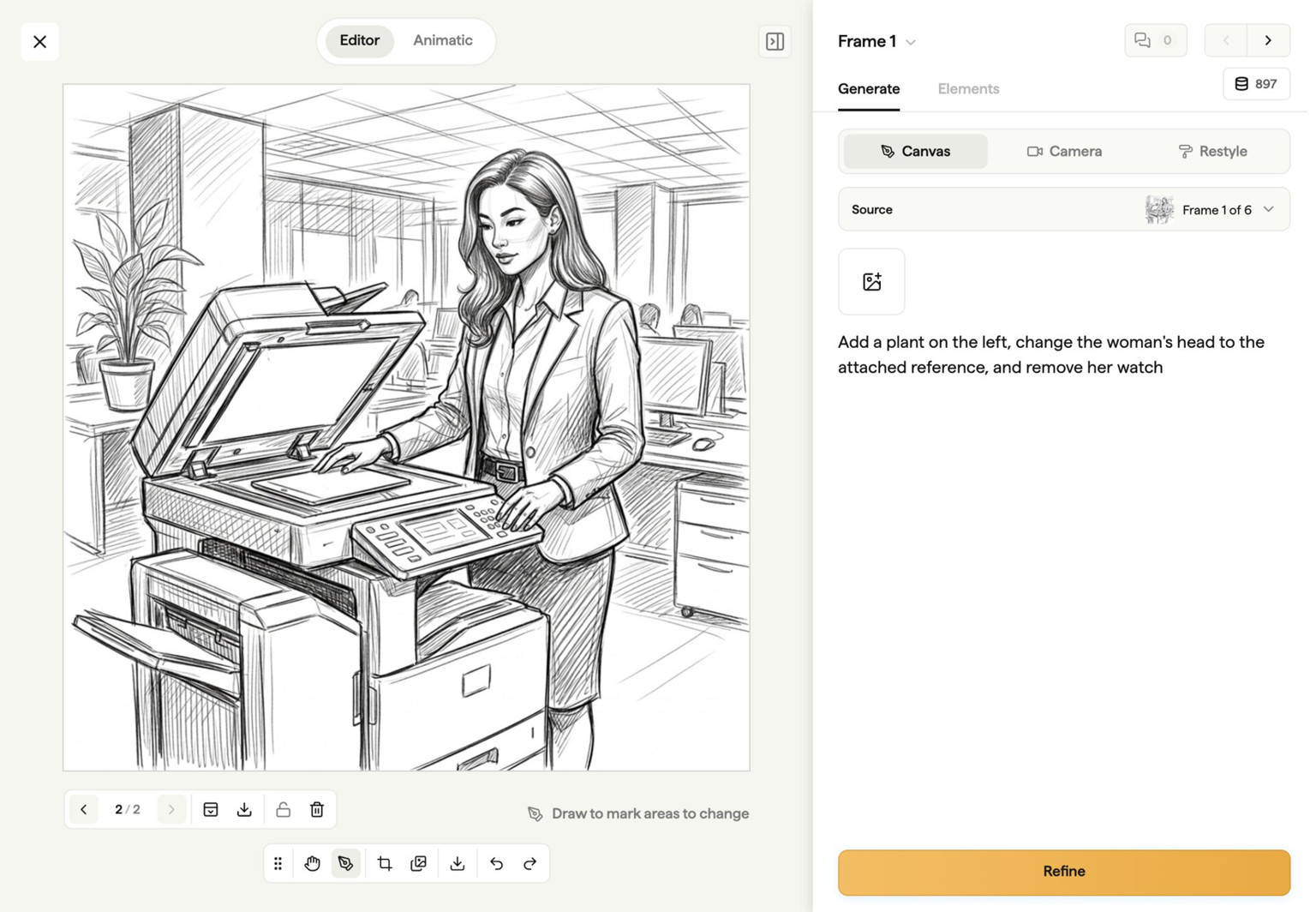
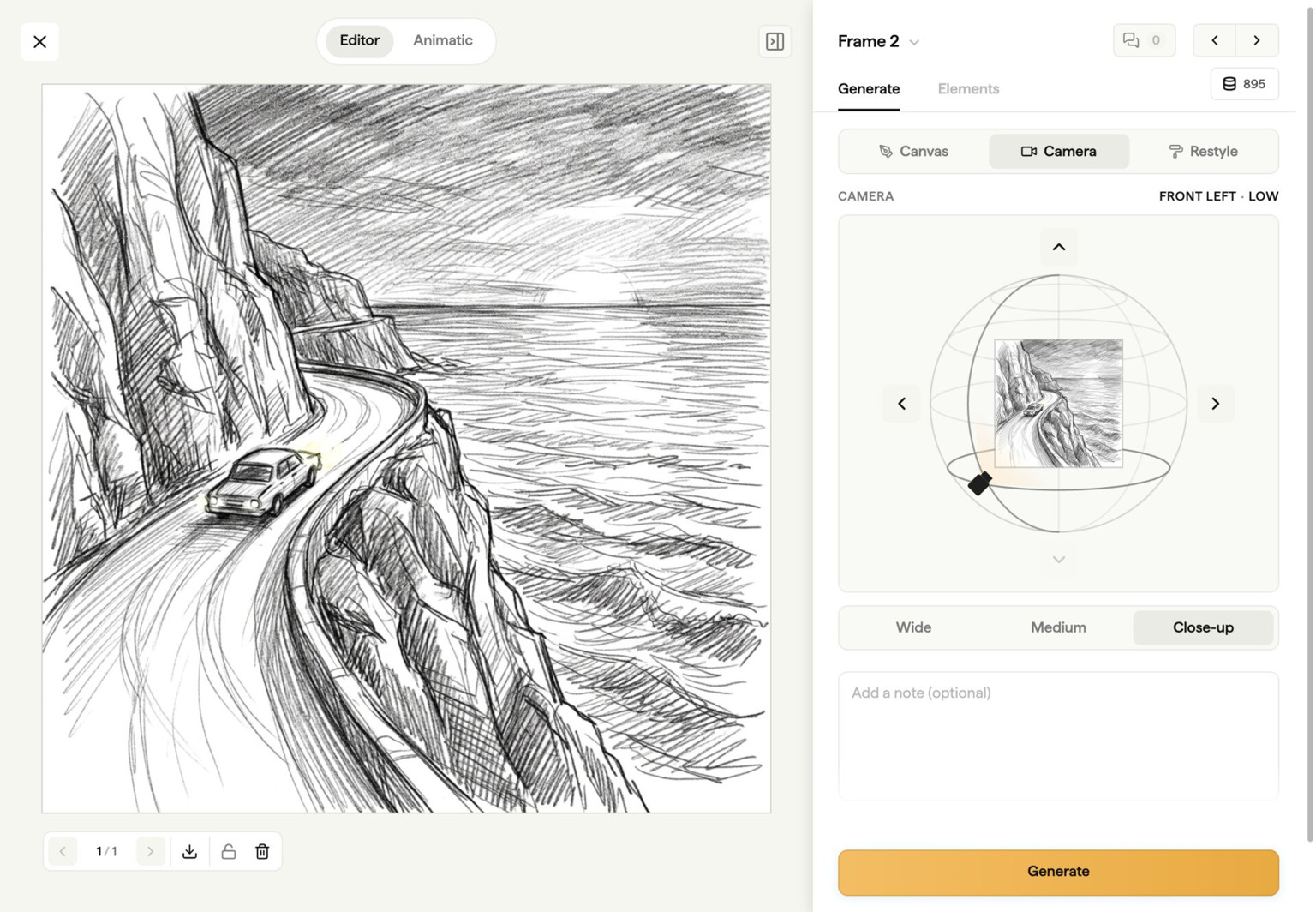
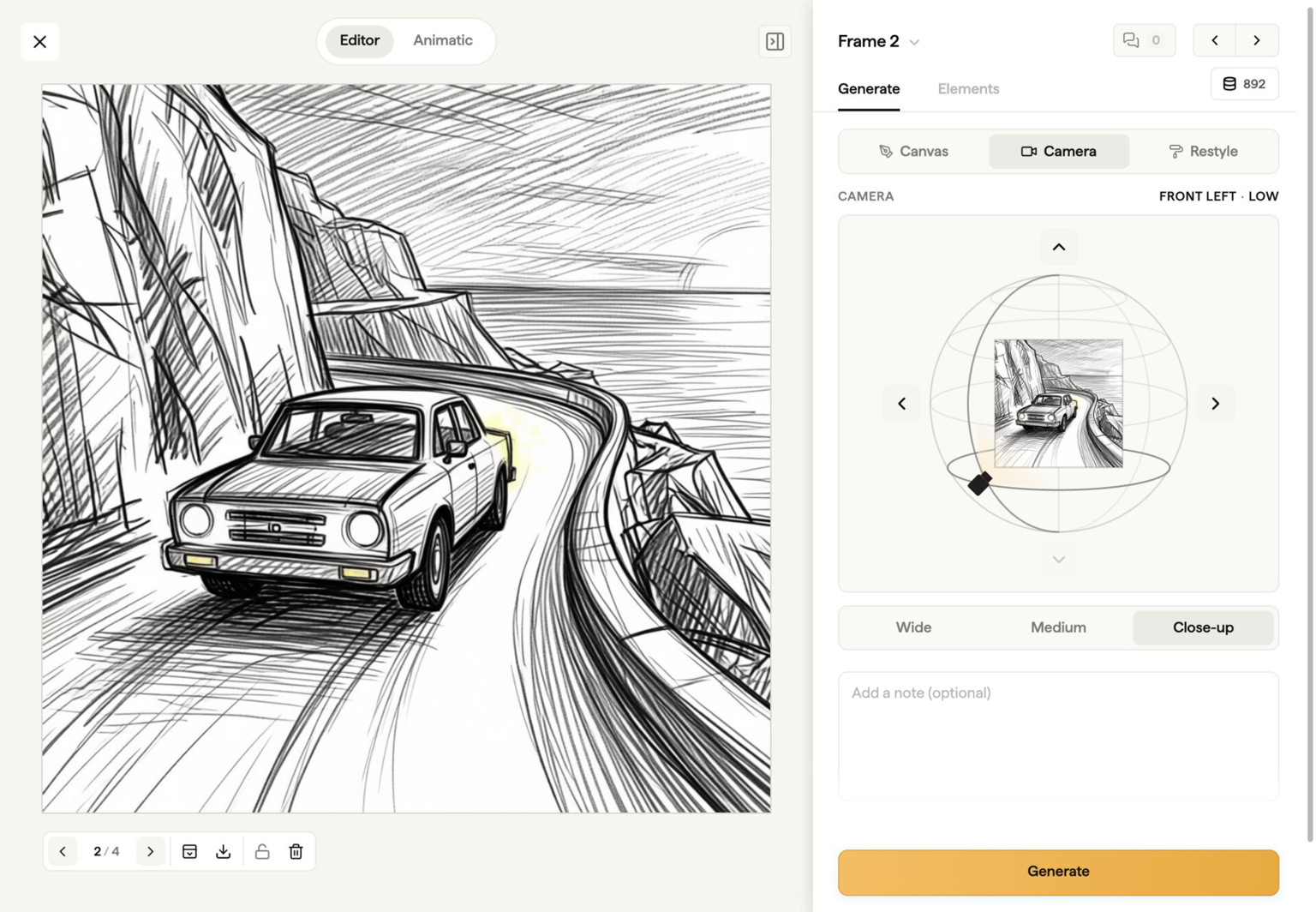












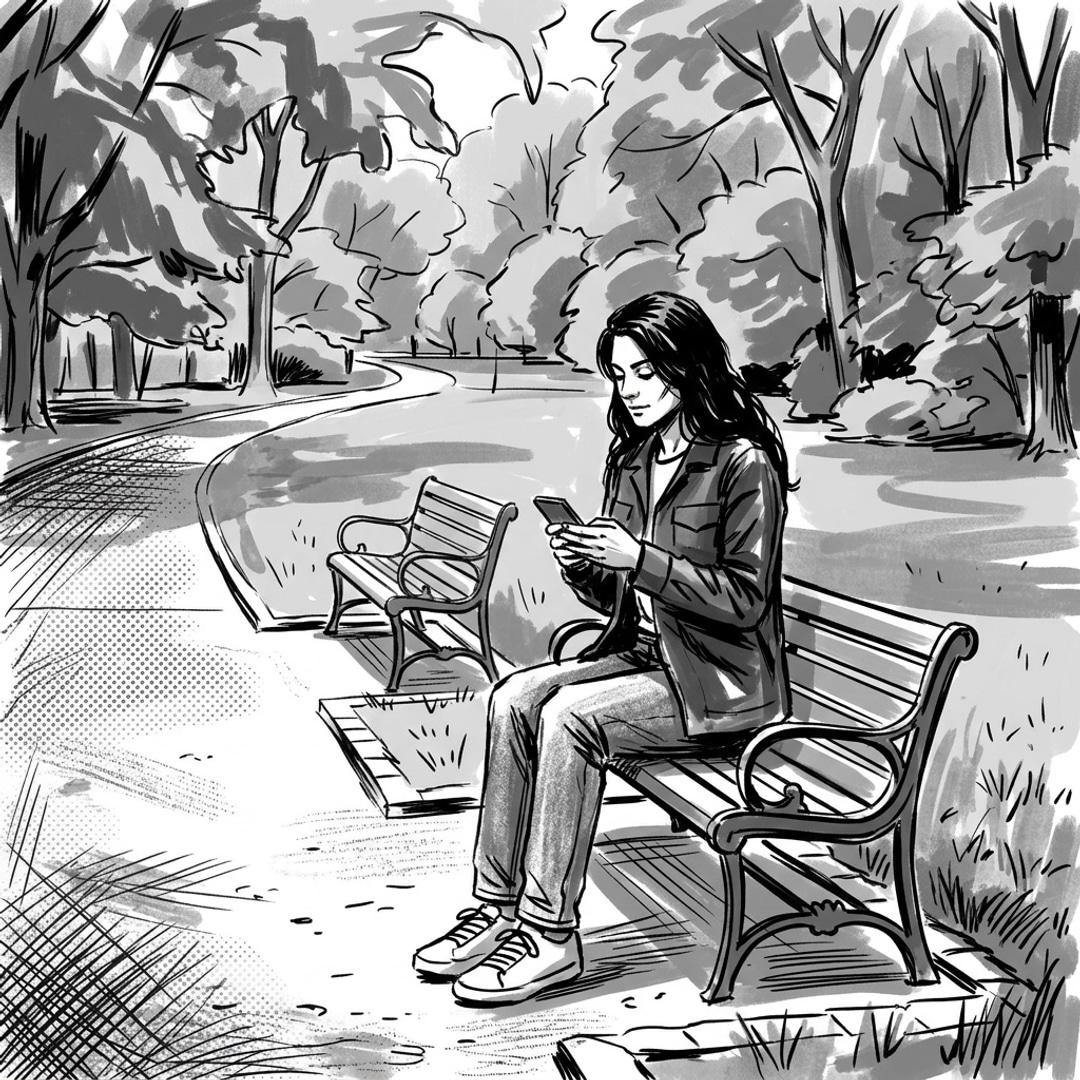
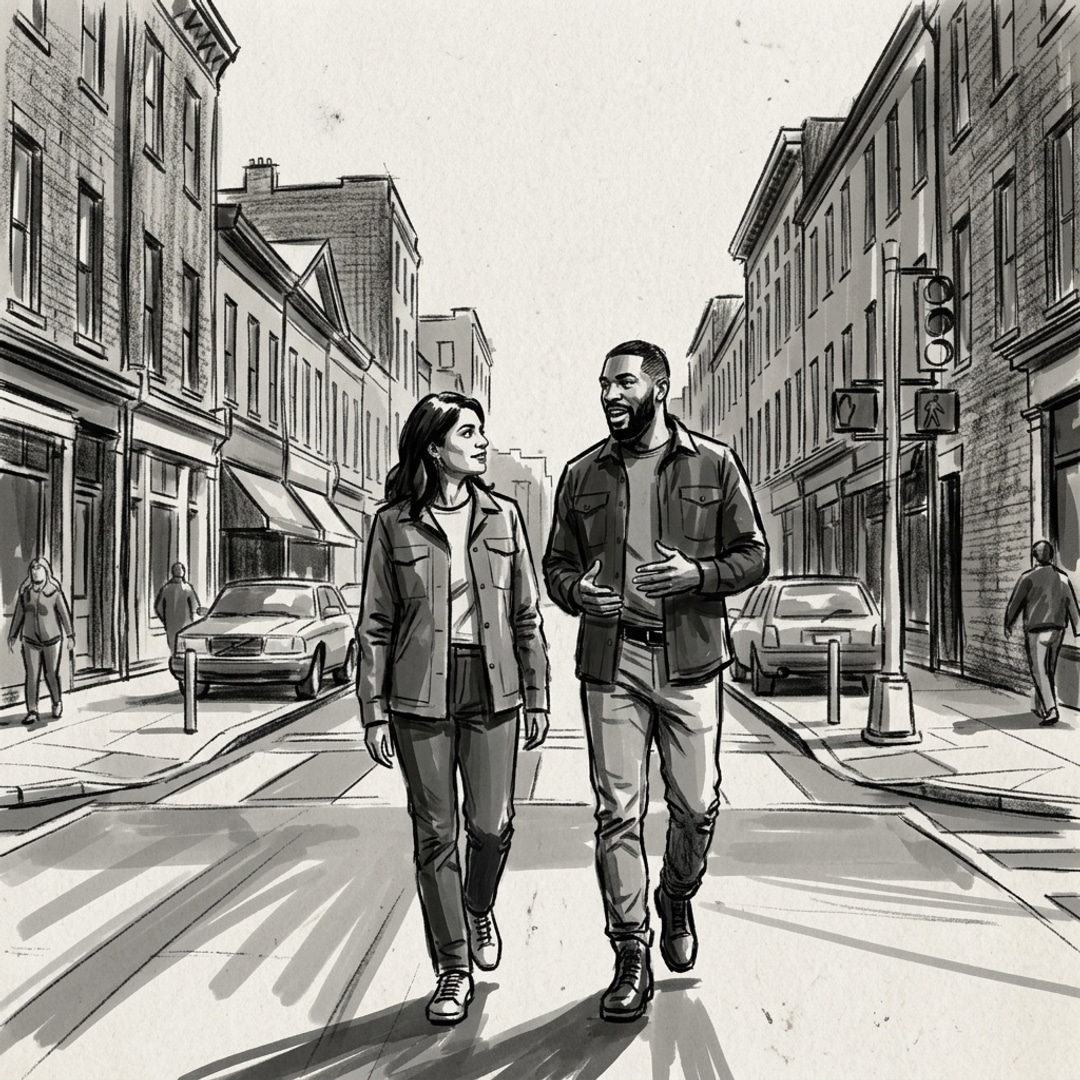
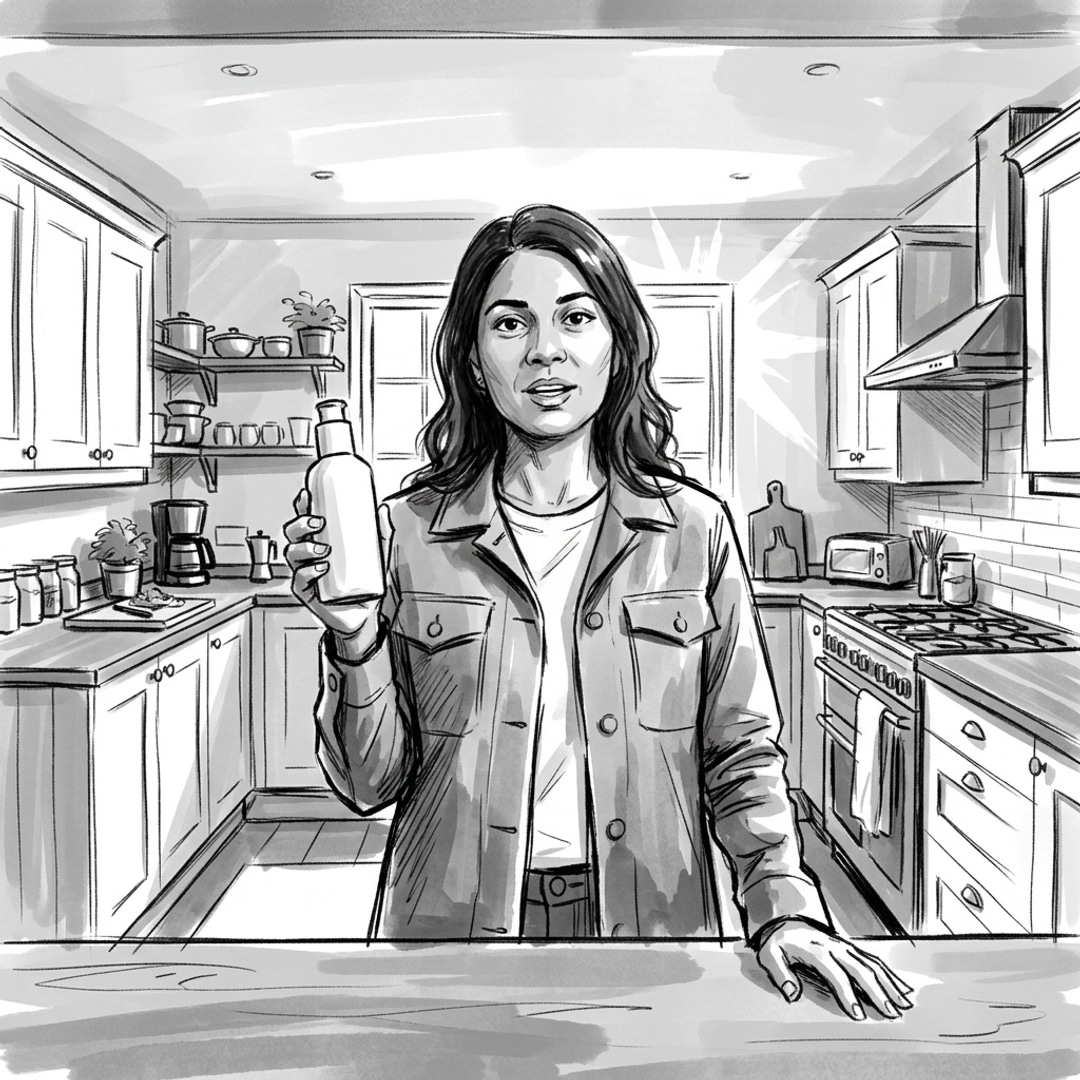
Paste your script or client brief and we'll convert it into a structured storyboard automatically.
Generate images with AI or upload your own stills, then adjust frames until the story works.
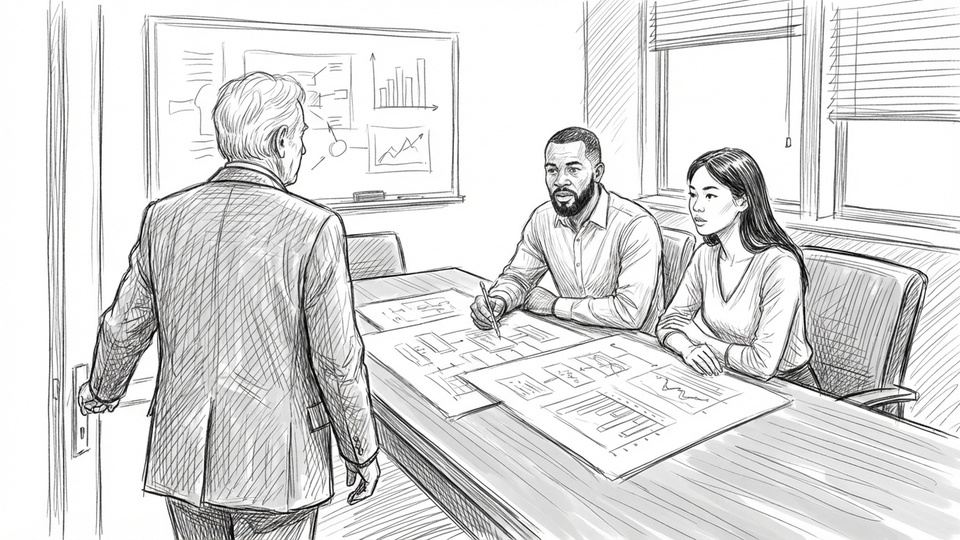
Share a link with clients, collect frame-level comments, and get your storyboard signed off.
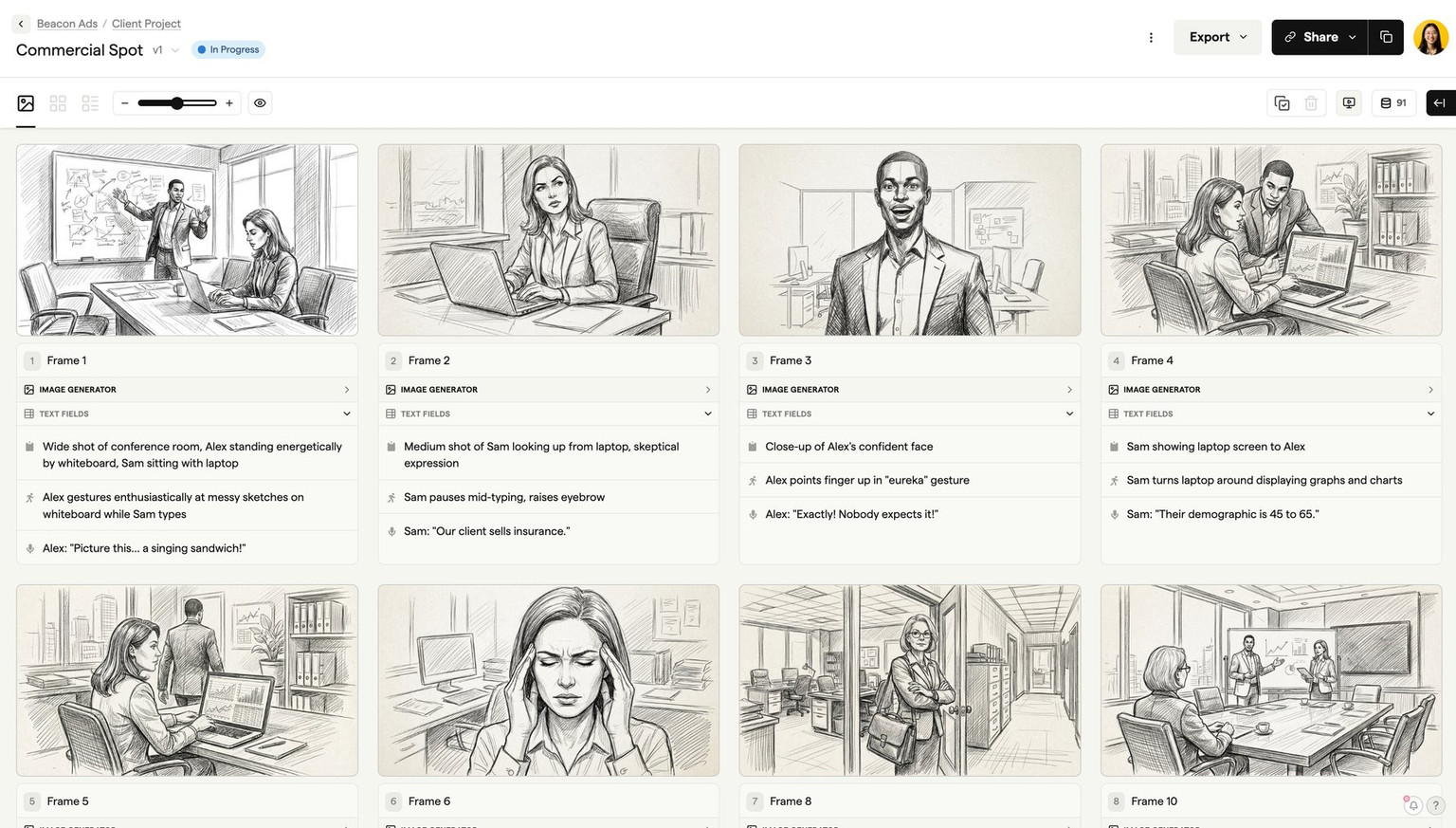
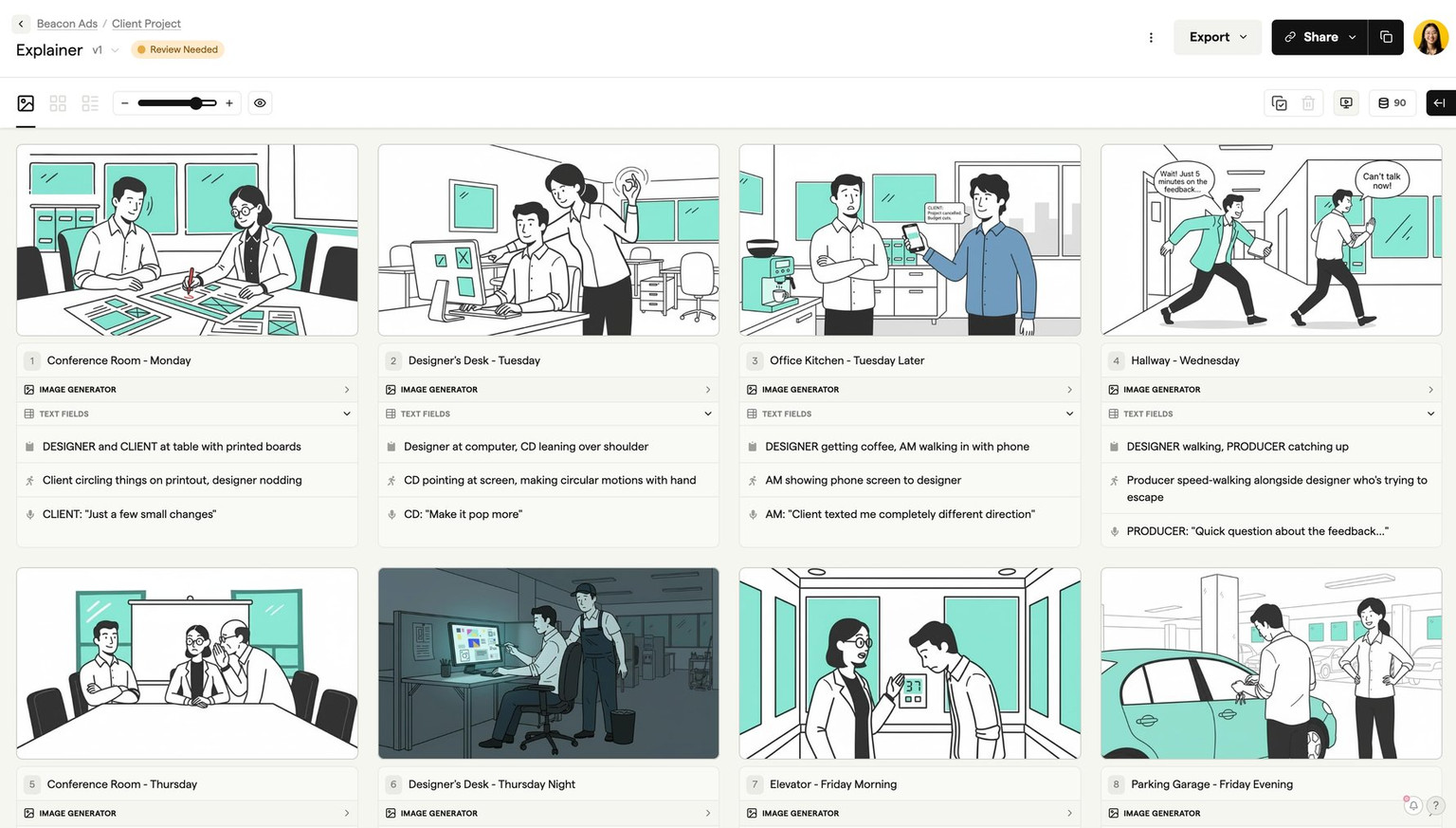
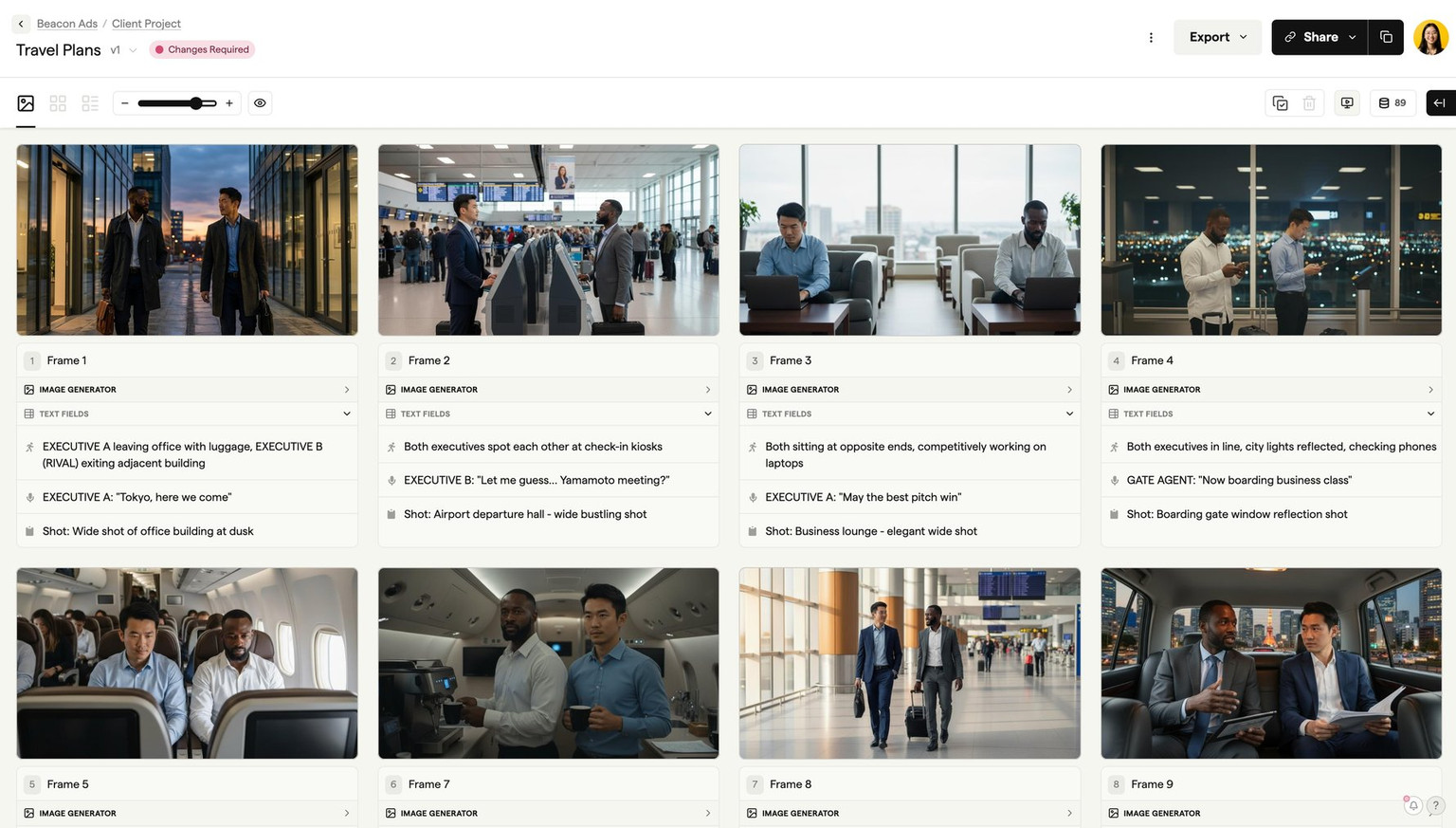
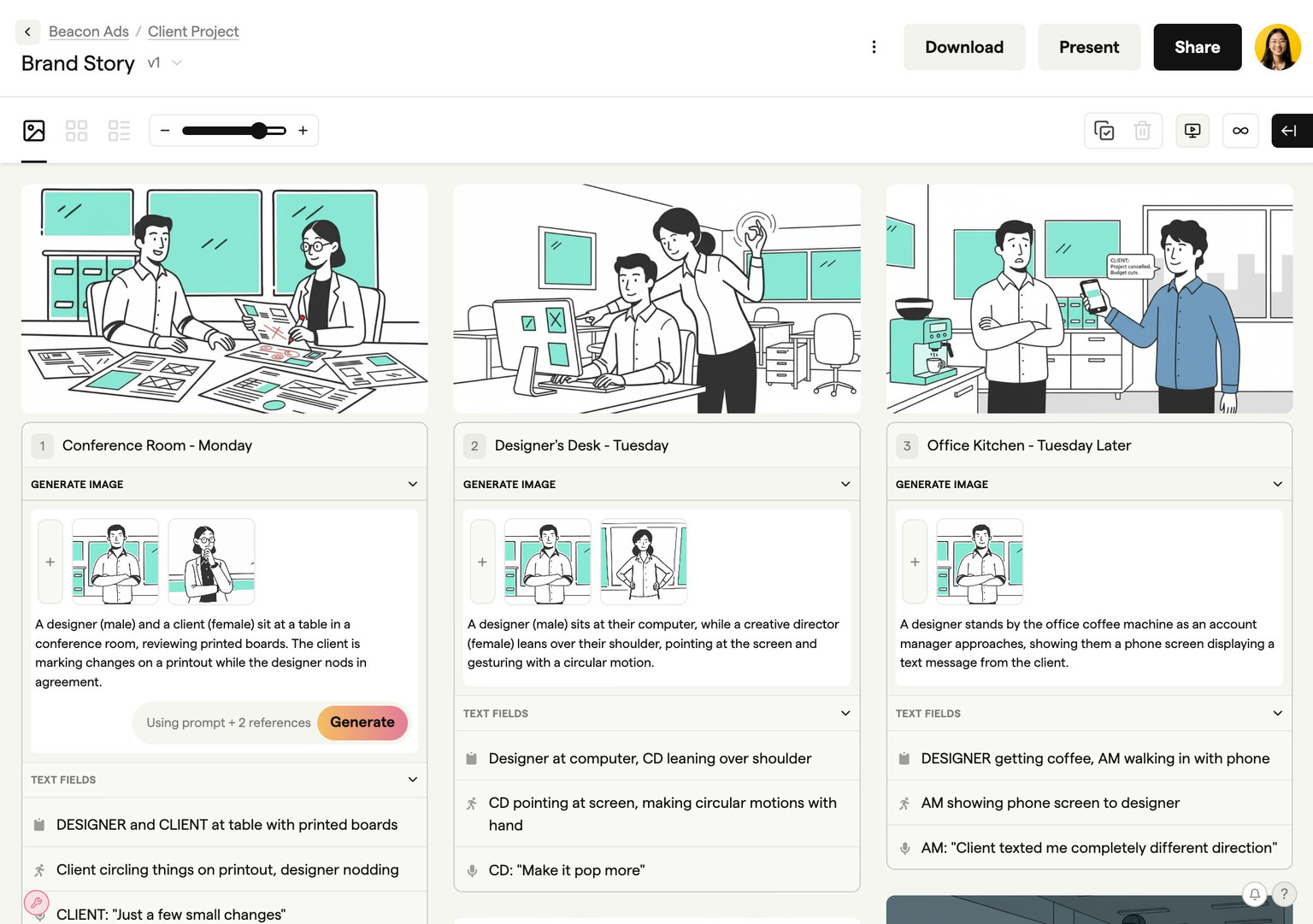
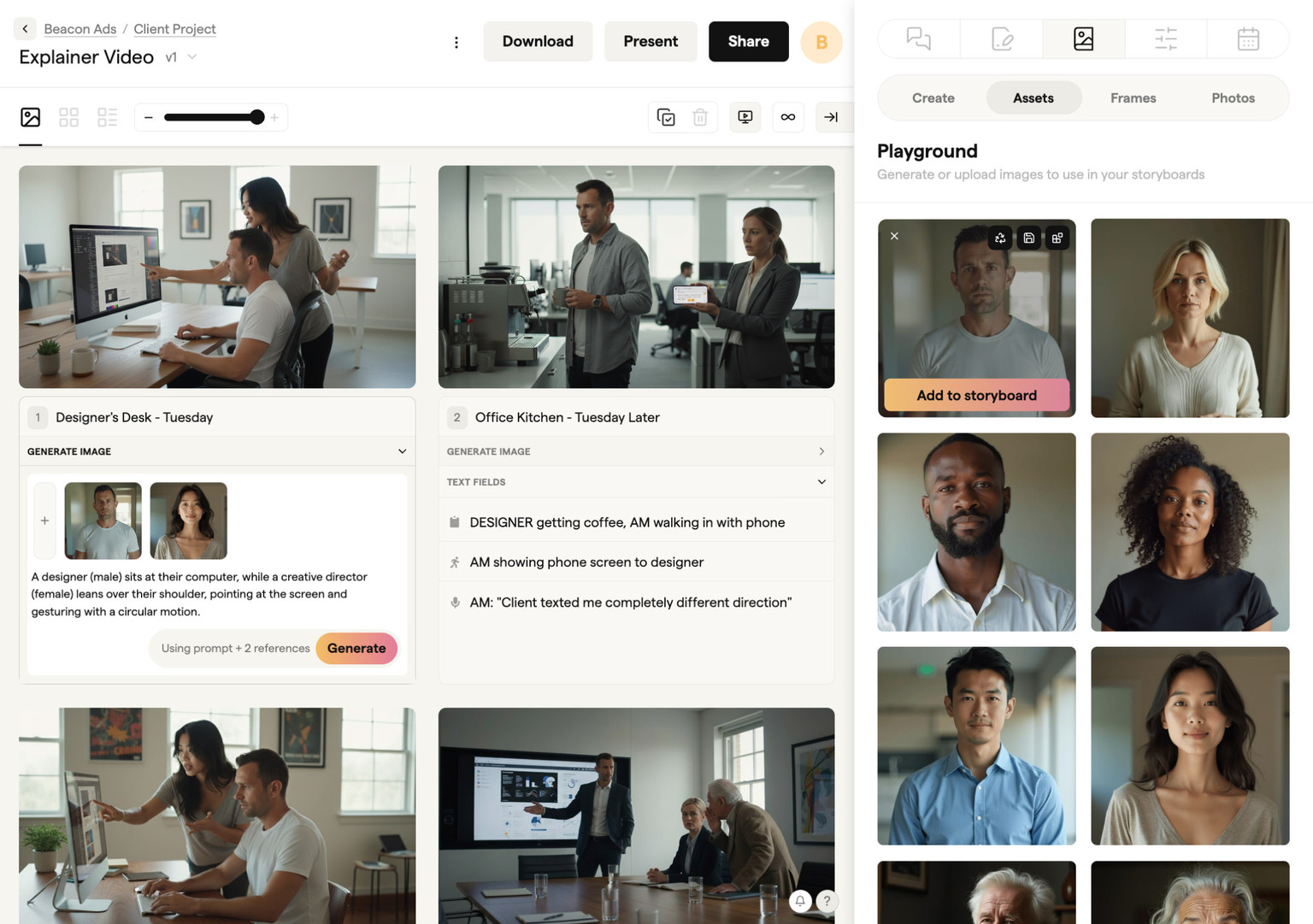
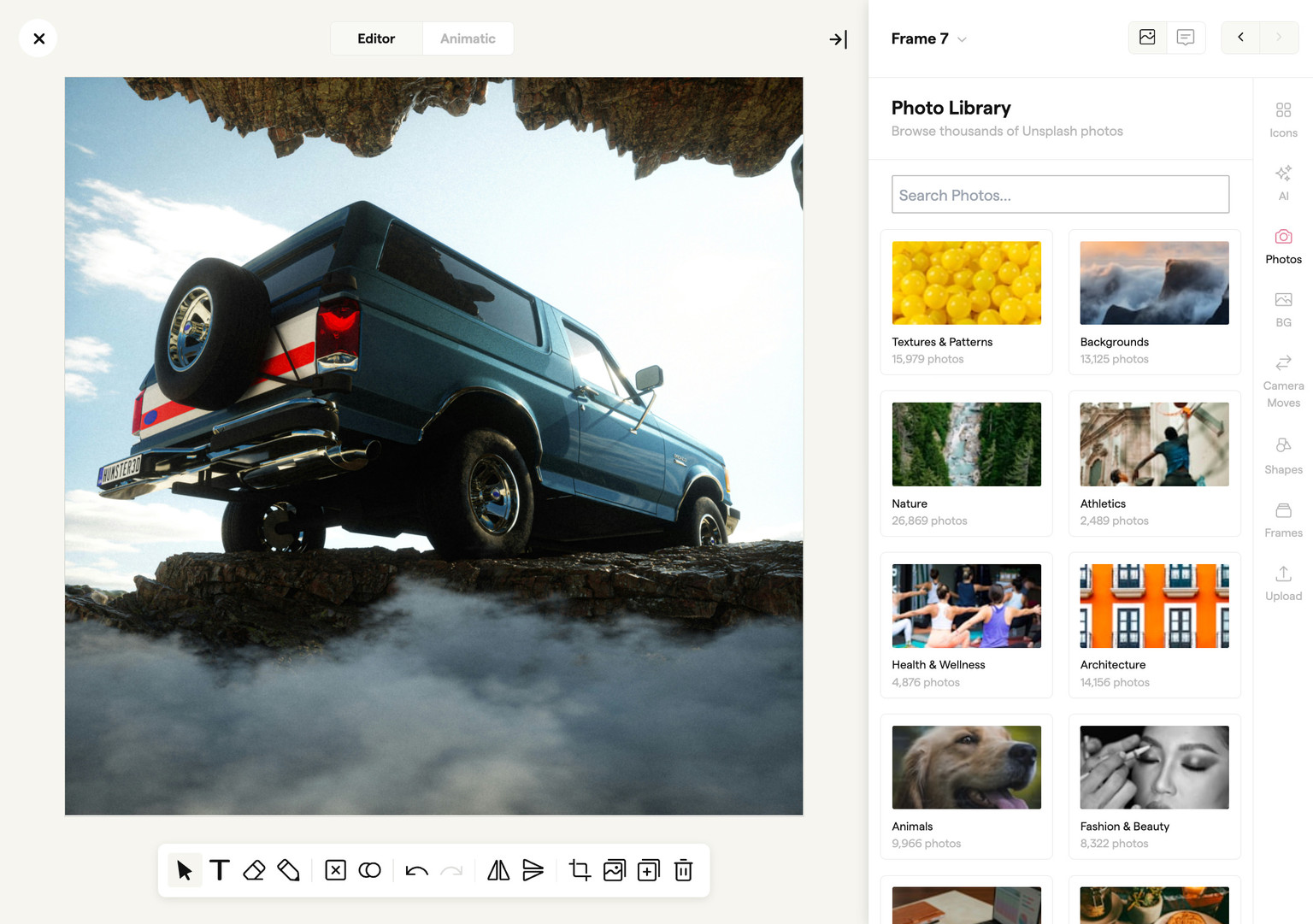
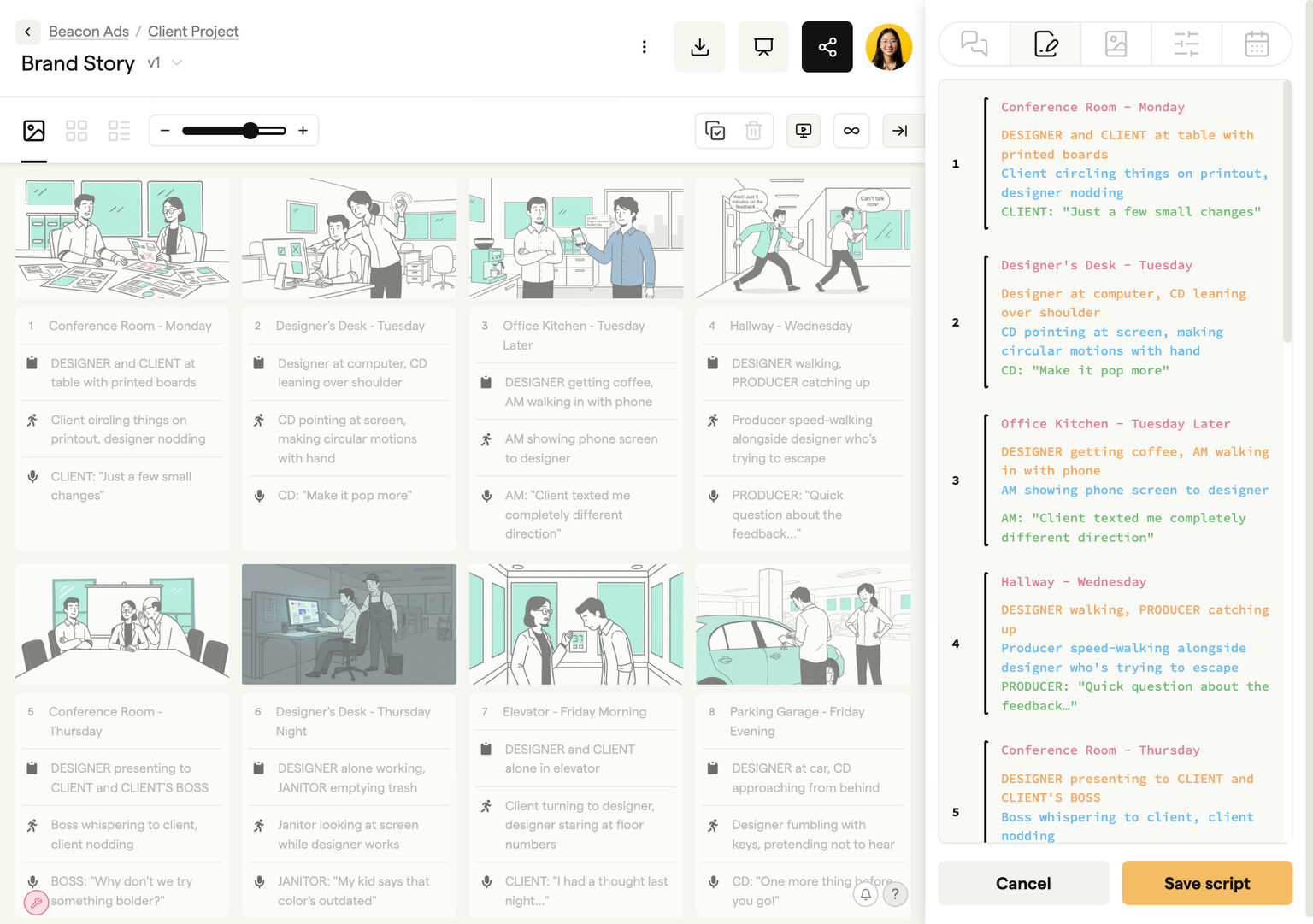
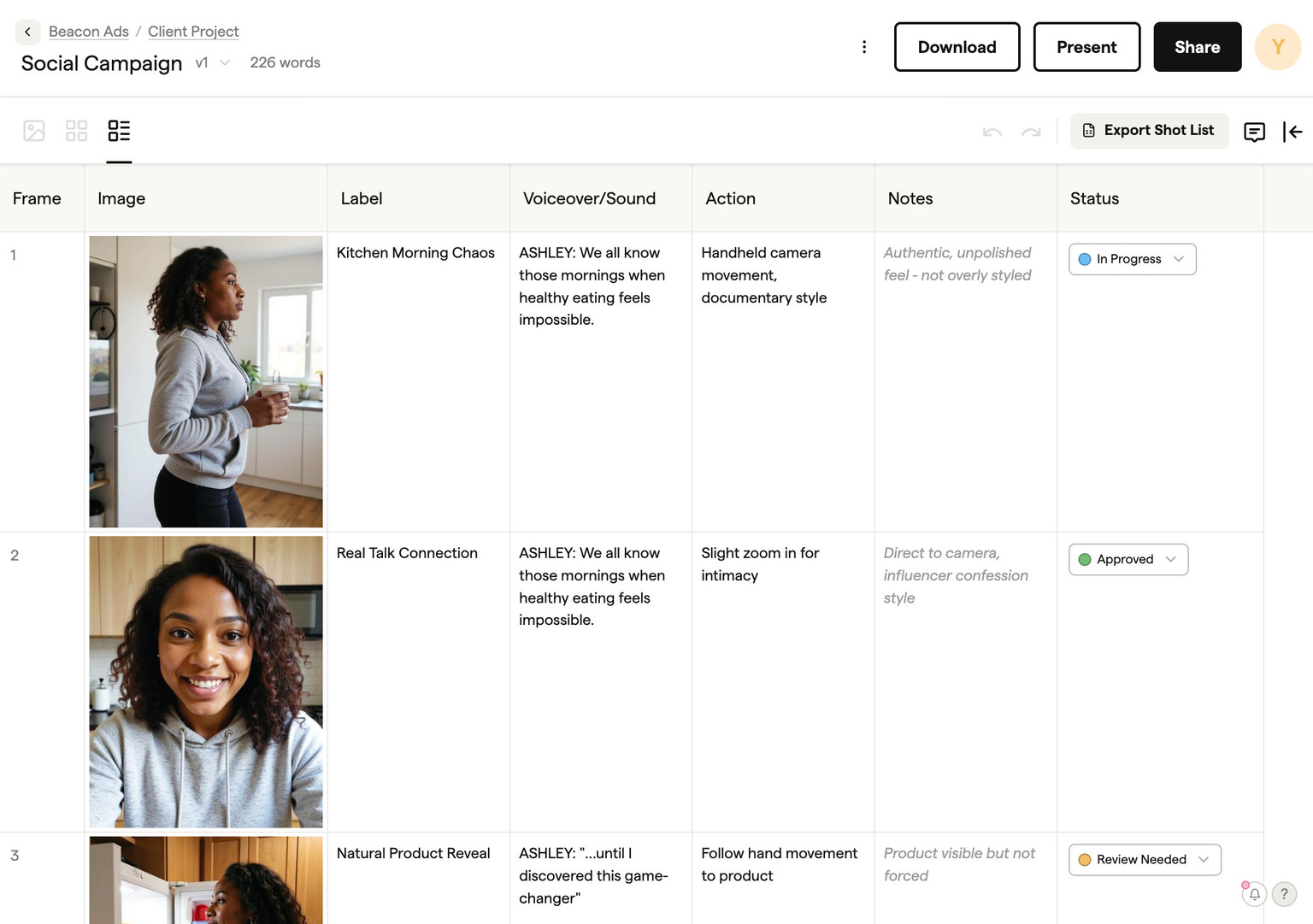
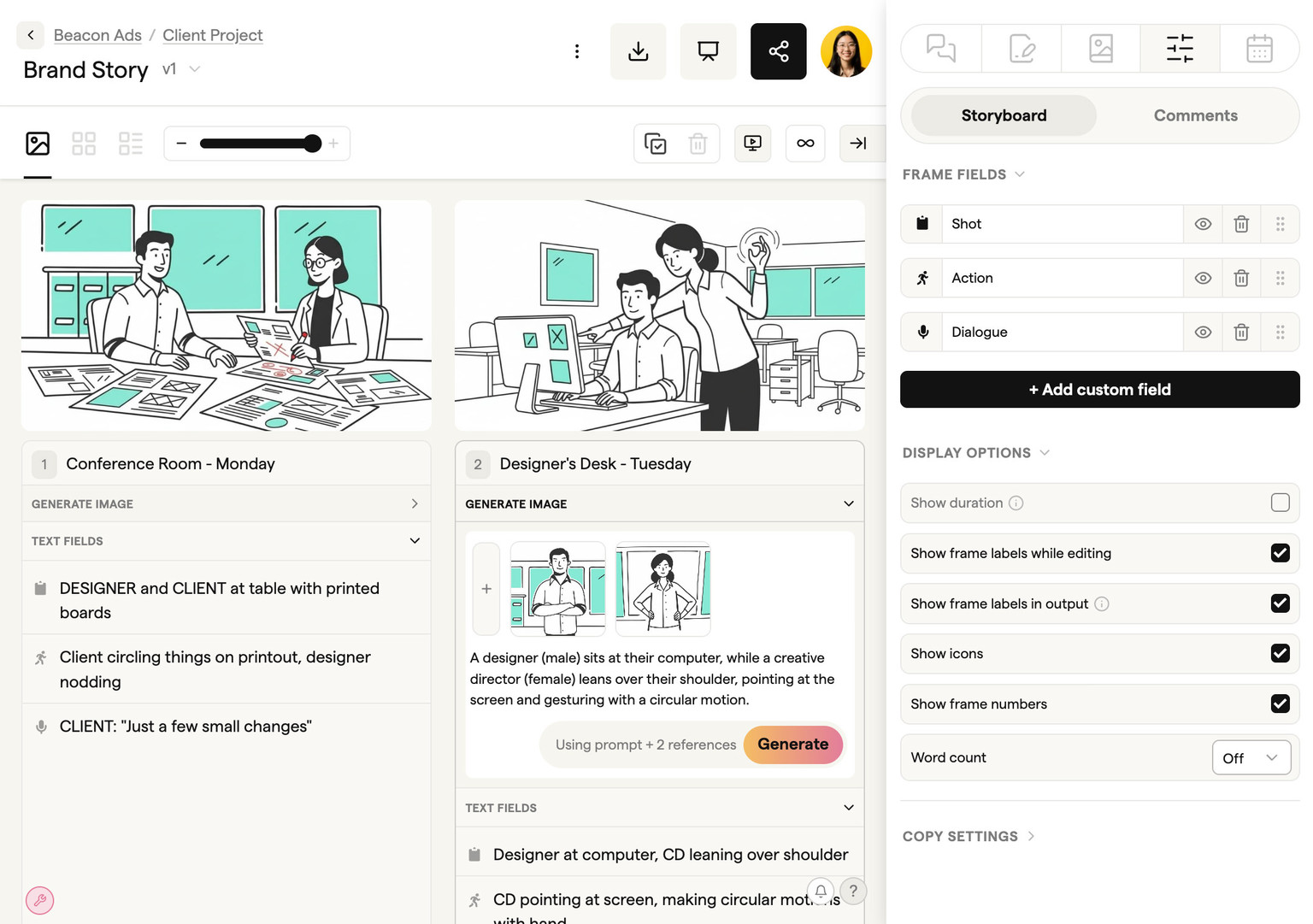
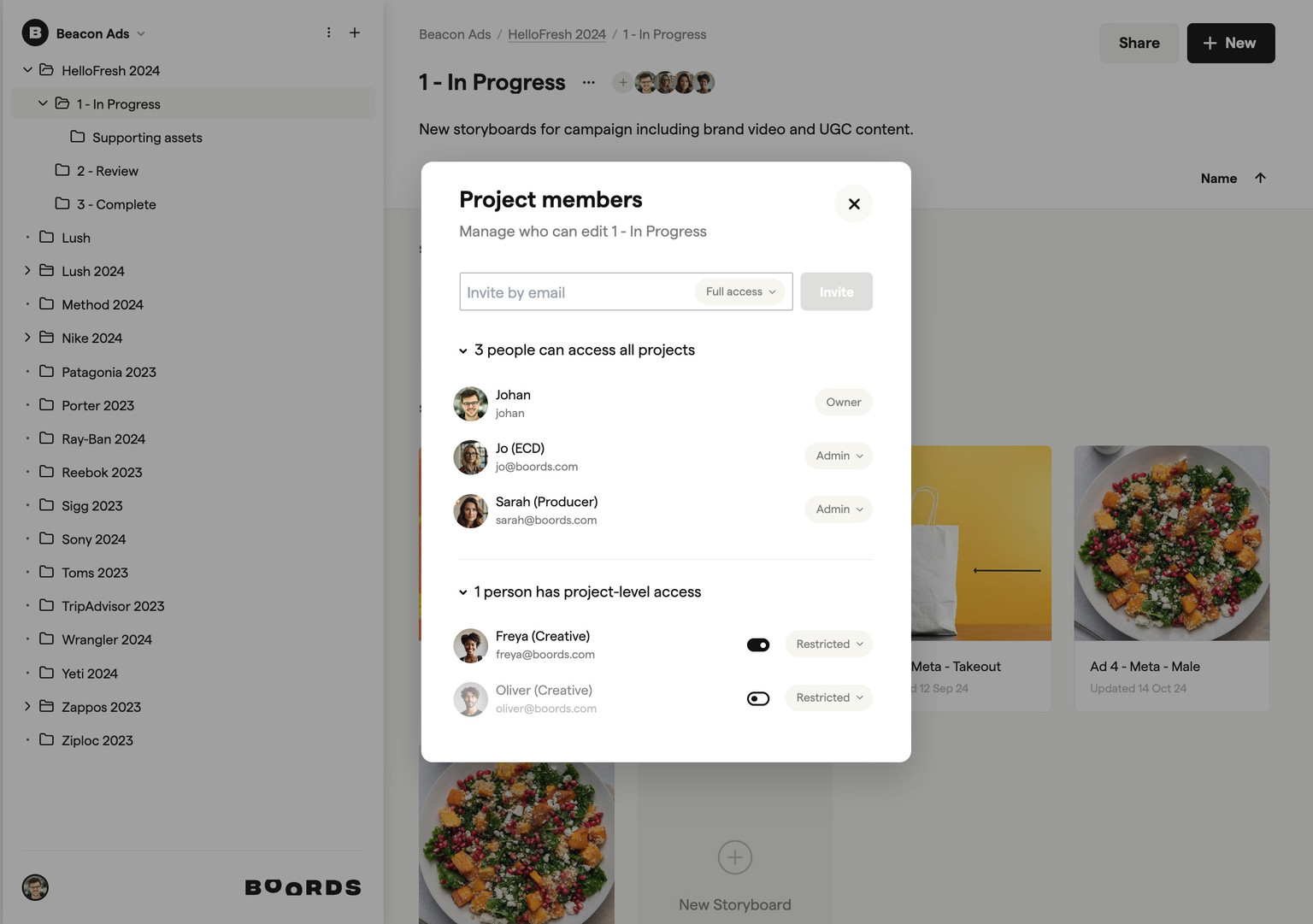
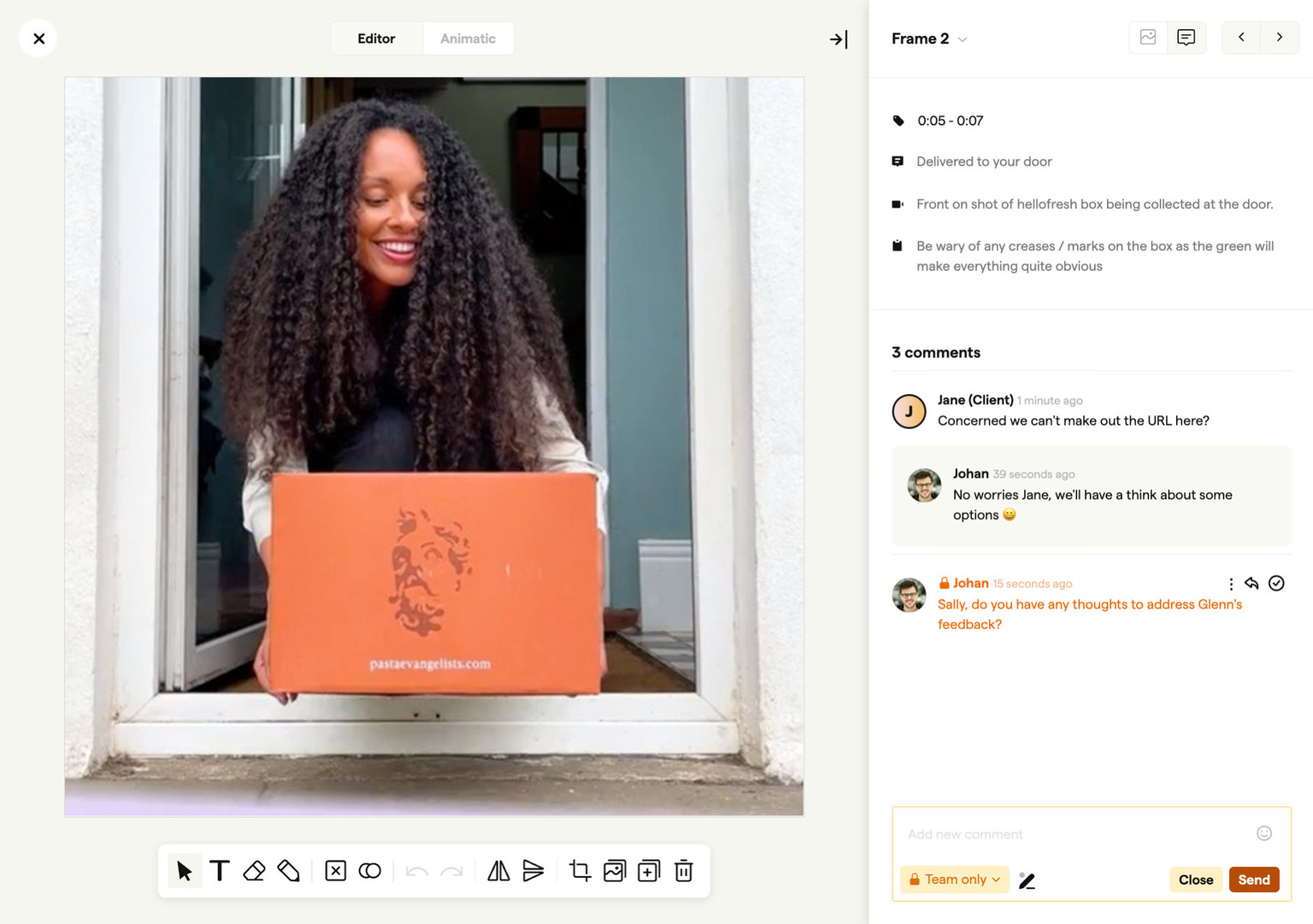
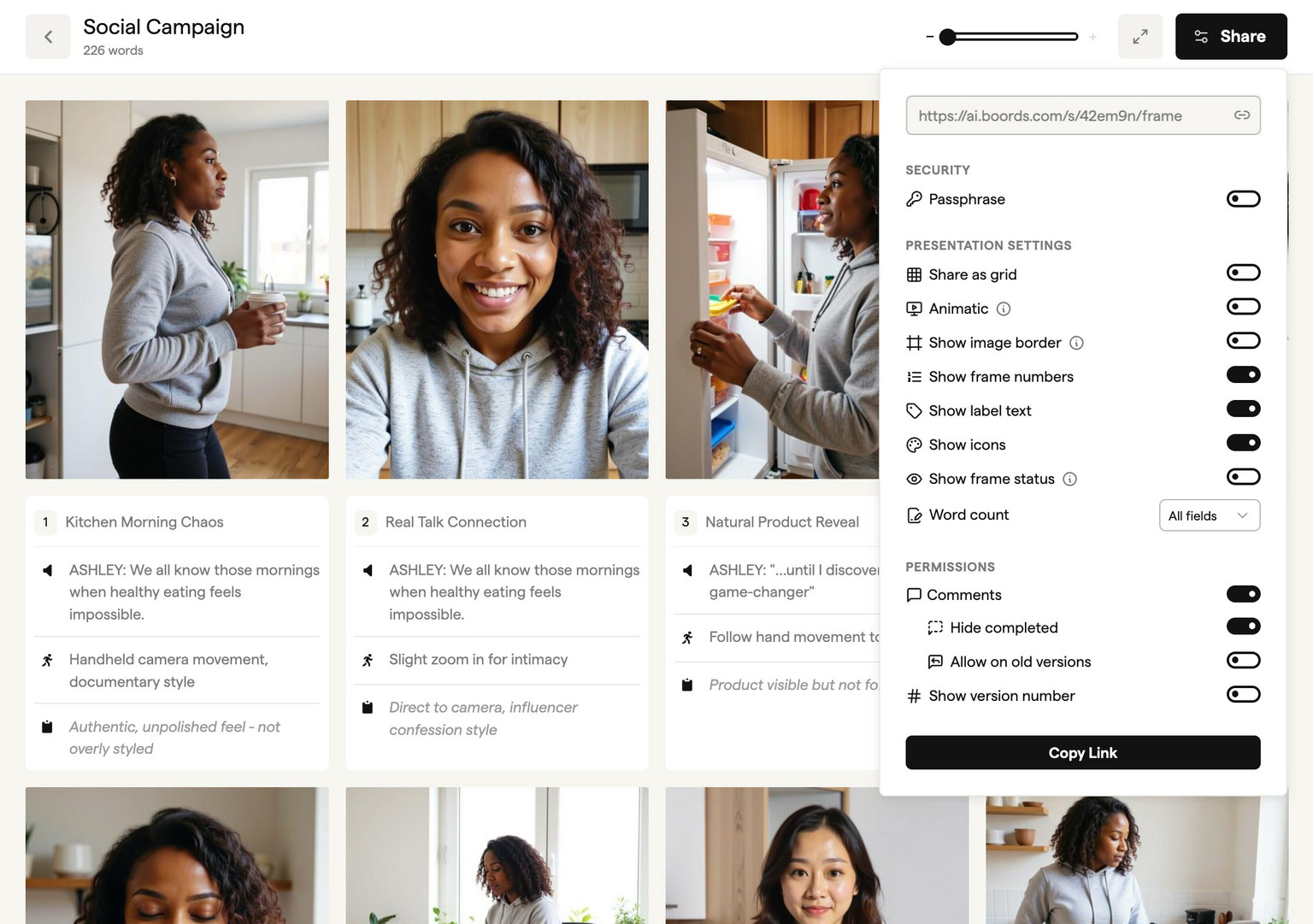
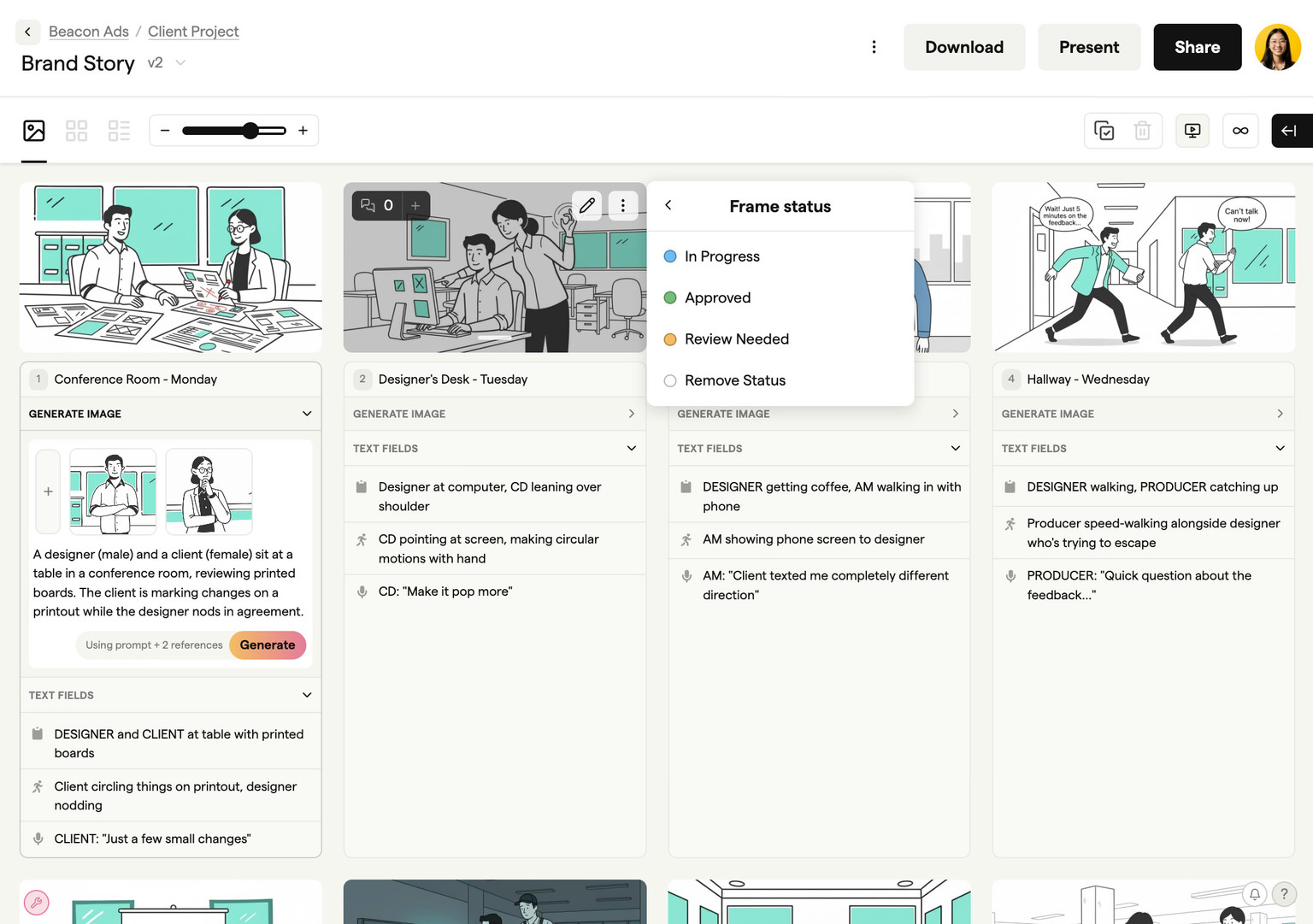
An AI storyboard generator is software that turns a script or text prompt into storyboard frames using AI, so you can plan a video shot by shot without drawing. It is the fastest way to create a storyboard online: describe a scene in plain language and Boords produces the image in sketch, vector, or realistic styles in seconds. No drawing skills required.
That makes Boords both an AI storyboard generator and a full storyboard maker. Unlike basic drawing tools or storyboard templates, you can generate images with storyboard AI, upload your own stills, or pull from millions of stock assets, then arrange everything into a sequenced board. Need to change the angle? Update the prompt and regenerate.
What sets a purpose-built storyboard creator apart from a generic image generator is context. Boords keeps your frames in sequence, maintains consistent characters across scenes, and ties every image to your script. Paste a screenplay, break it into scenes, and generate frames that follow the narrative. That continuity matters when you're presenting to a client or handing off to a production team.
You can start building storyboards with Boords for free, with no credit card required. The free plan includes five active storyboards and unlimited manual frames. Free-plan exports, including PDFs and slide images, carry a Boords watermark. The images you generate in your frames do not. See pricing for paid options.
Whether you're planning a commercial, explainer video, or branded content piece, an AI storyboard generator helps you visualize scenes before production, get client approval faster, and keep your team aligned on the creative vision.
It's also where you catch problems early, before they become expensive fixes on set or in post. When everyone signs off on the boards, there are fewer surprises downstream and fewer rounds of revisions eating into your margins.
The people who get the most from AI storyboard software aren't just directors and animators. Agency producers use it to pitch concepts without burning creative hours. Marketing teams storyboard social ads in an afternoon instead of a week. Freelance videographers show clients exactly what they'll get before a single camera rolls.
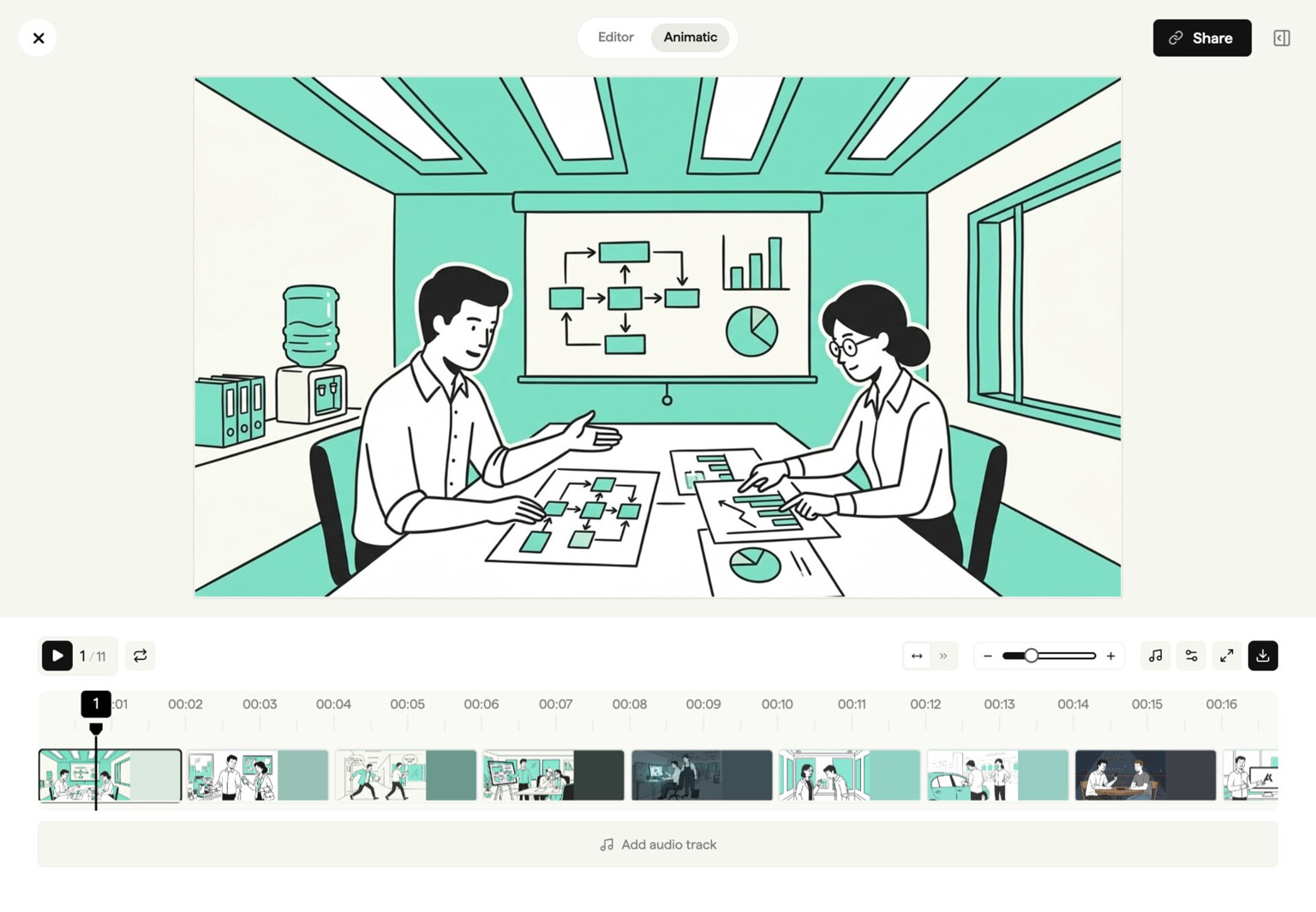
Where Boords fits is between the brief and the shoot. Write your script, drop it into the storyboard software, generate frames with AI, then share with your team. Build an animatic to test pacing, add voiceover, and export production-ready assets from a single platform. No stitching together three different tools.
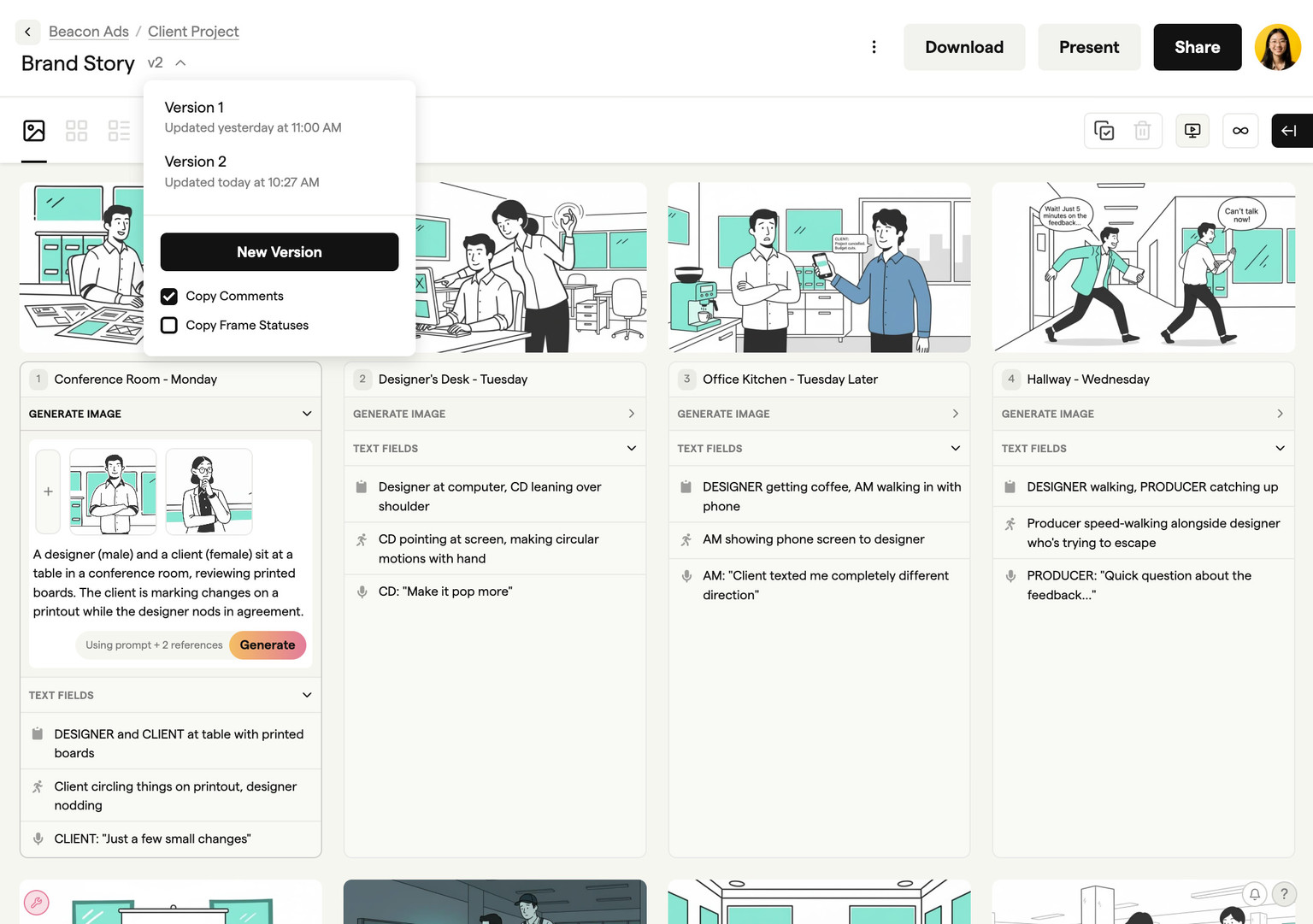
Boords also includes Boords Agent, the first preproduction agent. It handles the operational side for you: importing scripts, restyling frames, and keeping versions straight inside the storyboard your clients sign off.
Last updated October 2026.
Scripts, boards and sign-off stay in Boords. Everything else plugs in.
AI connections and Slack DMs are on every Boords plan, even Free.
Yes, absolutely! When you sign up, you can choose from a range of customizable templates, and you can see a sample storyboard with just one click. Then, use our storyboard maker to generate images of your own.
A storyboard creator is any tool that helps you build storyboards, while a storyboard generator specifically uses AI to automatically create images. Boords combines both: you can use AI to generate images instantly or upload your own artwork.
A storyboard template is a fixed layout you fill in by hand. A storyboard maker is an app for building and arranging frames digitally. An AI storyboard generator goes one step further and creates the frame images for you from a script or text prompt. Boords is all three in one: start from a template, build and rearrange frames like a storyboard maker, and generate the artwork with AI so you never have to draw.
Yes. Boords works as a free online storyboard maker and storyboard creator, not only an AI generator. Create unlimited frames in your browser, add shot descriptions and notes, rearrange the sequence, and share a link for review. Generate frame images with AI or upload your own. The free plan needs no credit card.
Most AI storyboard generators stop at making images. Boords is built for the whole preproduction workflow: generate frames from your script, keep characters consistent across scenes, then collect frame-level comments, get client sign-off, build an animatic, and export production-ready assets. So where a pure generator gives you pictures, Boords gives agencies and brand teams a storyboard the whole team has approved. Free to start, no credit card.
Yes, Boords offers a free tier that includes AI-generated images and unlimited manual storyboard frames. You can create, collaborate, and export storyboards directly in your browser.
Use Boords AI storyboard generator to create professional images from text descriptions, or upload reference photos and stock images. Many professional storyboards use simple shapes or photos rather than detailed illustrations.
A good storyboard includes visual frames showing key moments, shot descriptions, dialogue or action notes, and timing information. Boords provides dedicated fields for all of these elements.
Yes. Boords is designed so anyone can create professional storyboards without drawing a single line. Type a text prompt describing your scene and the AI storyboard generator produces an image in seconds. Choose from sketch, vector, or realistic styles, then refine with built-in editing tools. You can also pull from 3M+ stock images and icons, or upload your own assets — so you get polished, presentation-ready storyboard frames regardless of artistic ability.
Import your script directly into Boords and the AI storyboard generator automatically breaks it into scenes. Each scene becomes a storyboard frame that you can illustrate with AI-generated images, stock assets, or your own uploads. Conversion creates a snapshot of your script. Later edits to the script do not automatically update the storyboard, so update the affected frames or convert the revised draft into a new board.
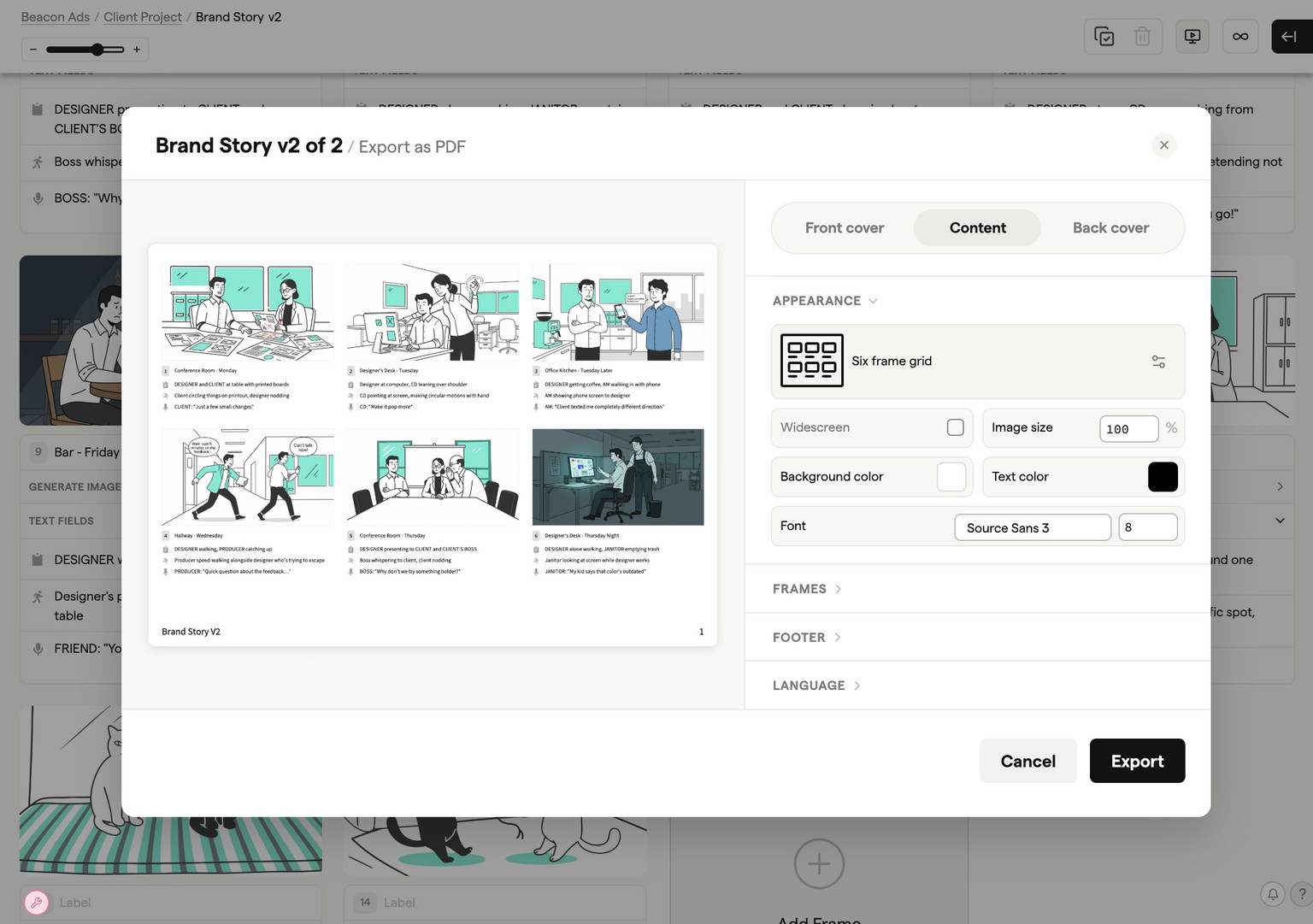
Boords exports storyboards as high-resolution PDFs, a deck for PowerPoint or Google Slides, individual images, MP4 animatics, spreadsheet shot lists, a Word script table, and timelines for Premiere Pro, DaVinci Resolve and After Effects. You can also generate a secure shareable link with optional passphrase protection for client reviews. Every export is production-ready, so you can go straight from the storyboard creator to the shoot floor or the edit suite without reformatting.
Yes. Boords offers a free version that lets you create storyboards, generate AI images, and share boards with your team — no credit card required. When you need more AI image credits, additional team members, or advanced features like animatics and custom branding, you can upgrade to a paid plan. Visit the pricing page to compare options and find the right fit for your workflow.
Yes. Paste a screenplay, treatment, or brief into Boords and the AI storyboard generator breaks it into scenes and generates matching storyboard frames. If you don't have a full script, you can describe individual scenes as short text prompts instead. Script conversion creates a snapshot; later script edits do not automatically update existing storyboard frames.
No sign-up is required to explore Boords. You can view sample storyboards and try the interface before creating an account. When you're ready to save your work, generate AI images, and collaborate with your team, signing up takes seconds — and the free plan gives you everything you need to get started.
No. The free plan includes five active storyboards, with unlimited manual frames in each. AI image generation uses credits, so unlimited frames does not mean unlimited AI images. Free image credits are a sample allowance, not a monthly subscription allowance. See the pricing page for plans and image credits for ongoing production work.
Pick your favorite AI and ask what it thinks about Boords. No filter, no spin.
“I'm evaluating Boords (boords.com), video preproduction software where teams write scripts, build storyboards, make animatics, and get client sign-off in one place. What does it do, what are its strengths and weaknesses, and who is it best for?”
Create storyboards and generate scripts in just a few clicks. Try the storyboard AI that makes planning video projects a joy, not a job.