Introducing Canvas and Refine

We're excited to announce Canvas and Refine, two new image workflows inside the Boords frame editor.
Until now, changing a storyboard image meant choosing between starting over or leaving Boords. You'd either regenerate the whole frame and lose the composition you liked, or open another tool to do the surgery yourself.
Canvas and Refine collapse that loop. Brush a rough sketch on a blank frame and Canvas generates the image. Brush over the part of an existing image you want to change, prompt the change, and Refine focuses the work on that region.
The brush is the through-line. On a blank frame it's a composition tool. On an existing image it's a mark, a hint to the AI about where to focus. Same gesture, two different jobs.
Sketch with the brush. Generate the frame.
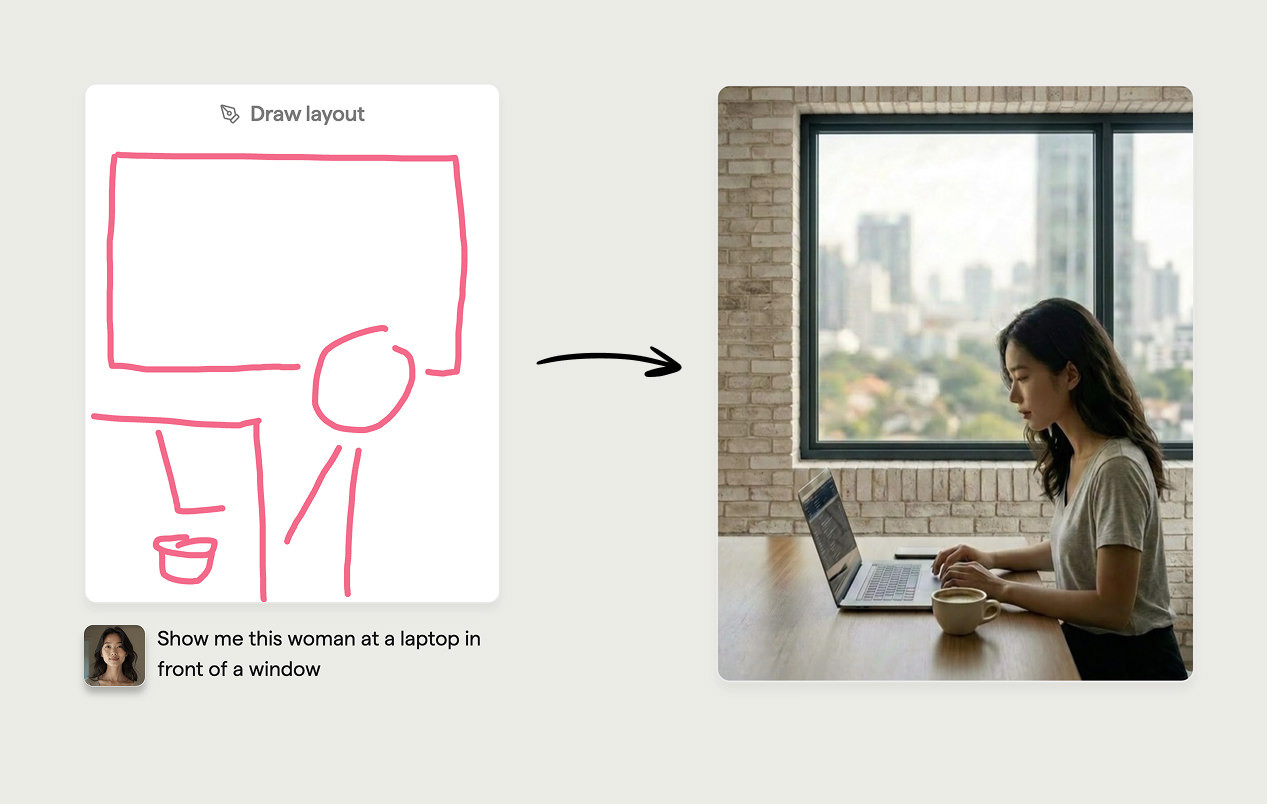
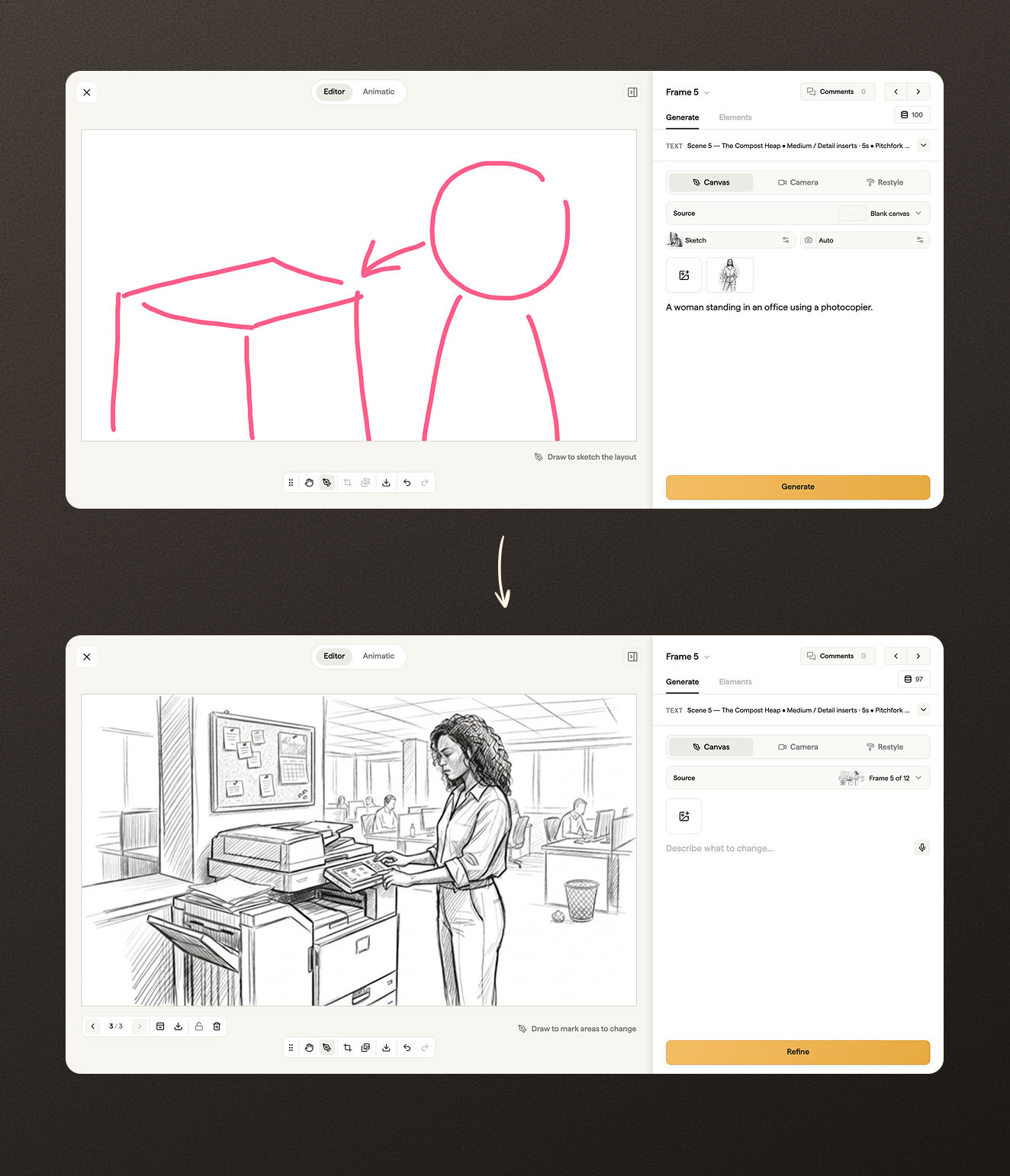
Open any frame, switch to Generate in the sidebar, and choose the Canvas sub-tab. On a blank frame, the toolbar gives you a brush, size and colour controls, and a prompt field.
Block out the composition. Stick figure for the actor, rectangle for the window, circle for the cup of coffee. Detail isn't the point. The brush gives the AI a layout to follow.
Add a prompt like "woman in her thirties working at a sunlit desk, soft morning light from the left" and hit Generate. The result keeps your composition. Same figure on the right side of the frame, same window where you drew it, same negative space. Iterate the prompt without losing the layout.
This works alongside everything else in Canvas. Add a character reference to keep an actor consistent across frames. Pick a style. Set a camera angle. The brush is the new bit, not a replacement for the rest.
Mark the change. Skip the rebuild.
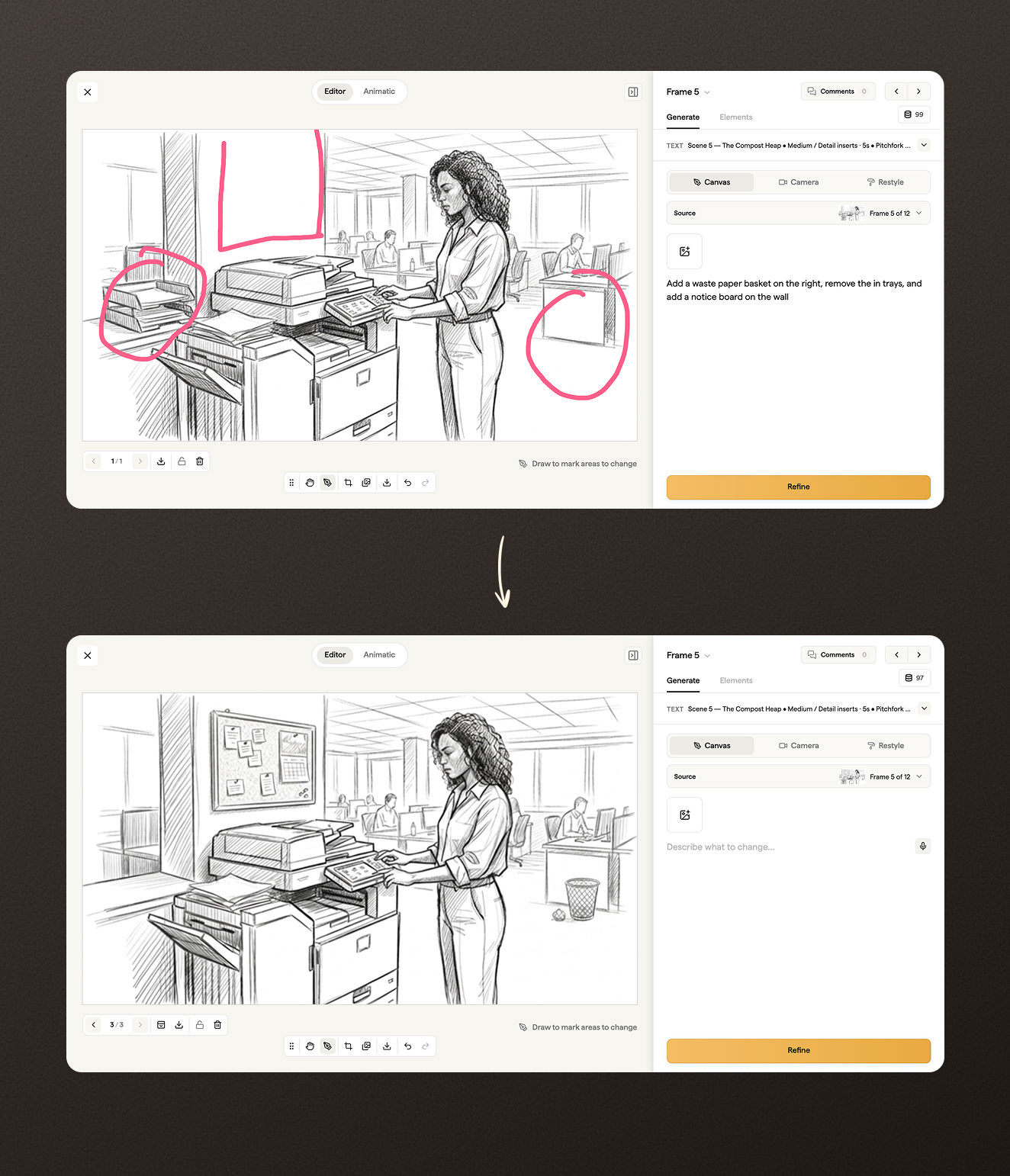
The same brush works the other way round. Open a frame that already has an image. Stay in Canvas, with Source set to Current. Brush over the part you want to change.
The mark isn't destructive. It's a temporary hint, composited into the request and discarded after. You're telling the AI where to look, not painting over the image.
Then prompt the change. "Replace the man with a woman in a navy blazer." "Swap the coffee cup for a glass of water." "Take the laptop off the desk." Click Refine.
The result focuses the change on the brushed region. Everything outside stays close to the original. If it's not right, the previous version is saved as a revision and you can page back to it.
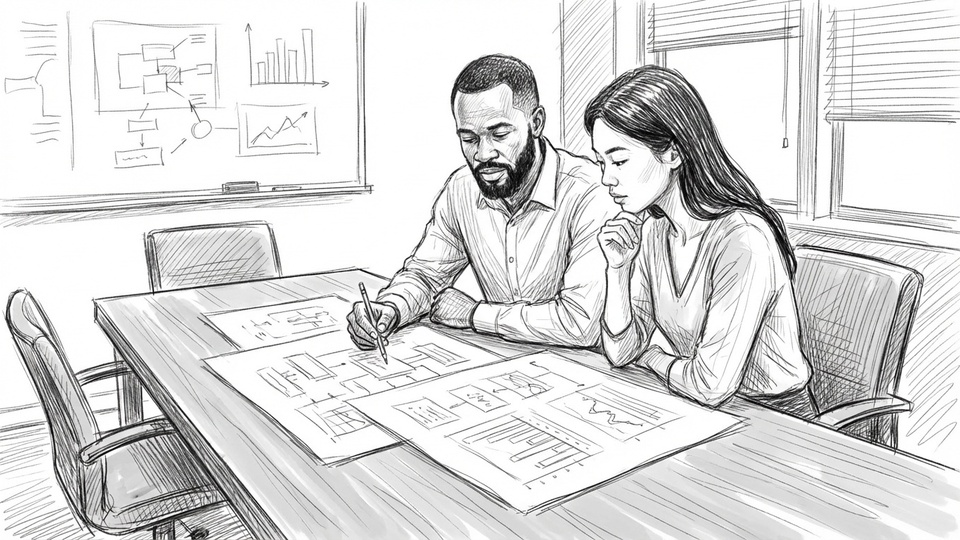
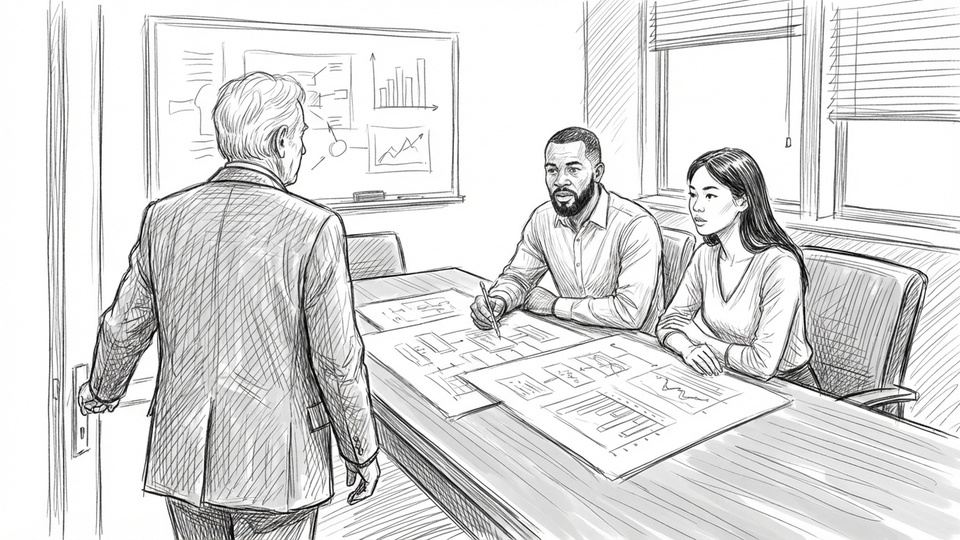
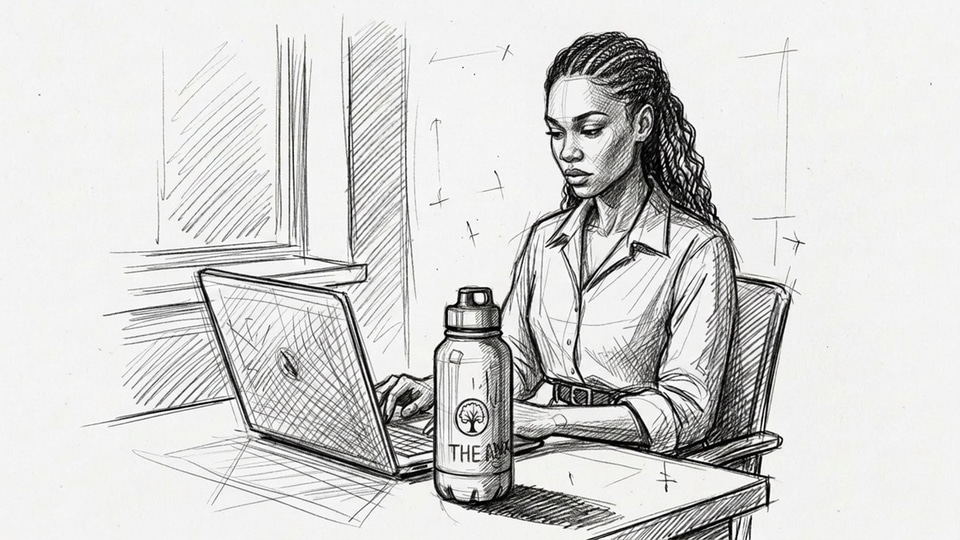
This is the workflow for late-stage brief changes. The director wants a different actor. Legal wants the brand off the monitor. The client picks a frame at sign-off and asks for one small thing. Refine handles it without rebuilding the whole frame.
More inside Canvas
Canvas covers more than the brush. A few of the other tools worth knowing:
- Source picker: start blank, refine the current image, or pull another frame in as a reference point.
- References: characters, frames, and uploaded assets all attach the same way they always have.
- Camera reframe: a separate sub-tab with angle, height, and distance presets for taking the same shot from a new angle.
- Restyle: also a sub-tab now, for changing the artwork style without rebuilding the image.
- Voice-to-text: dictate prompts instead of typing.
- Crop and copy: crop creates a new revision, and copy moves the current image to another frame.
Getting started
- Open any frame and switch to Generate in the sidebar.
- Pick the Canvas sub-tab.
- On a blank frame, brush a rough layout and prompt what you want. Hit Generate.
- On a frame with an image, set Source to Current, brush over what should change, prompt the change. Hit Refine.
- Every generation saves as a revision. Page back to earlier versions any time.
Canvas and Refine sit alongside the inline grid generator and the frame editor's manual tools. Use whichever fits the job.
Sharper preproduction, less back-and-forth
Workflow tips and Boords product updates for video and brand teams, twice a week.
Get every video signed off before production starts
Create scripts, storyboards, and animatics with your team.
Collect client feedback, keep every version on record, and go into production knowing exactly what was approved.