Introducing Multi-Character Storyboards

Today, we're excited to announce Multiple Characters and a new Custom Character Playground in Boords—the first storyboarding platform that lets you place multiple consistent characters in every scene.
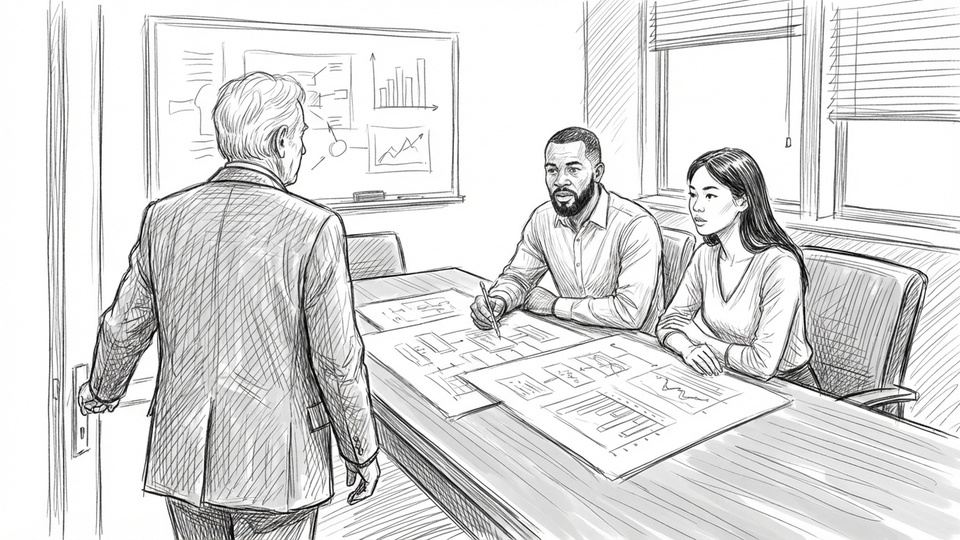
Now, you can finally create complex scenes with characters that actually look like they belong in the same story. Upload your own reference images or build a library of custom characters and use them across all your projects.
Multiple Characters in Every Scene
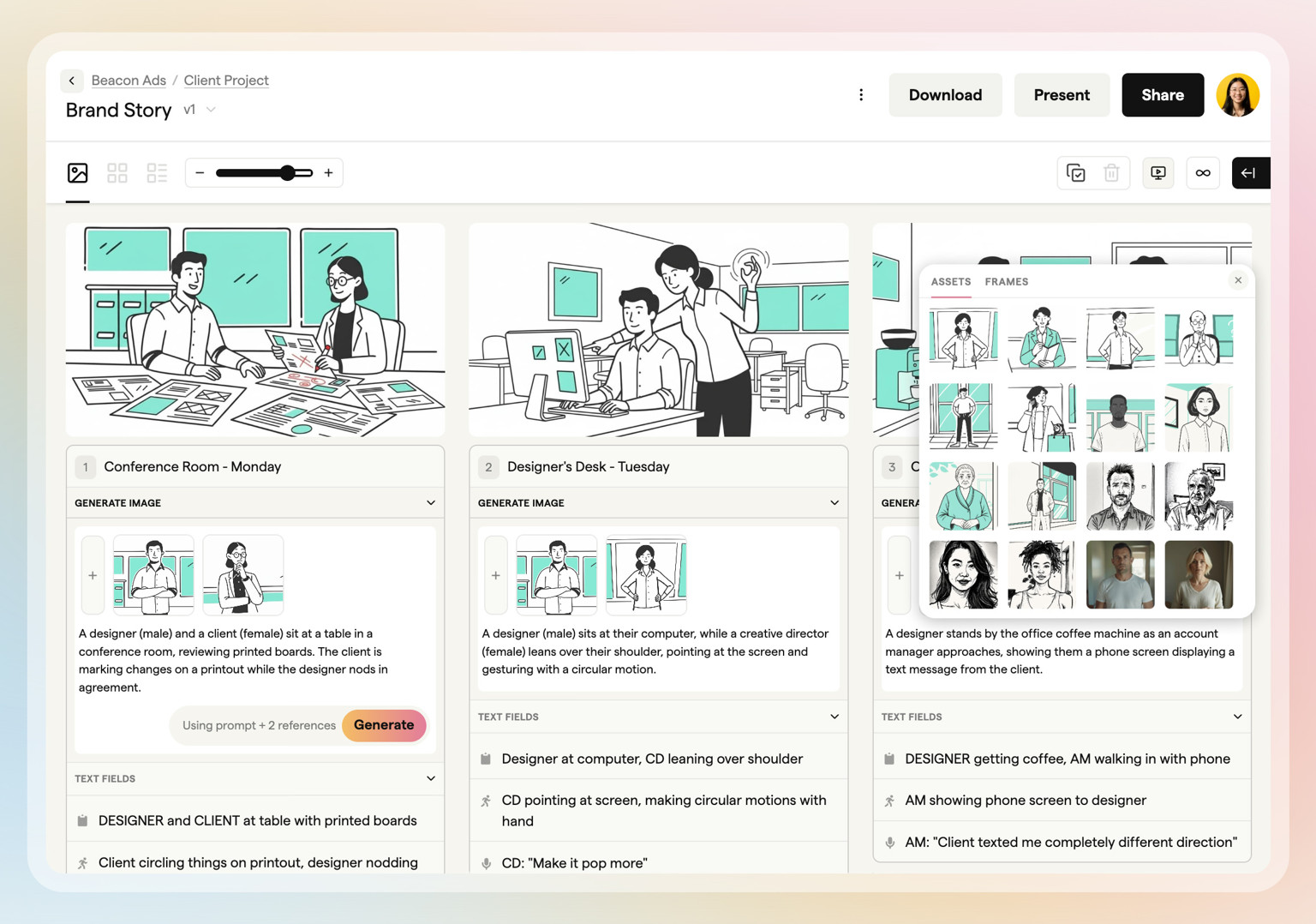
Place multiple characters interacting in a single frame
Add up to 10 characters in a single frame, with full control over their interactions and positioning.
Describe exactly how characters should interact—whether they're shaking hands, presenting to each other, or sitting around a conference table. Each character maintains their unique appearance across your entire storyboard, eliminating consistency problems.
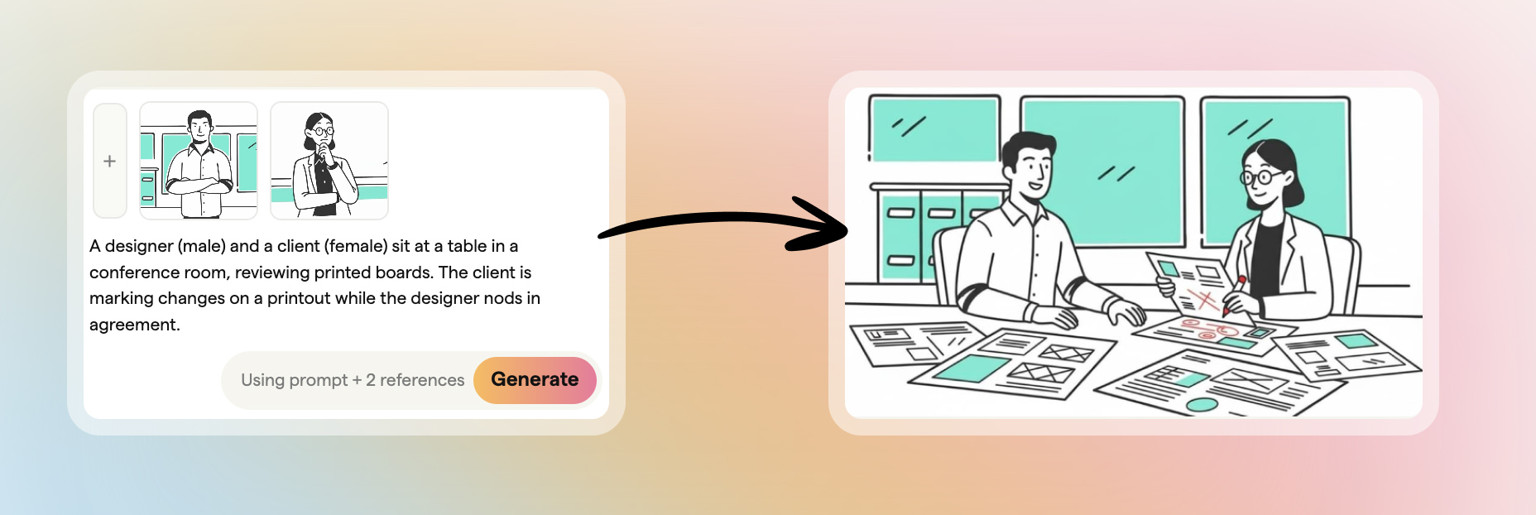 Turn simple prompts into complex multi-character scenes instantly
Perfect for dialogue scenes, team meetings, product demonstrations, and any story that involves more than one person (which, let's be honest, is most of them).
Build Your Own Character Library
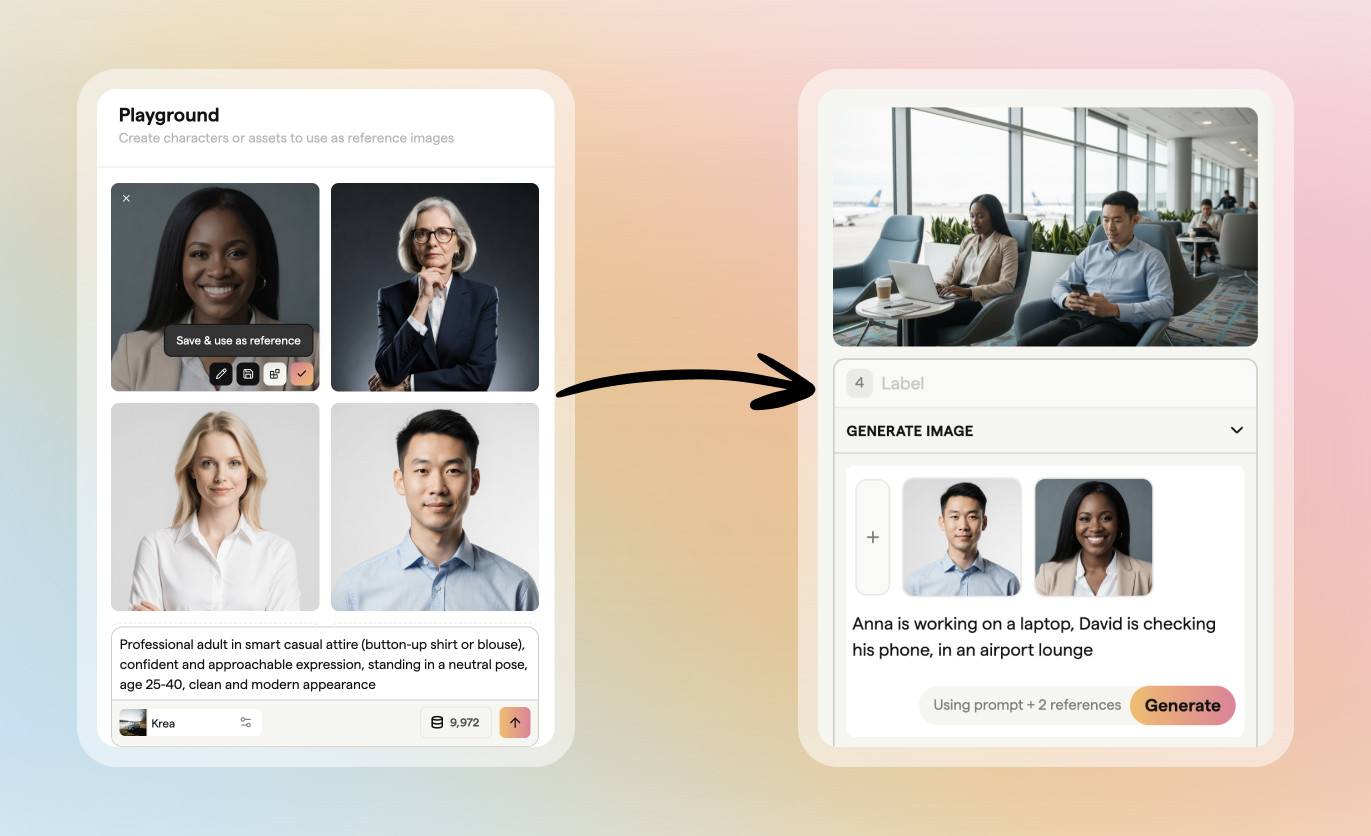 Create custom characters in any style, then use them in any shot or storyboard
Upload reference images or design entirely new characters in our playground. Once saved to your library, these characters are available for your entire team to use in any storyboard.
Need variations? Generate different poses, expressions, or outfits while keeping the character recognizable. You can even change art styles—transform a realistic character into an illustration or sketch while maintaining their core identity.
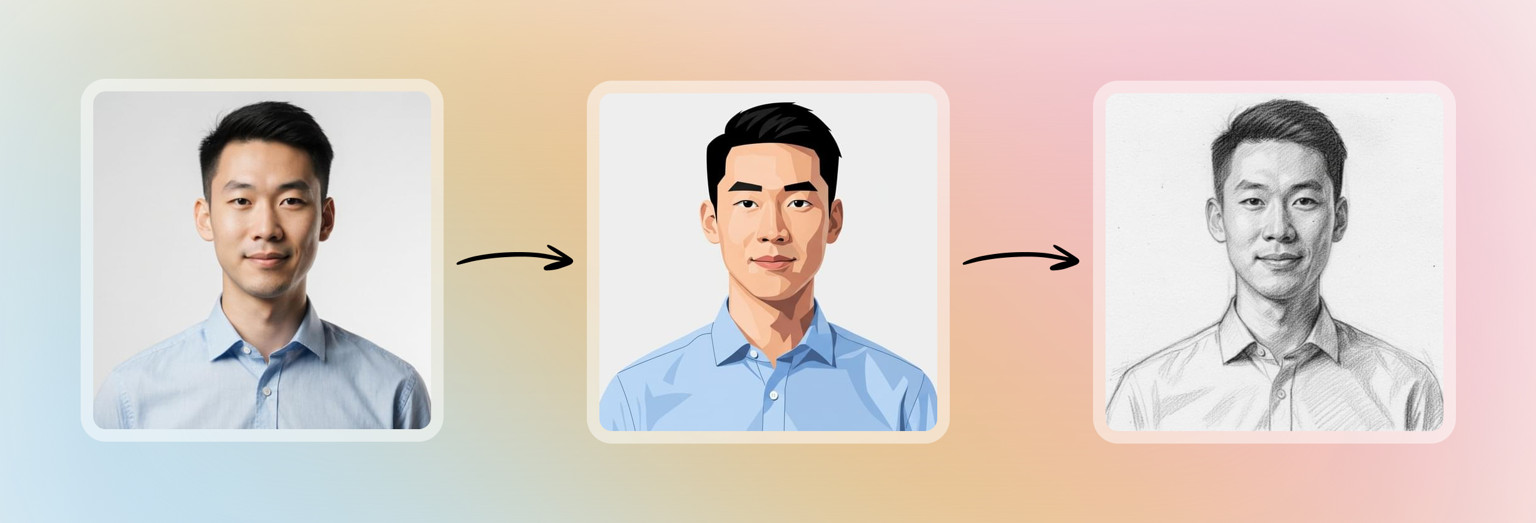 Restyle characters to suit your project
Use Products and Props
Turn reference images into scene elements that characters can naturally interact with.
Upload photos of your client's products, then place them in scenes with multiple characters using, discussing, or celebrating with them. No more floating products in empty scenes or unconvincing mockups.
This is especially powerful for product demos, where you can show real people interacting with actual products in authentic scenarios.
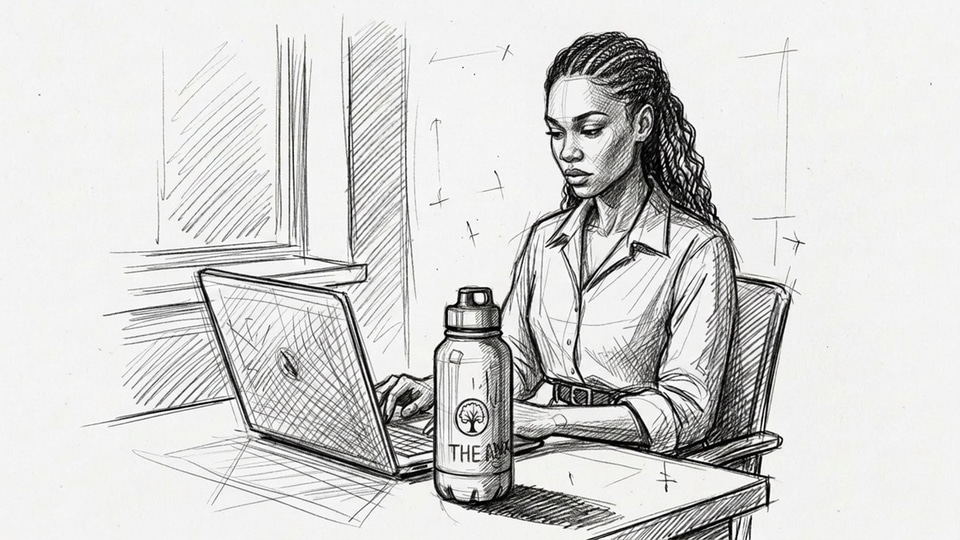
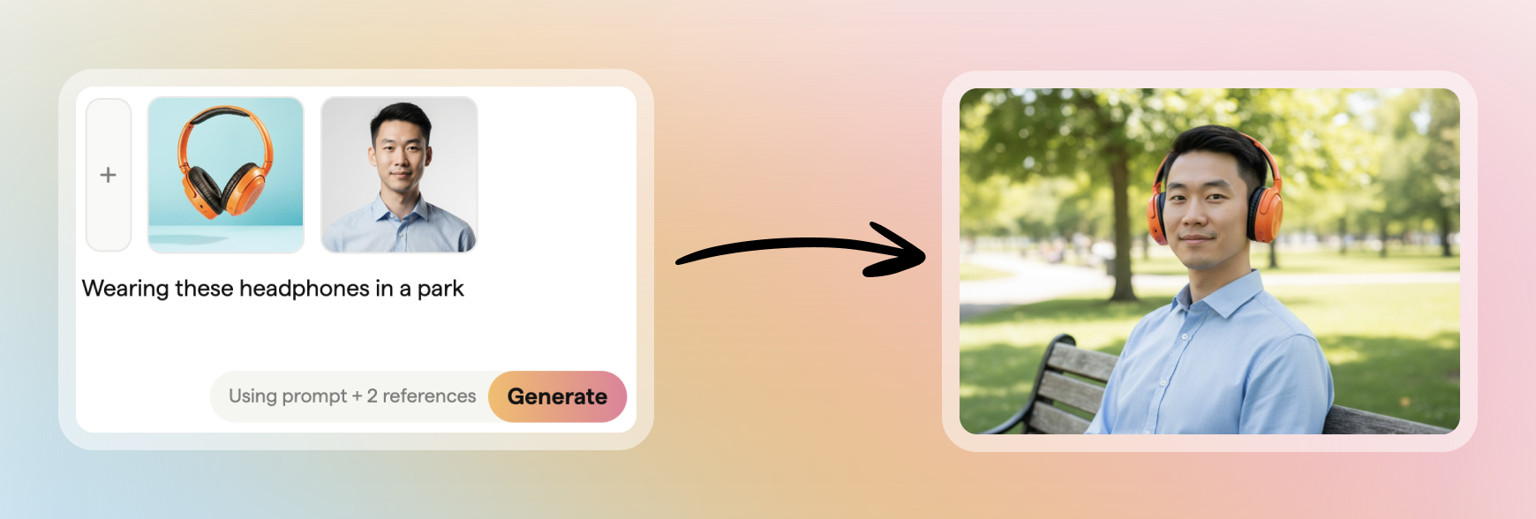 Combine product images with actors to create new shots
More Powerful Features
These updates go beyond just adding multiple characters. We've built a complete system for creating, managing, and refining your visual storytelling.
- Camera Reframing: Take any generated scene and adjust the camera angle or framing. Transform a medium shot into a wide establishing shot, or zoom in for dramatic close-ups while maintaining character consistency.

- Team-Wide Character Sharing: Every custom character you create is automatically available to your entire team. Standard and Workflow plans get shared character libraries, ensuring visual consistency across all projects.
- Free Experimentation: Generate as many variations as you need to get the perfect scene. Credits are only deducted when you save an image you love, not during experimentation—both in storyboards and in the playground.
Getting Started
Creating scenes with multiple characters is simple, just sign in to Boords, then:
- Select your characters from the library or generate new ones
- Describe your scene, including how characters should interact
- Generate and refine until it matches your vision
- Save to your storyboard when you're happy with the result
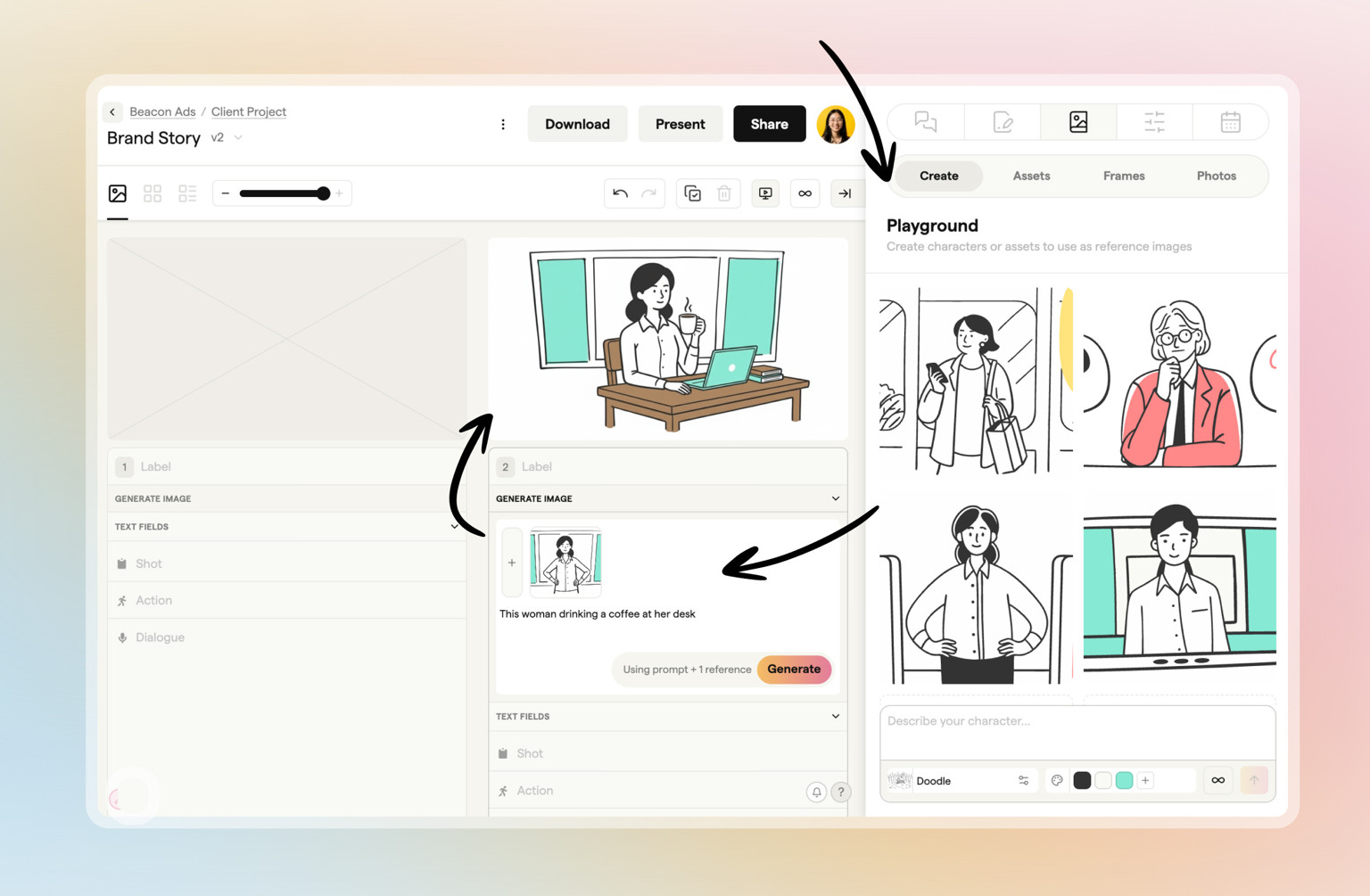 Create and use characters within your storyboard in the Playground section
No more single-character limitations. No more consistency problems. No more explaining why every frame looks like it's from a different video.
Just clear, consistent storyboards that actually show what your video will look like.
Sharper preproduction, less back-and-forth
Workflow tips and Boords product updates for video and brand teams, twice a week.
Get every video signed off before production starts
Create scripts, storyboards, and animatics with your team.
Collect client feedback, keep every version on record, and go into production knowing exactly what was approved.