Filmmaking 101: A-Roll vs B-Roll Footage

B-roll or B-reel refers to alternative footage in film and television production. Today, we use the term A-roll for primary footage less frequently, but still refer to secondary or supplemental footage as B-roll.
Where does the cinematography term come from originally, and what exactly is B-roll? Are there different types, when do you use B-roll, and how do you get your shots? Learn all the important aspects of B-roll with our filmmaking lesson.
What is B-roll?
The terms A-roll and B-roll imply a hierarchy. You can produce your project with A-roll footage alone: it is the primary footage. B-roll is supplemental footage or alternative footage. To further distinguish between the two types of footage, think of A-roll as telling, and B-roll as showing, or narration, and illustration.
In movie production, A-roll will contain all the action shots, whereas B-roll might contain landscape and scenery, establishing shots, backgrounds, or any other scenes not part of the main plot of the film.
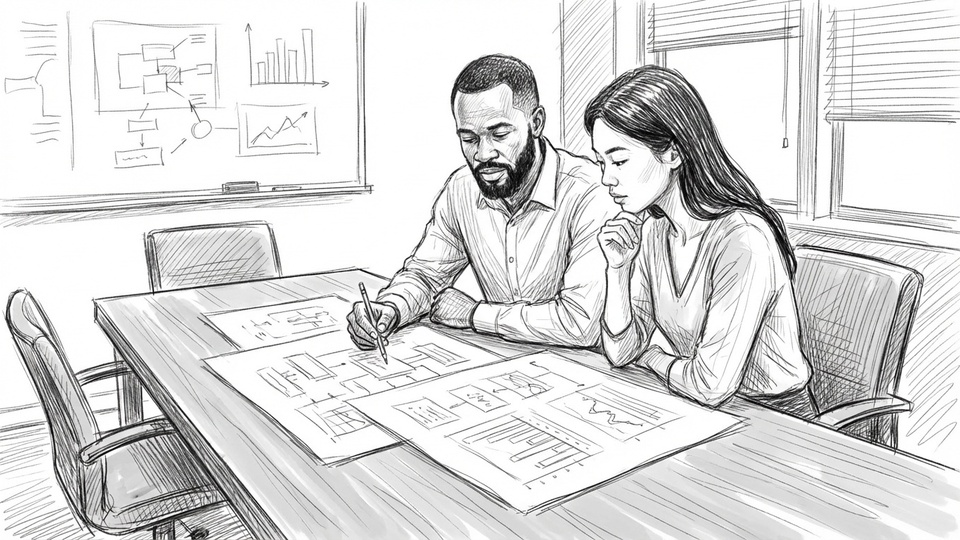
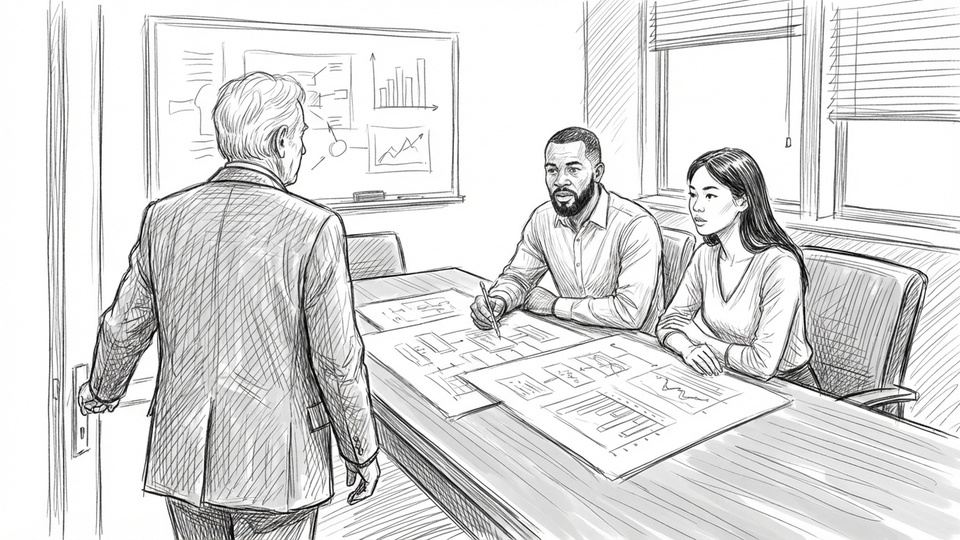
When you think of a video interview, A-roll footage comprises of a person talking and maybe cuts back to the interviewer now and then. In that context, B-roll footage can illustrate the subject, for example, with archival footage, related images or explanatory animations. It can also include shots of the production itself, such as the interview preparations, the subject in a private setting or at work, anything that adds an interesting dimension and breaks up the monotony of question and answer.
Online videos, video blogs or live streams often feature a video blogger or narrator talking directly into the camera. Live video editing or a post-recording editing process can add B-roll to highlight the subject, supply context or show what the narrator is talking about.
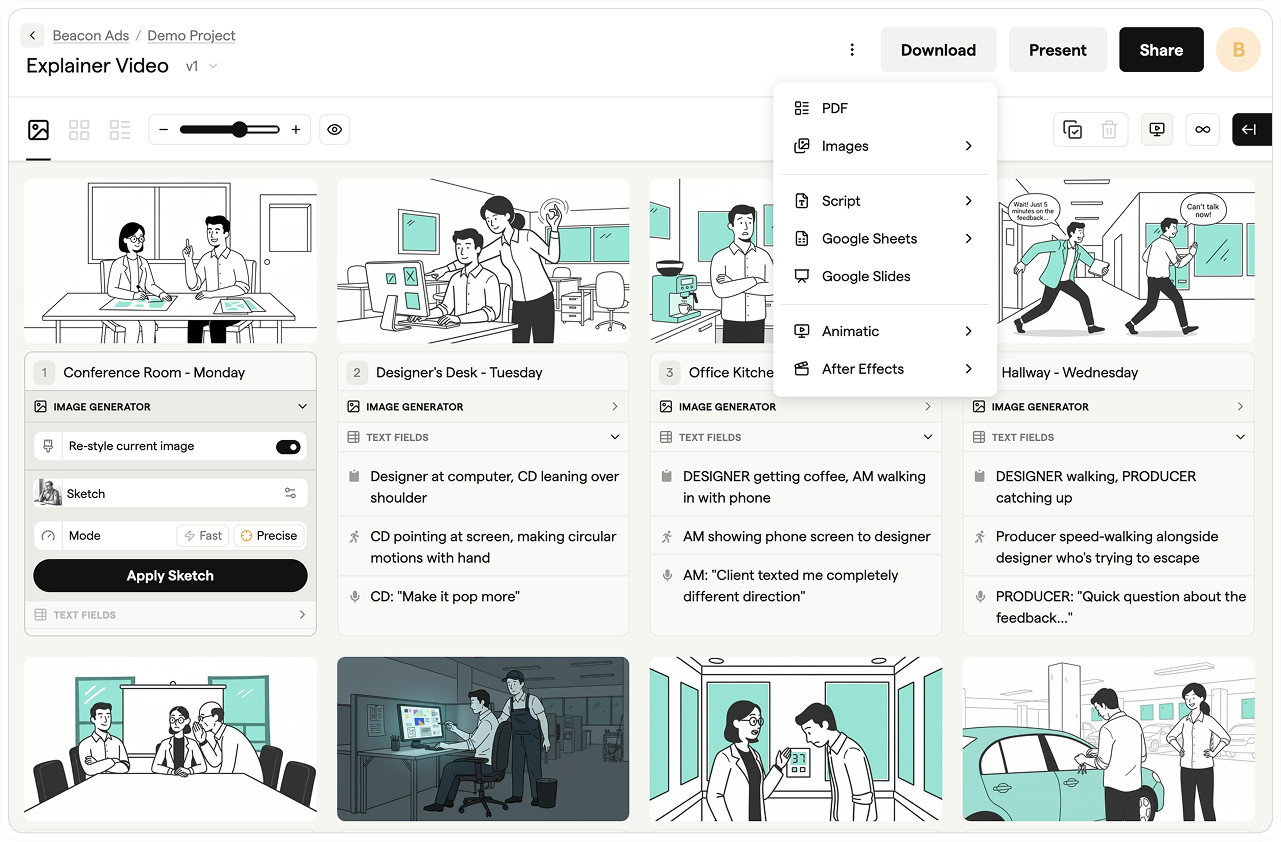
Storyboard software for video agencies & brand teams
One workspace for storyboards, animatics, comments, and approvals. Spend time on the creative, not the back-and-forth.
Etymology of the term
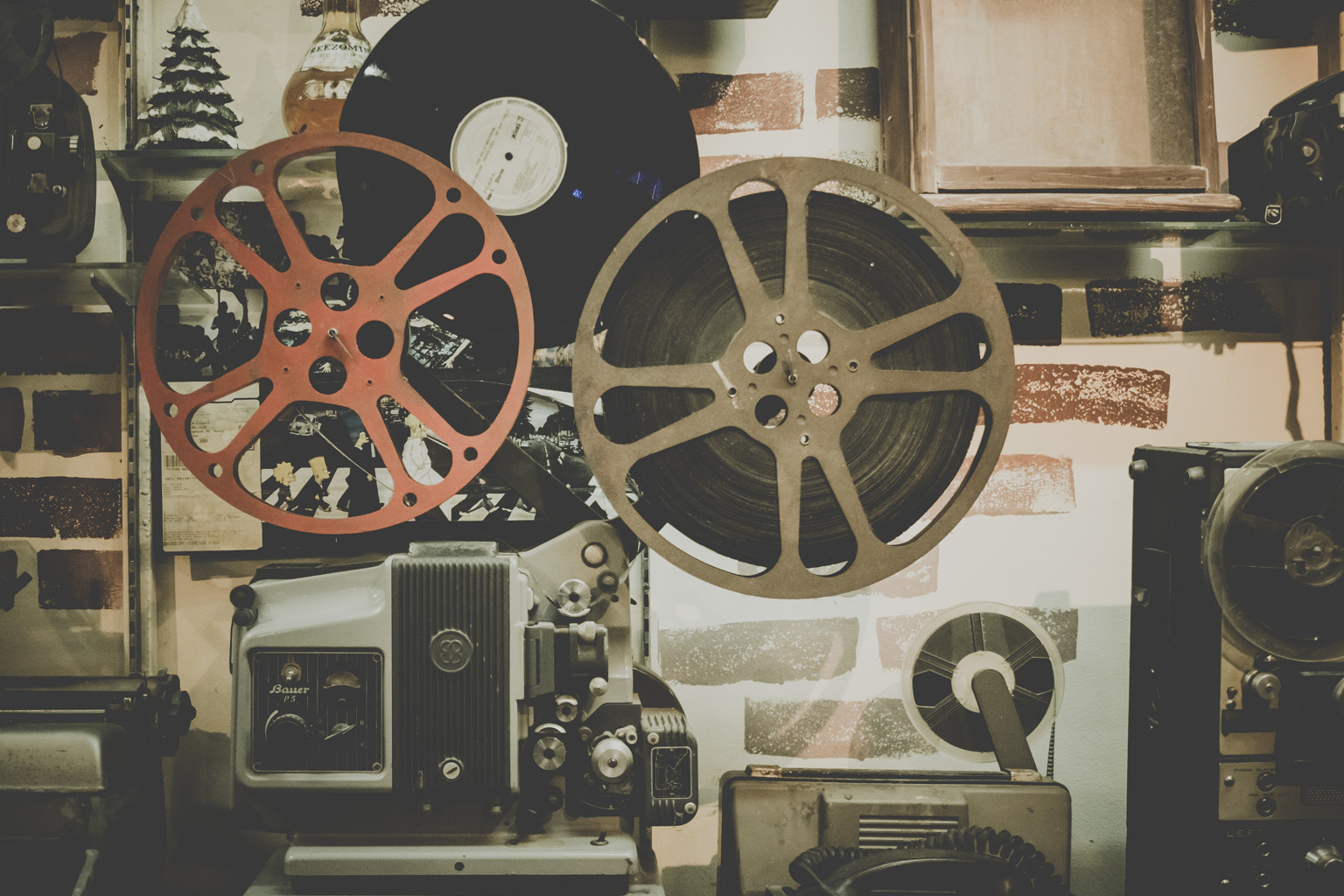
The term B-roll documents a piece of cinematography history and dates back to the time when film was a purely physical medium and editing meant splicing film stock together. The narrow 16 mm format revealed splices in the picture. To circumvent this, film editors used black leaders to hide the splice. Odd-numbered shots were assembled on the A-Roll and even-numbered shots on the B-roll. That way, each shot had the black leader of the other roll for splicing.
When production moved to video editing in the 80s, dual tapes deck setups labeled the decks A and B, which the B deck used for supplemental footage. Shot lists and edit decision lists referred to A-roll and B-roll to indicate sources.
Types of B-roll
The following is a brief overview of the types of footage B-roll, B-reel or B-roll video can include:
- Cutaway shots: A cutaway puts the focus on anything else than the major action in a scene, for example, the medium or far distance. Such a shot can show the audience a detail that the characters in the scene miss, setting expectations and diverting attention, or it can cut to a visual punchline in a comedy.
- Establishing shots: This kind of B-roll can include scenery, a location overview, a background story or parts of a secondary storyline.
- Atmospheric shots: These shots of the location, or objects and people on location can end up as B-roll to create a certain atmosphere, similar to cutaway and establishing shots.
- Undirected footage: In a feature film, the cameras usually only roll when the director calls “action,” but in a documentary or a similar production, this footage can show the subject or an environment related to the subject.
- Reenactments: A dramatic reenactment can make the narration of a contemporary witness more lively, for example in a documentary or interview. The footage with actors can include dialog lines, or the interview or narration can continue in voiceover.
- Stock footage: Content from an agency can be royalty-free or licensed to insert supplemental footage or atmospheric shots. Stock footage can be useful to show machinery, generic footage illustrating a concept or an animation. It can also lighten the tone with humorous content.
- Archival footage: Historic recordings, images, and footage can come from an archive or a library and can be in the public domain or under license. This kind of footage may be of events, locations, topics and people.
- Main footage: The primary footage for a project can end up as B-roll, for example, when a take is discarded for any reason, but a part of it can still serve as material in editing. A single counter-shot might be spliced into an otherwise flawless take.
When to use B-roll?
In film production, you also hear that the term B-roll is an abbreviation for background or behind (the subject) footage. Because of its use in between main shots, “filler” is another term to refer to this kind of footage, for example, when there is no on-screen dialog or action, but the director wants to show movement.
Nearly any film or video production will make use of B-roll footage. Here are three examples that illustrate how.
B-roll in documentary film
As a documentary filmmaker, you might know the outcome of your story, or you’re following events along as they unfold. For a documentary about a historic event, you can plan your storytelling, leading up to an outcome that you already know in advance. But when you document events as they happen, such as a person working towards an achievement, like an athlete training to compete in a major event, you don’t know the story you’ll be telling ultimately.
In both cases, shooting a documentary film will accumulate undirected footage: close-ups of interviewees, exterior shots on location, preparatory meetings, or even footage of the documentary crew discussing the project. In a documentary following a specific person, B-roll footage will often be of everyday activities, to humanize the character and make them relatable to viewers. Similarly, in documenting an event or a non-human subject, B-roll of people can tell personal stories of those behind the subject. Our documentary script template lets you plan B-roll coverage alongside interviews and voiceover.
Interviews and news coverage
Filming an interview means pointing a camera at an often stationary person. The result is the interviewee as a talking head, with the interviewer’s questions coming from off camera, if at all. Jump cuts in interviews help condense the material and present the highlights, but the jump can be jarring for the audience.
This is where B-roll comes in: from silences to coughs and grimaces, you can cut away from the interviewee in edit without having to jump forward or backwards. A detail of their body, a shot of the interviewer, or supplementary footage while the interview continues as a voiceover make it seem to the audience as if the interviewee is telling one continuous story.
For another example, look at the news coverage of a politician giving an important speech. On-air time is precious, so the production will limit themselves to a few significant soundbites from the speech and complement the shots of the politician with footage that illustrates the subject. For example, if the economy is one of the talking points, the video will cut to footage of a production line.
How online video productions use B-roll footage
Consider a typical explainer video for a broad audience on YouTube, such as a tutorial on how to use a specific function in a popular software. Typically, a person will speak directly into the camera and narrate throughout the entire video: they’ll give a short introduction of the use case with an overview of what’s coming, followed by a step-by-step explanation and a short conclusion at the end.
When watching the video, subscribers and viewers will want to follow along but also see the steps on screen. Secondary footage would then be a screen recording of the entire process. The video production can cut back and forth in editing between the main shot and the supplemental footage, which can also appear as picture-in-picture or split-screen.
Online video productions frequently make use of B-roll footage that already exists, for example, with video responses or references to other publications or existing content. Short clips and excerpts can appear under the fair use principle for commentary or criticism. B-roll can also comprise of stock footage, royalty-free material or memes in a humorous video.
Get your FREE Filmmaking Storyboard Template Bundle
Plan your film with 10 professionally designed storyboard templates as ready-to-use PDFs.

Where to get B-roll shots?
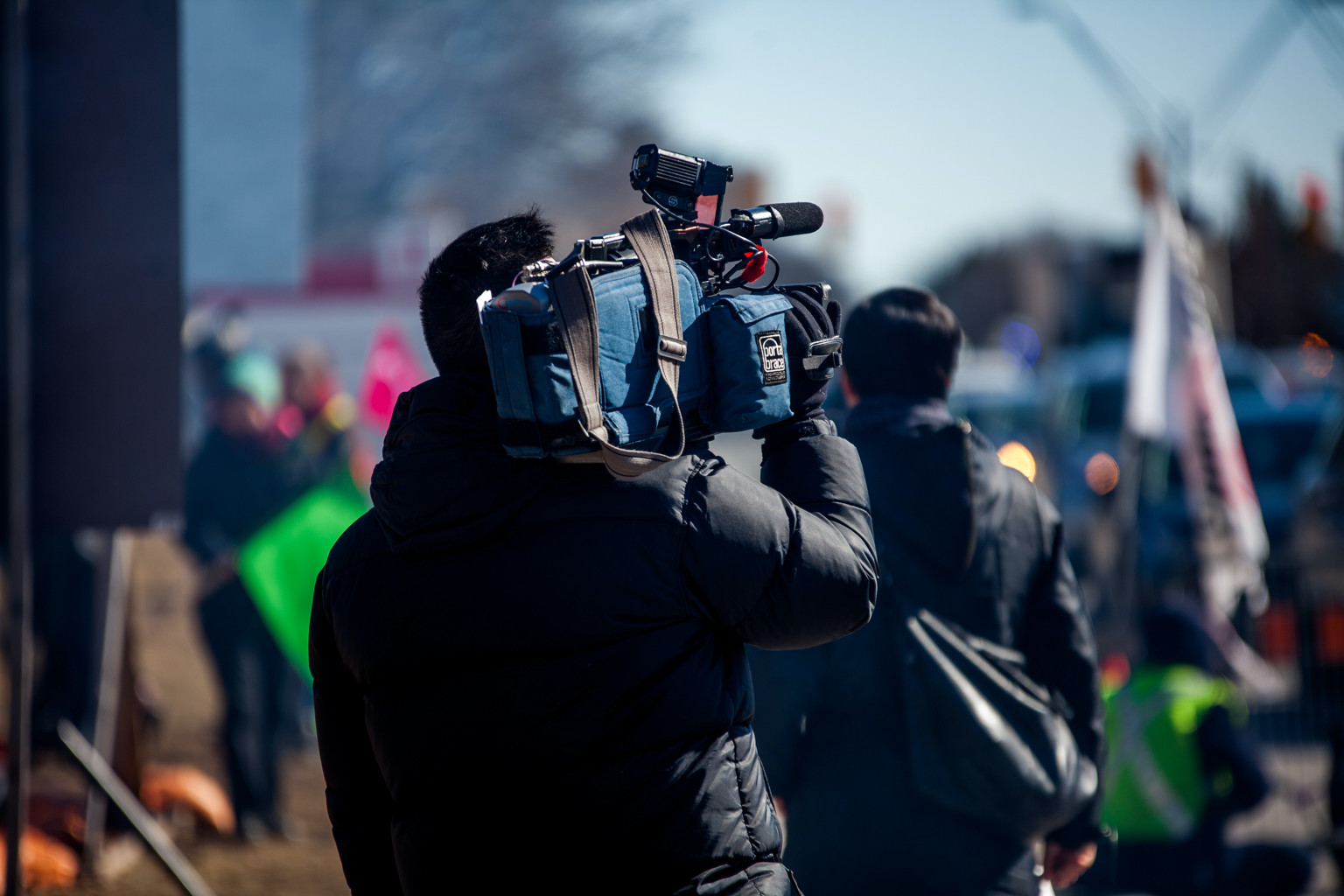
A big Hollywood or Netflix production can have an entire second unit crew dedicated to shooting only B-roll footage. Aspiring filmmakers might feel overwhelmed and become anxious about how to shoot B-roll, even when they’re just starting out as beginners producing their first short film.
Plan during pre-production to allow for enough time to shoot B-roll. Build your shot list around your main footage, then expand from there with intros, exits, ambiance and atmosphere. Scout your locations ahead of time so you know the spots that will provide you with good B-roll. Pay attention to the time of day and the right equipment.
Try to distribute your allotted B-roll time and effort evenly among your shot list for your primary footage. You don’t want to end up combing through your material in post-production, only to find out you missed a crucial location. When you plan to use archival or stock footage, view the material beforehand so it doesn’t clash with your own shots.
B-roll shot types
You can experiment with different angles to get good B-roll for your different shots. Here are a few tips on camera angles for B-roll footage:
- Close-ups: These intimate shots are great for profiling a person or interviewee. A close-up of their expression or features can create a dramatic effect, and hand movements can be expressive and add emphasis to the narration. Close-ups serve to ‘humanize’ a subject and help make a story personal.
- Medium: The medium shot shows a person in their surroundings, for example at work, or showing the subject. It allows the audience to get their bearings and infer where the person is, though the location should usually be established. The medium angle is great for B-roll where the camera moves or cuts away from a person to a detail in the room, without disorienting the audience.
- Wide angle: Establishing shots.
- Transitions: Unscripted B-roll footage of a medium or wide angle can help introduce the transition between locations, show the passage of time, or give the audience the feel of a new place.
- Over the shoulder: This shot is a classic for showing work or activity intimately from a person’s point of view. It can feel less artificial or less like a staged performance, even when the action is scripted. For B-roll, you can combine this with following or tracking, or a transition to a close-up of a detail.
- Tracking: Following a subject or character can make for good B-roll because you can set the scene as if they’re leading the audience towards what you want to show. You can direct attention that way, or cut away to details along the way. Panning over a stack of documents or material is also a visual way to narrate the complexity of a subject.
Filmmaking with B-roll
Pay attention to B-roll shots to improve your visual storytelling skills. Watch documentaries, interviews, news productions and online videos to see how they use B-roll for context and to set the content and main footage in a scene.
A varied B-reel will make a video production more immersive and engaging for viewers. As you learn to shoot and edit this supplemental footage, you can add depth and context during the editing process. Plan your shot list well to keep track, and use storyboards to envision your scenes beforehand.
Sharper preproduction, less back-and-forth
Workflow tips and Boords product updates for video and brand teams, twice a week.
Get every video signed off before production starts
Create scripts, storyboards, and animatics with your team.
Collect client feedback, keep every version on record, and go into production knowing exactly what was approved.