
New
Switch Boords to dark mode
Boords now comes in light and dark, and follows your computer's setting by default.
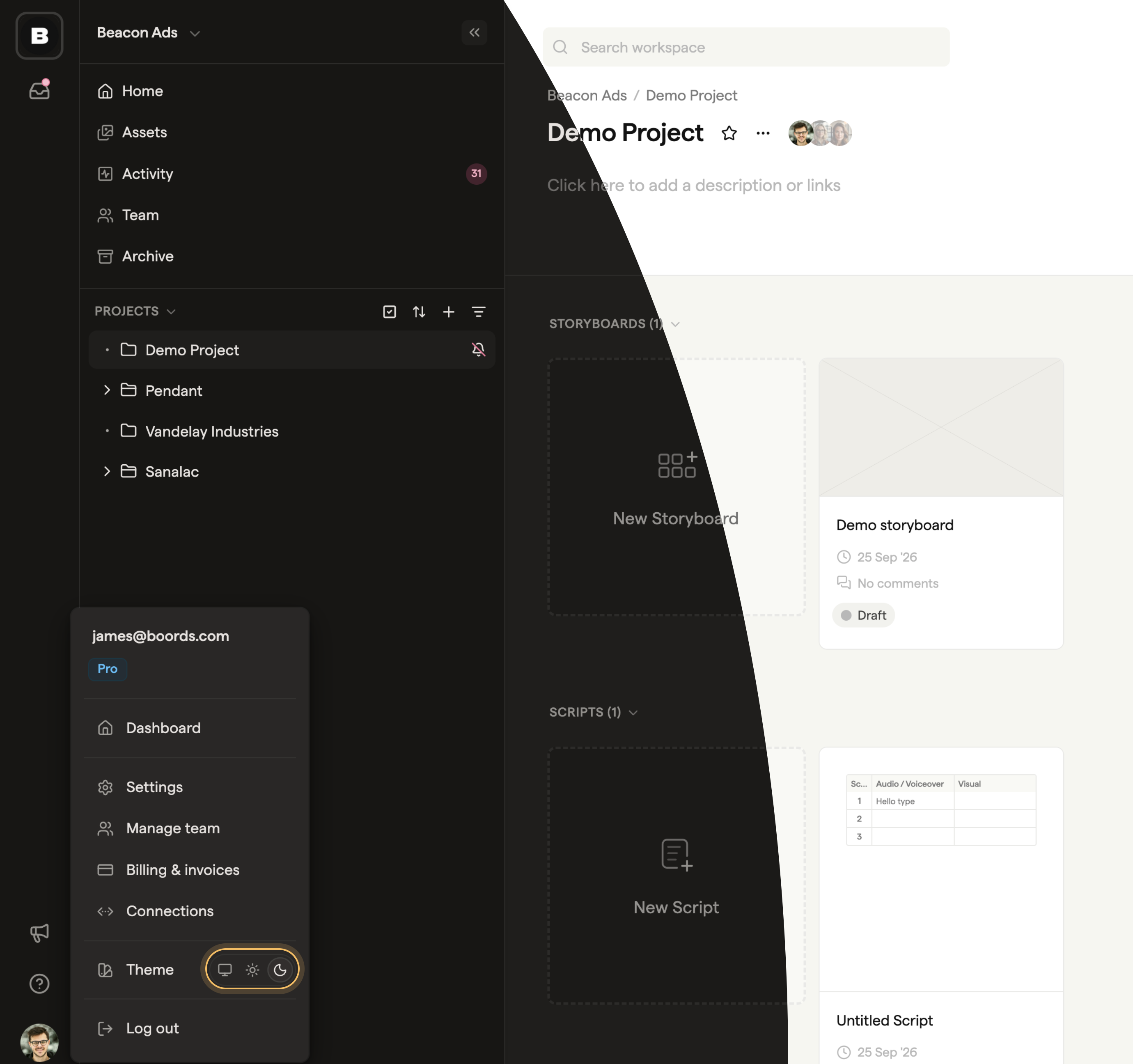
To choose for yourself, click your avatar at the bottom left of the app and pick System, Light or Dark on the Theme row. Share links follow each viewer's own setting, and PDF exports always stay light.