Improved
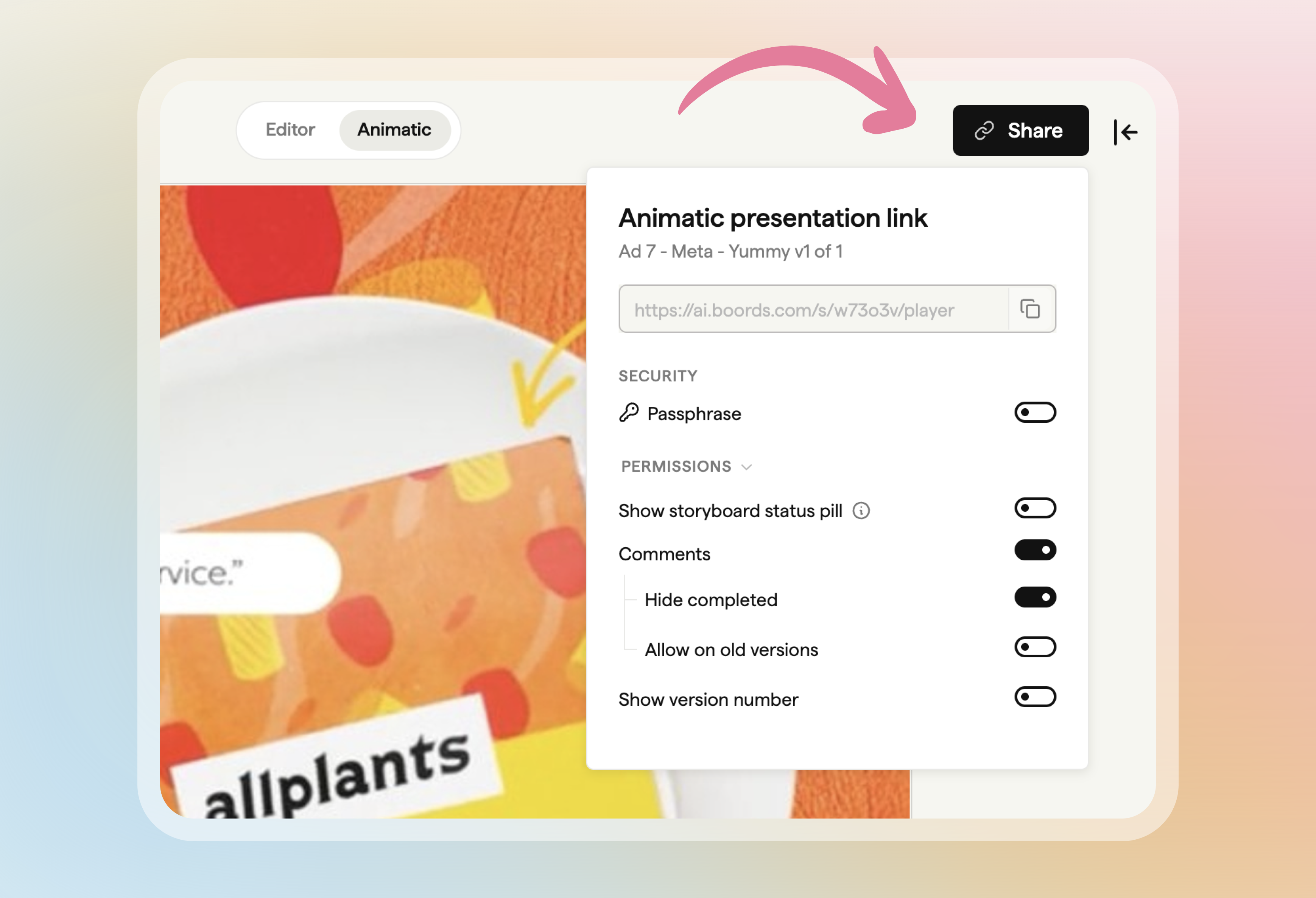
Share animatics and add audio from the player
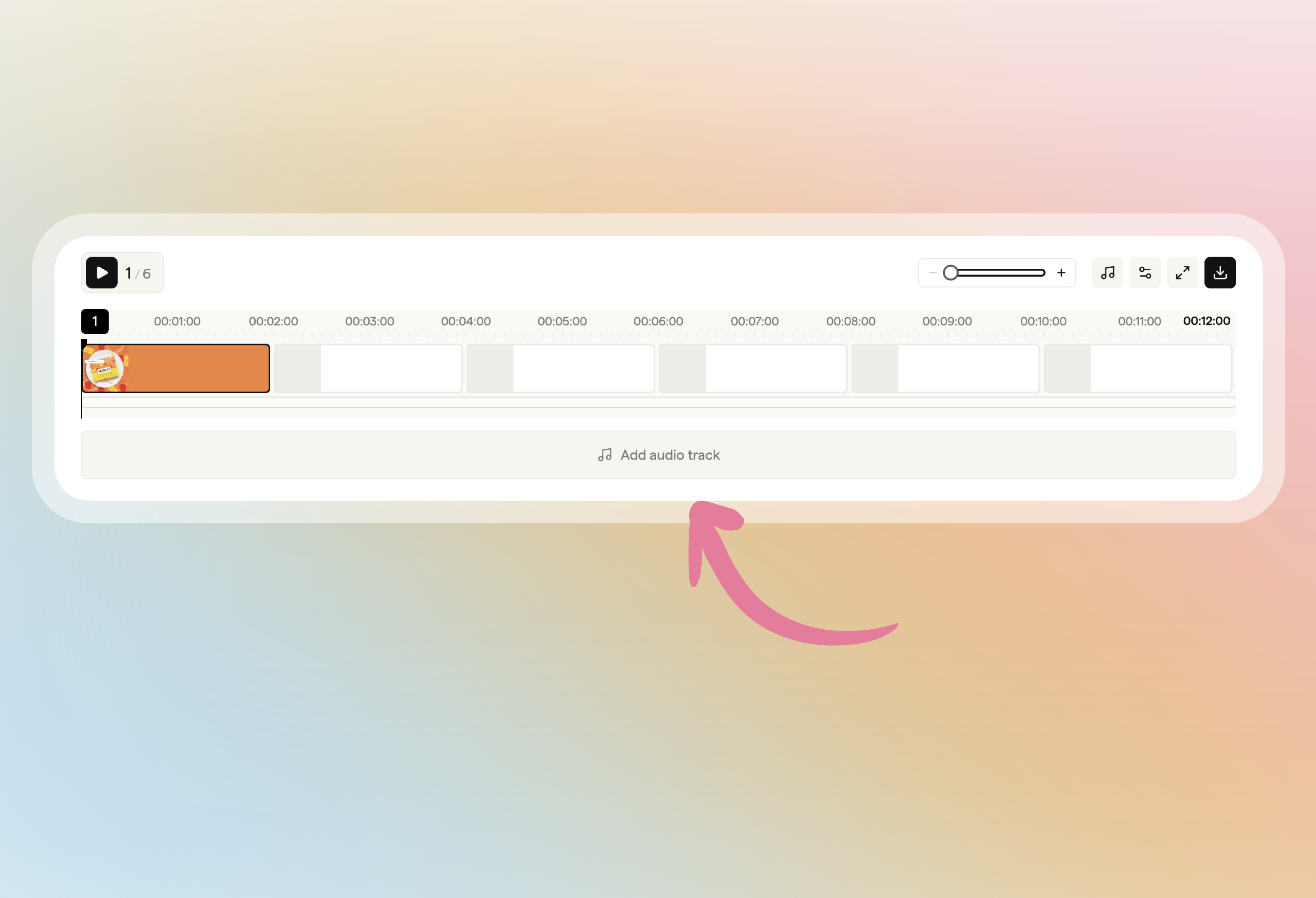
The animatic player has its own Share button for a presentation link that opens straight in the player, and you can add a soundtrack from the timeline.
To add audio, click Add audio track in the empty audio lane on the timeline, or drop an audio file onto it.