
Improved
Change share settings from your shareable link
Open your storyboard's shareable link while signed in and click the settings button in the header to manage the link without going back to the editor.
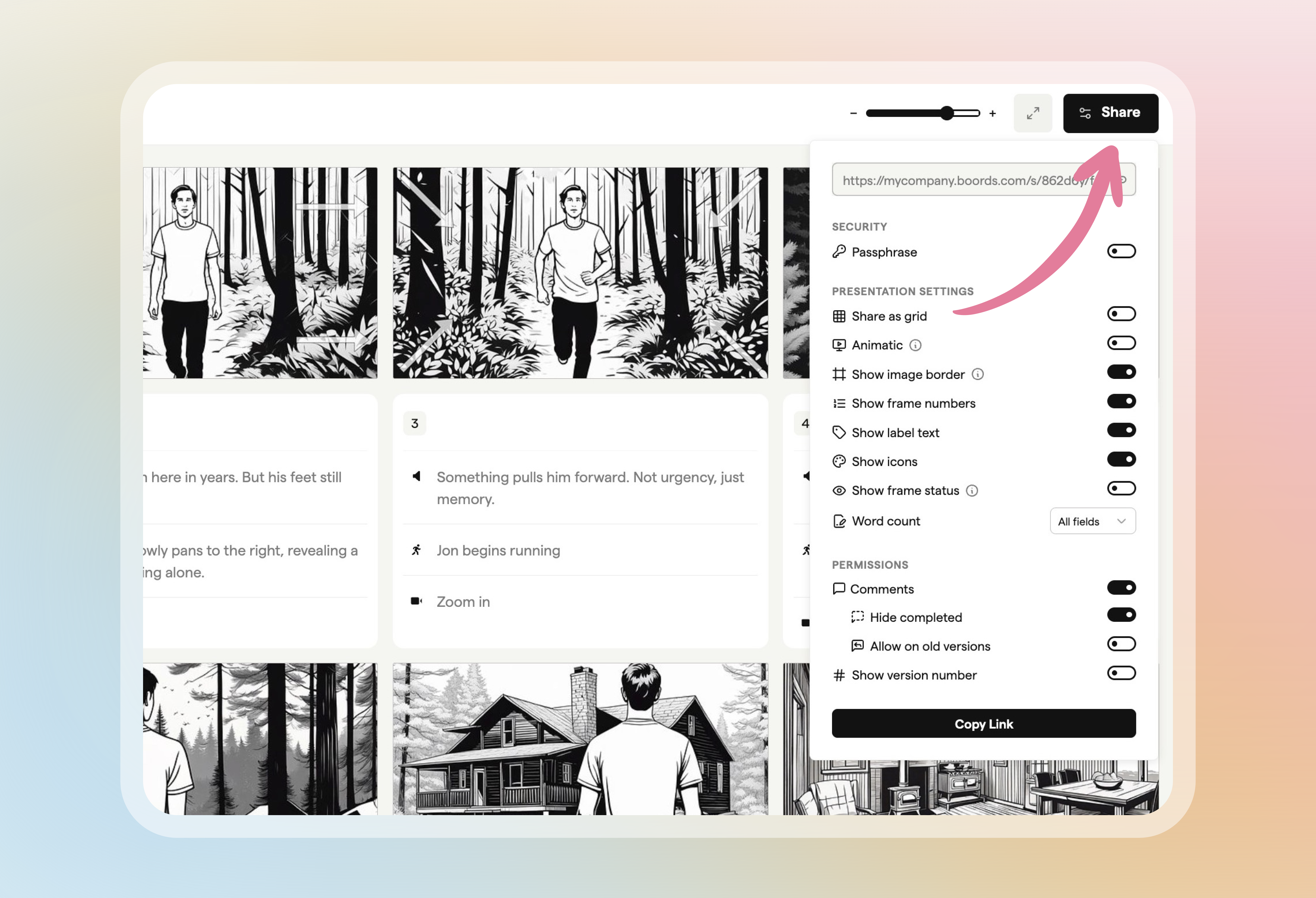
From there you can:
- Copy the link
- Add a password
- Turn comments on or off
- Choose what viewers see, such as the grid or animatic view, frame numbers and frame status