
New
Get your Boords notifications as Slack DMs
Get mentions, replies and new comments on storyboards you follow as Slack DMs. DMs go only to you and are never posted in channels.
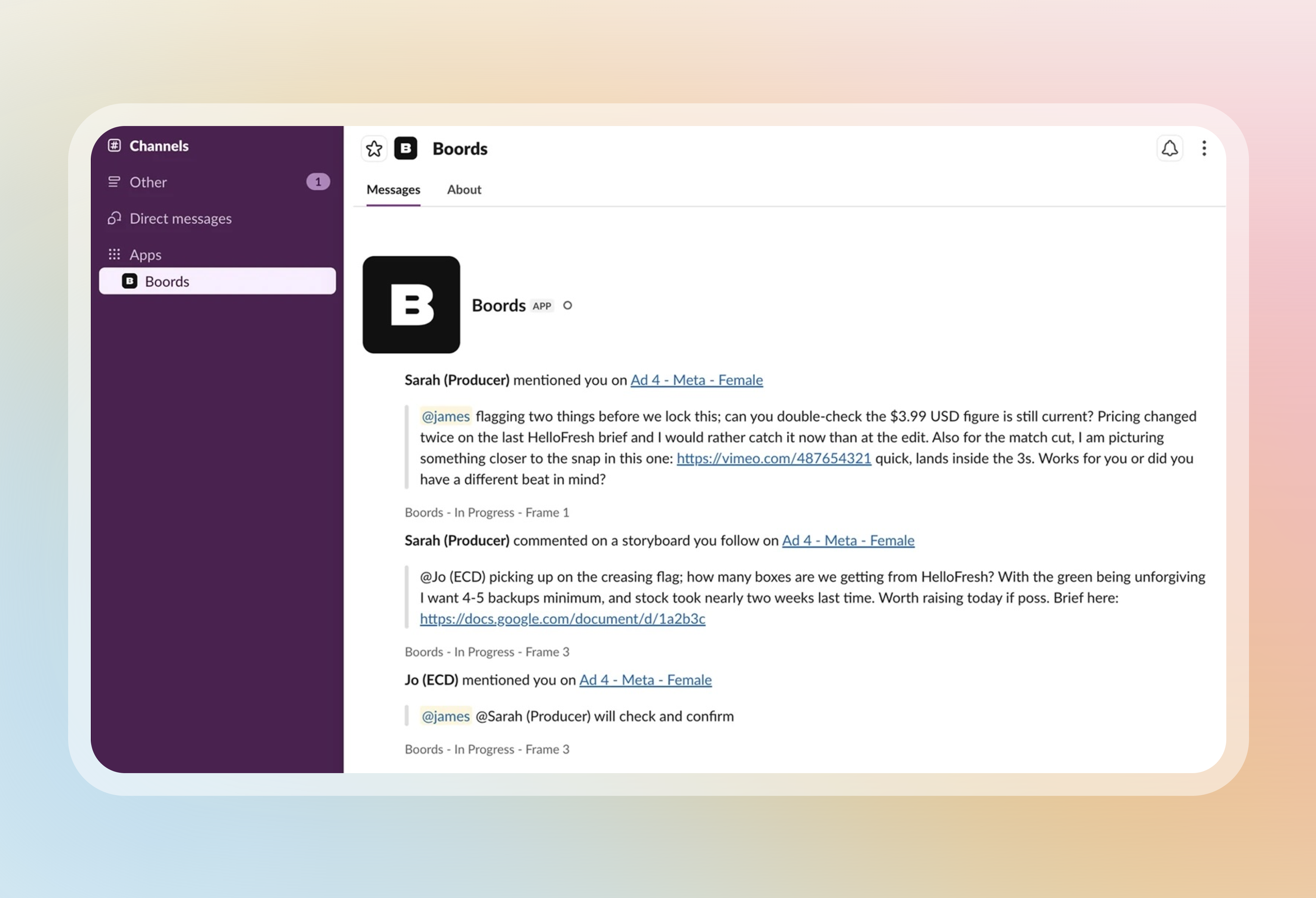
A team Owner or Admin installs the Boords app in your Slack workspace, then each person clicks Connect in Settings > Account > Notifications. You'll also get a DM when a comment is marked complete or reopened.