New
See and filter your whole team's activity
Account owners and admins on paid plans can open Activity in the sidebar to see and filter what's happening across all your team's storyboards and projects.
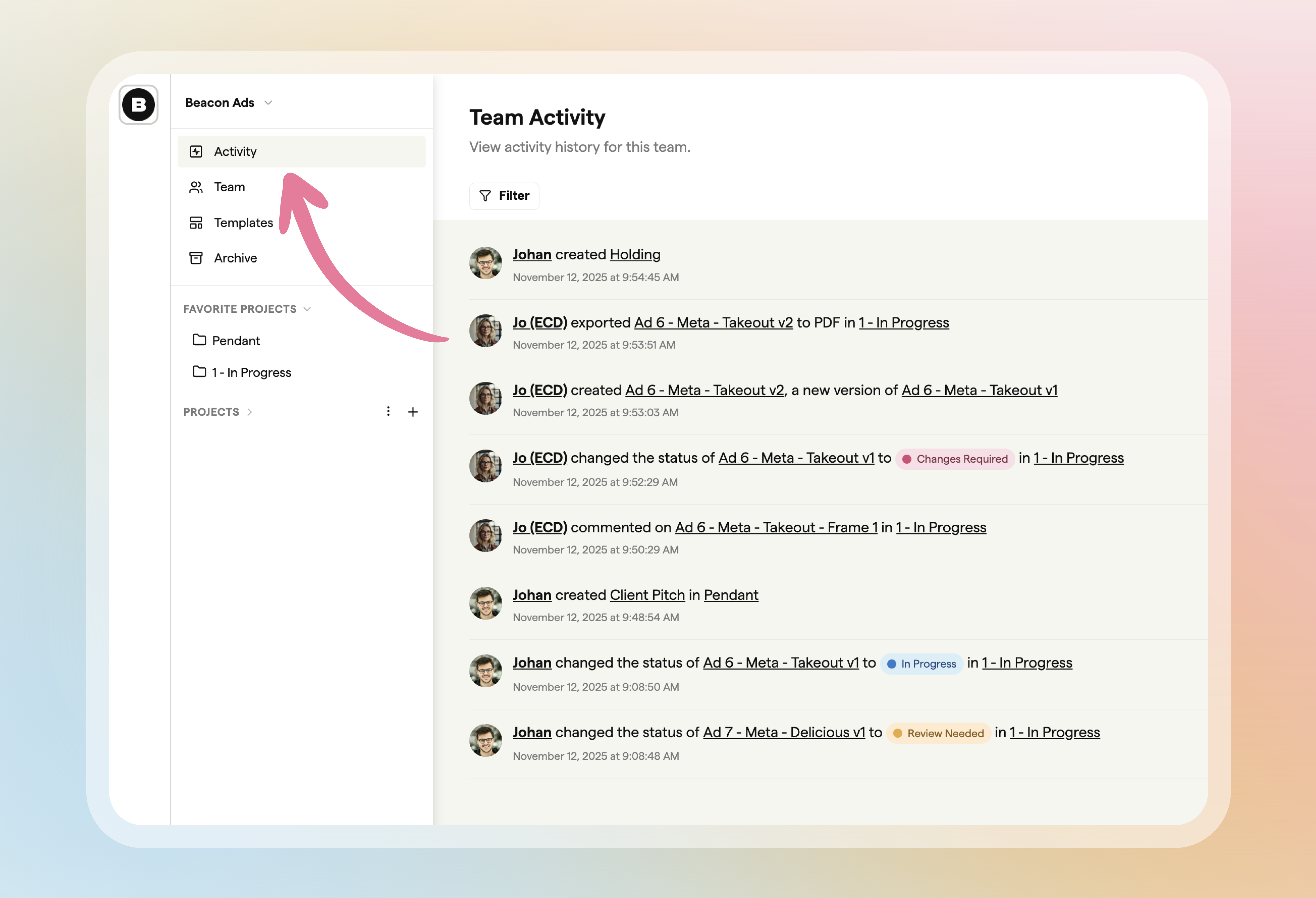
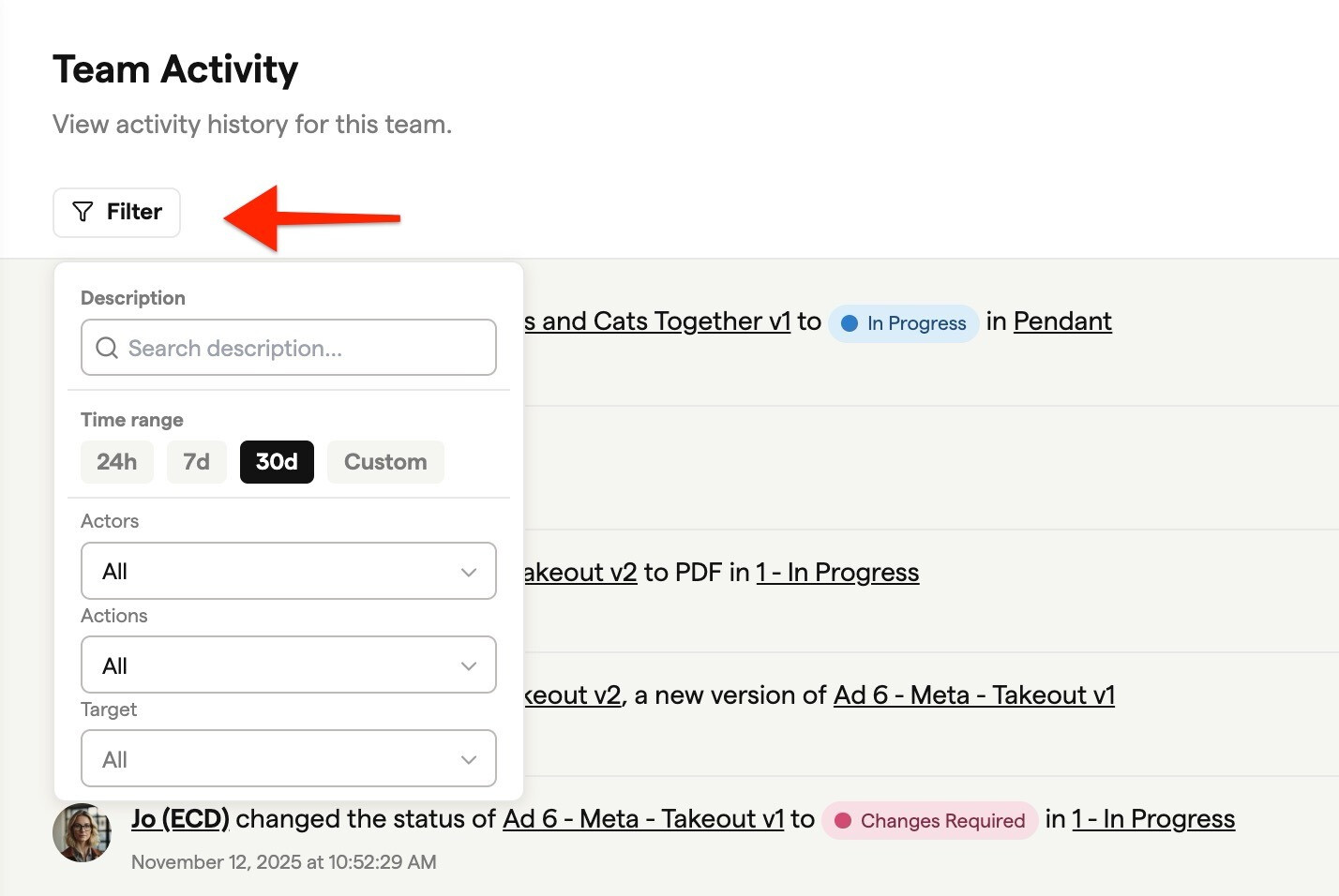
Use the filter bar to find what happened and who did it:
- Search activity descriptions
- Pick a time range: 24 hours, 7 days, 30 days or custom dates
- Filter by teammate or guest, by action, or by what changed
The log also records when someone marks a comment complete or reopens it.