New
Keep your team's characters, locations and props in one Asset Library
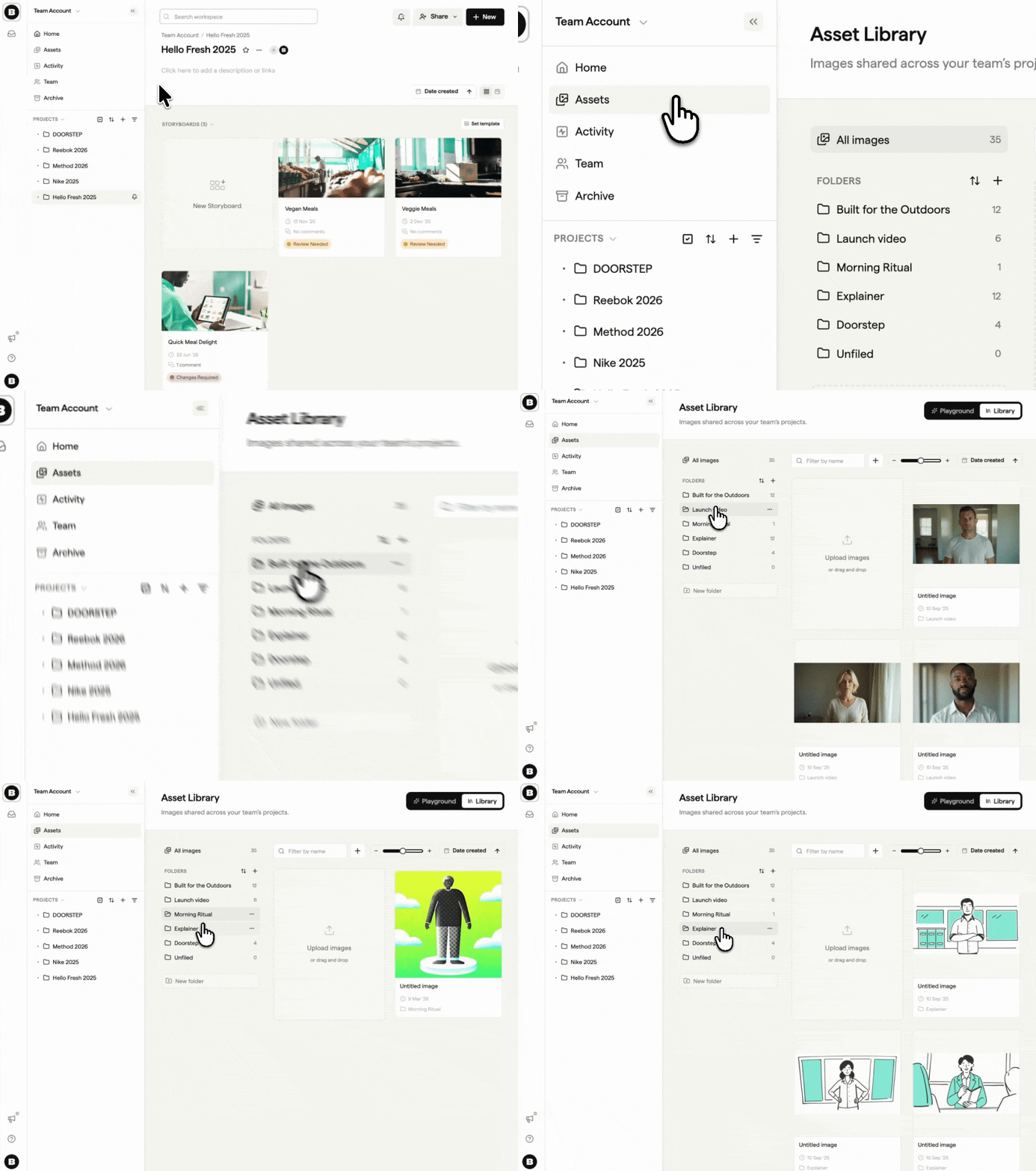
The Asset Library gives your whole team one place for the images you reuse across projects. Click Assets in the left sidebar of your dashboard to open it.
- Upload images, sort them into folders and select several at once
- Click Add from project to move a project's images into the library so every project can use them
- Create a new folder straight from the Move dialog
- In a storyboard, the sidebar lists team assets and project assets separately