New
Use @mentions to add Asset Library images to your prompts
Type @ in Generate, Playground or Boords Agent and pick a character, location or prop from your Asset Library to use it as a reference for the image.
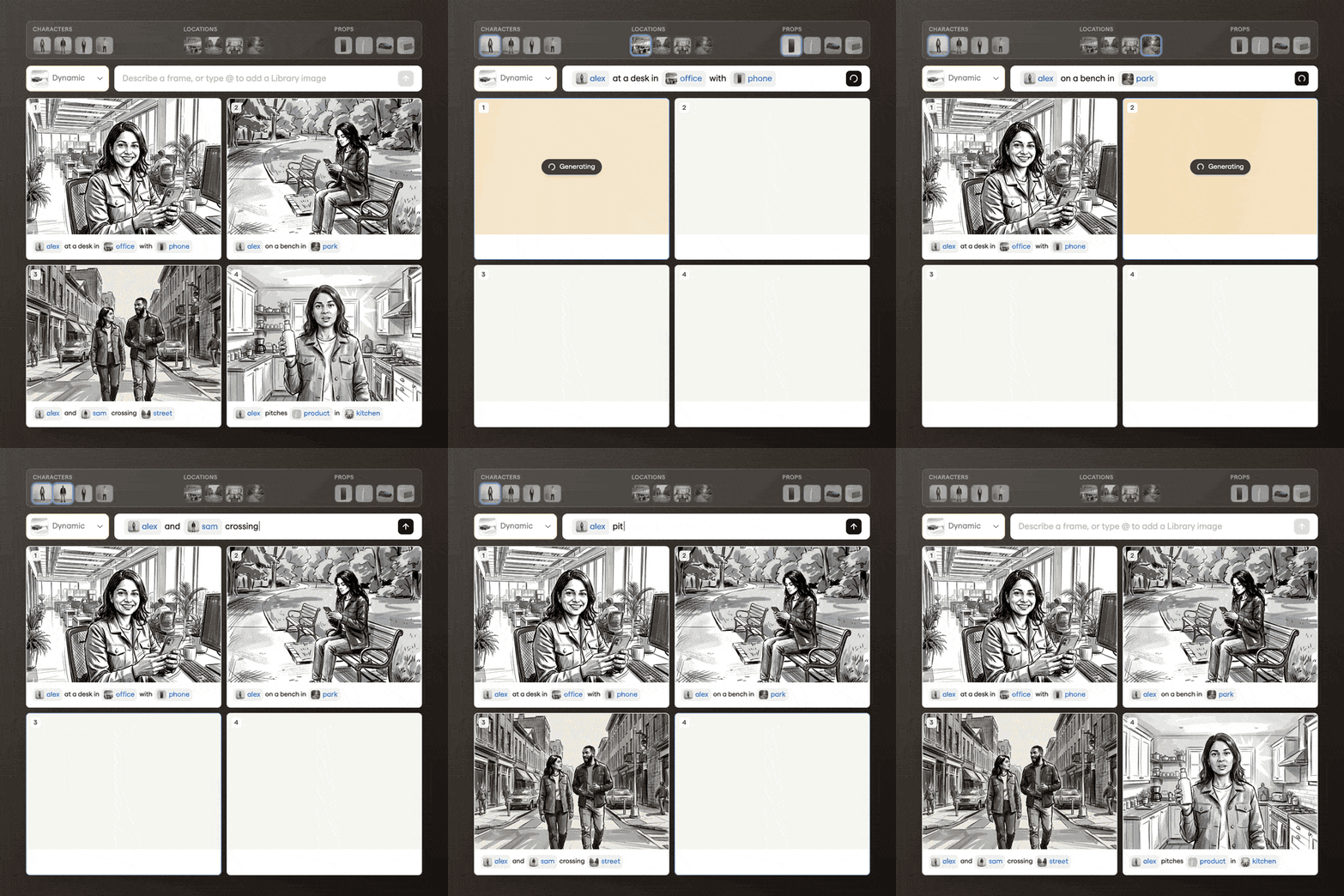
Named images in your team's Asset Library have a mention tag, such as @alex or @office.
- Combine up to four references in one prompt, for example "Show @alex holding @box in @office"
- Rename an image in the Asset Library to change its tag