


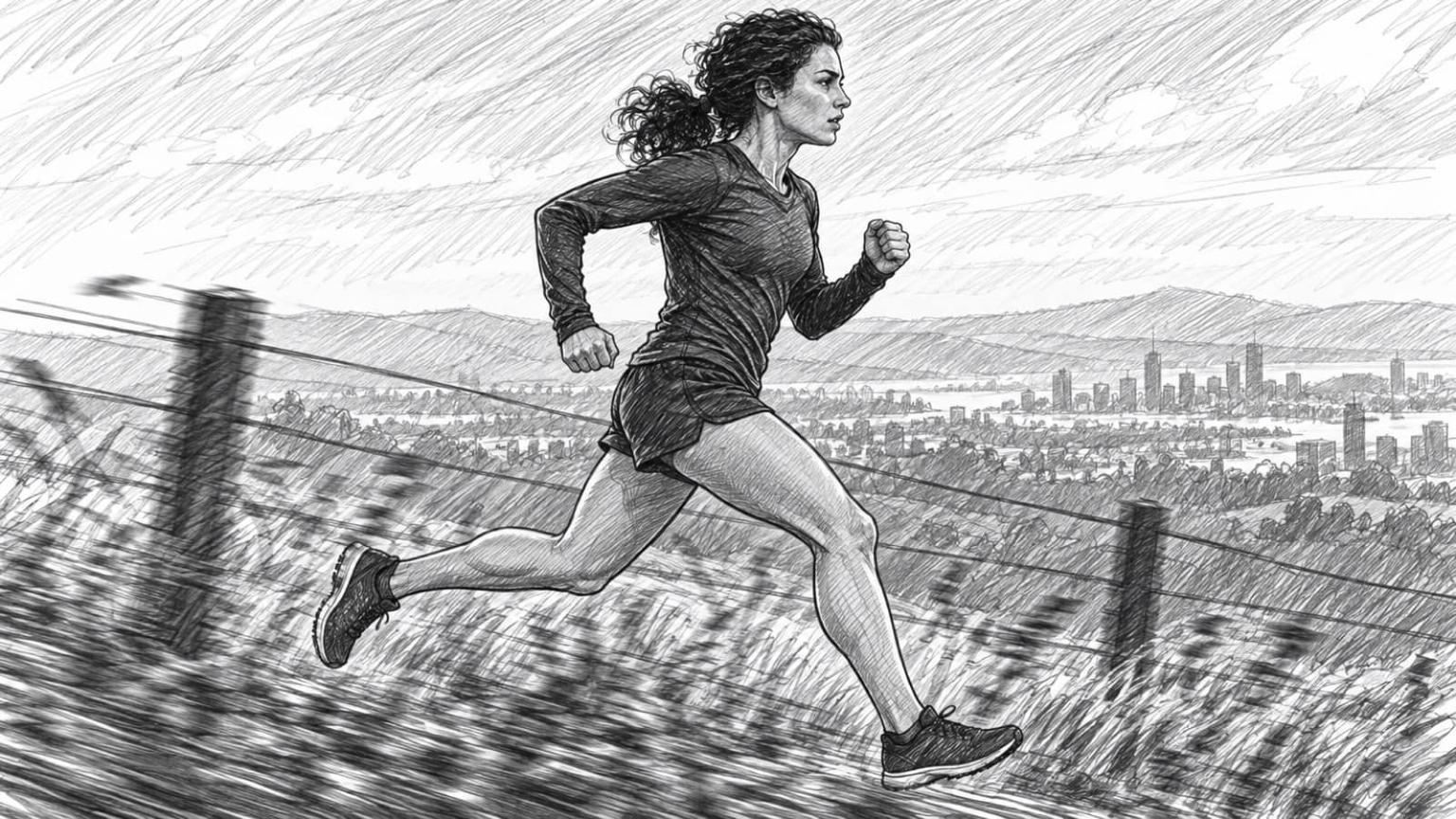
ChatGPT drafts the change. You click Apply.

Add Boords to ChatGPT and your scripts and storyboards open in a Boords panel beside the chat. Select what to work on, check the exact before and after, then apply it or throw it away.

Included on every Boords plan, including Free.

Your board, open beside the chat

Ask ChatGPT to open a script or storyboard and it appears in a Boords panel next to the conversation. Select the frames or lines you mean, and every proposed edit waits there for your decision.

BoordsOpen First Light in the Boords panel.

Here’s First Light (30s) from Halo Trail launch: 8 frames, 30 seconds. Select the frames you want to work on and tell me what to change.

Frames 2 and 3 run long. What would you cut?

Frame 2 has three beats in one line of voiceover. Keeping “Just you and the cold” and losing the finish line would bring it under four seconds.

First Light (30s)

Halo Trail launch · Open in Boords

2 frames selected for ChatGPTClear
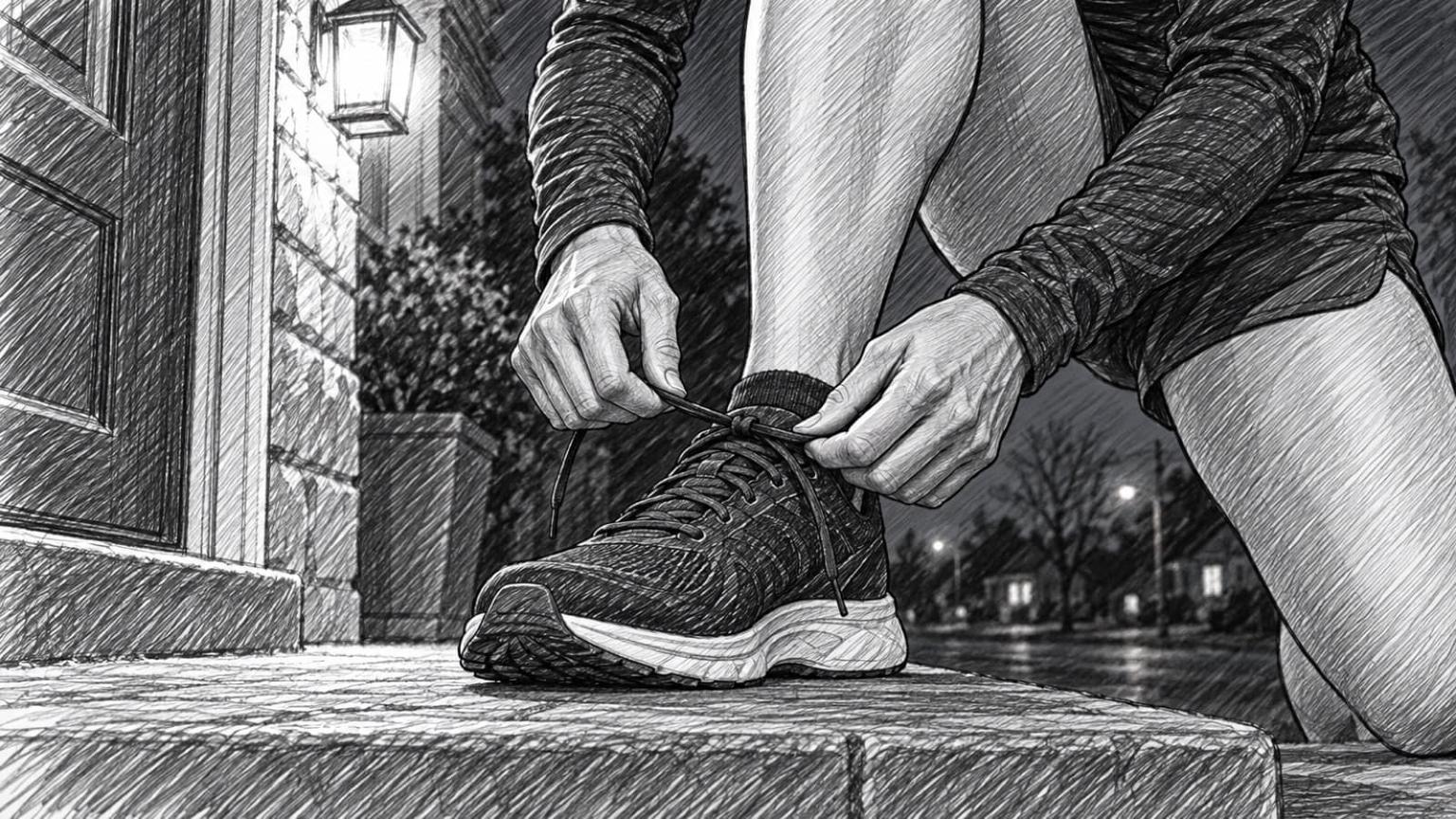
  • 1Laces

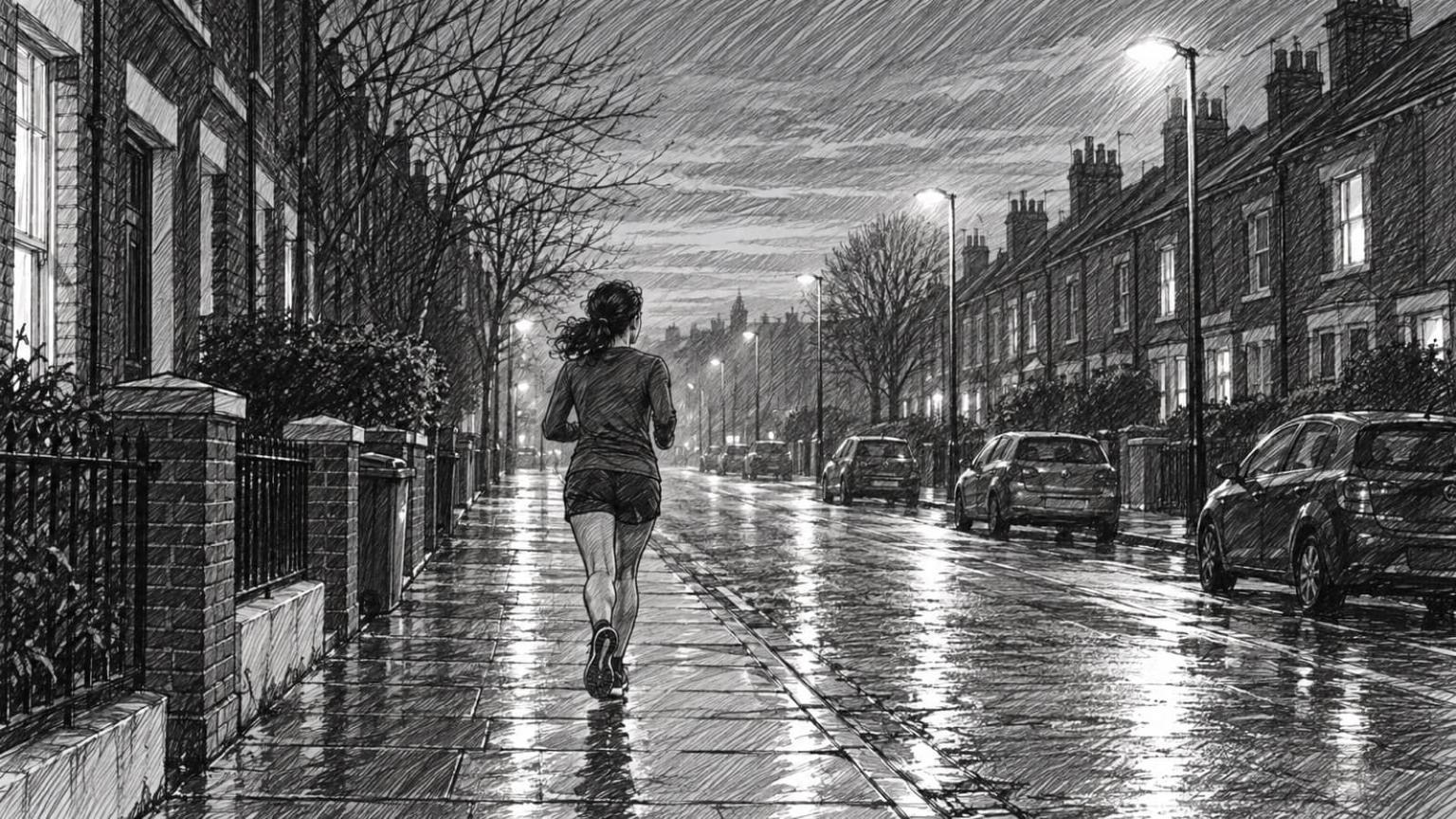
  • 2Empty street

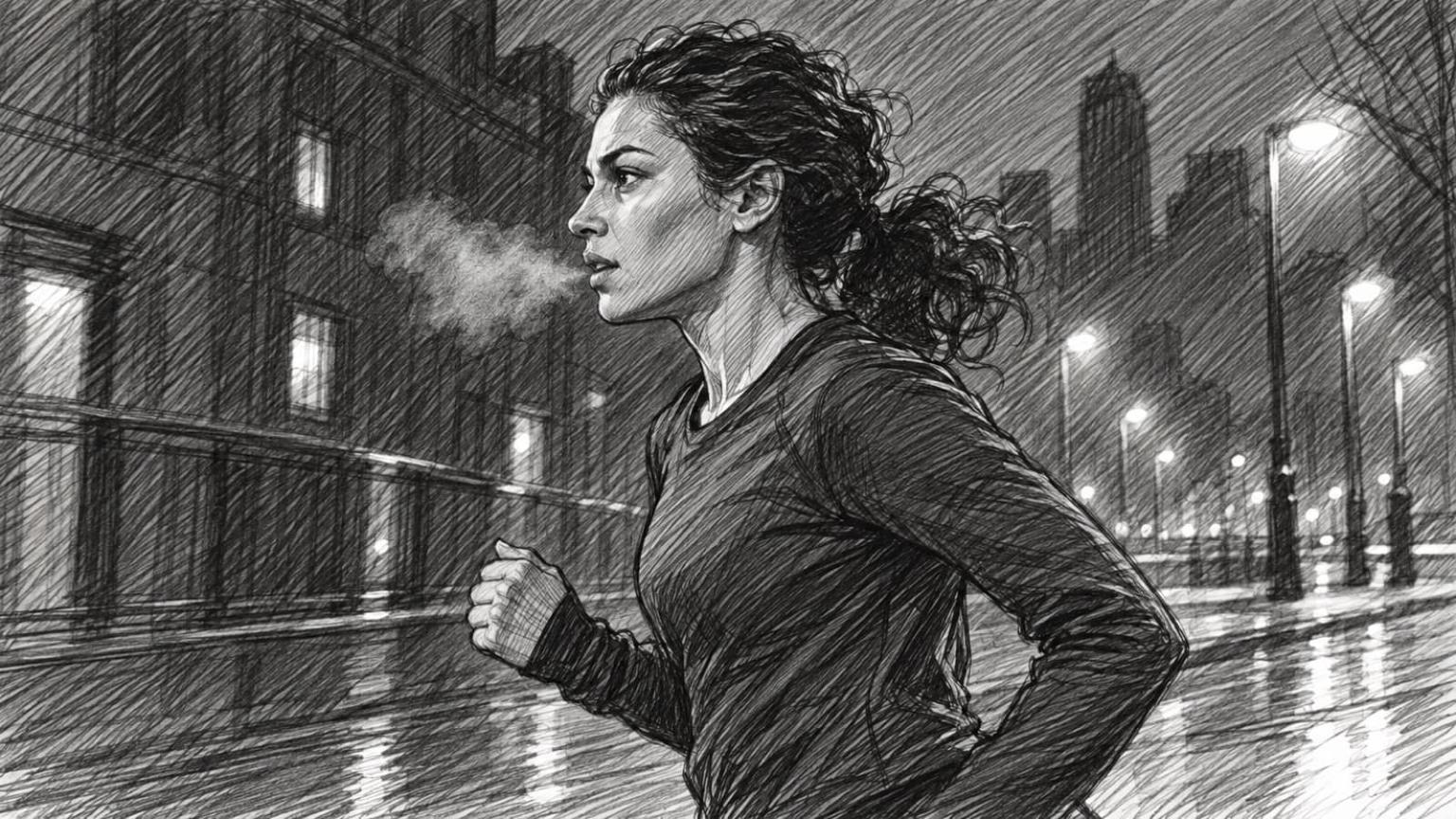
  • 3Breath

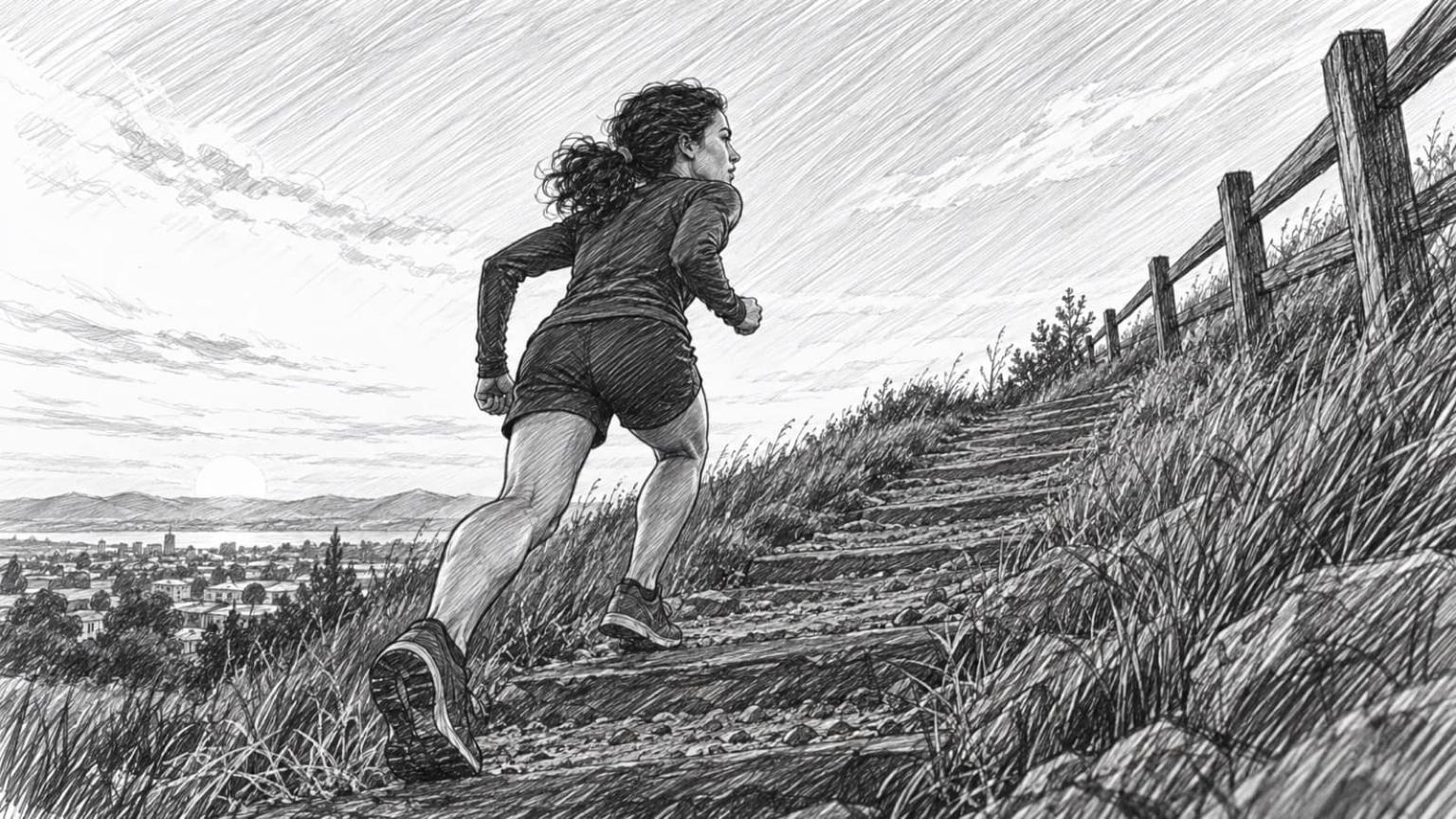
  • 4Shoe strike

Show all 8 frames

Find your work
Browse teams, projects, scripts and storyboards without leaving the chat.
Point at what you mean
Select frames, or a passage of a script, and ChatGPT works on exactly that.
See the exact change
Each proposed edit shows the before and after, step by step.
Apply or discard
Nothing is saved until you click Apply. Discard throws the proposal away.
Undo in place
Changed your mind after applying? Undo it from the same panel.
Read client feedback
Open a frame's comments, with the author and any drawing shown over the frame for you to see.

Three things to ask

Type @Boords in a ChatGPT chat, then paste a prompt. The first two prepare changes for you to apply. The third only reads.

  • Rewrite only the lines you select

    Open a script in the Boords panel and select a passage. ChatGPT proposes a rewrite of just those words, and you apply or undo it in place.

    Prompt

    I've selected a line of voiceover in the Boords panel. Make it punchier and under eight words, and keep the rest of the script as it is.

    Applying needs an Owner, Admin or Full access role.
  • Turn a client comment into a fix you approve

    ChatGPT reads the written comment on a frame, explains what the client is asking for, and prepares the frame text change for you to apply. The image stays as it is.

    Prompt

    Open the latest client comment on my storyboard in Boords and prepare the frame change they're asking for. Use only what they wrote.

    Reading comments needs an Owner or Admin role.

  • What's waiting on me?

    Start the day with your unread Boords mentions, replies and comment updates in one list, each with a link to the comment. Nothing changes in Boords.

    Prompt

    What's waiting on me in Boords? List my unread notifications, newest first, with who sent each one and which frame it's on. Don't mark anything as read.

Add Boords to ChatGPT once

Boords is not listed in ChatGPT’s app directory, so you add it as a custom MCP server with one URL. Which ChatGPT plans can do that is up to OpenAI, so check their current rules.

  1. Step 1: Add a custom MCP server

    In ChatGPT on the web, open Plugins, select the plus button, then Add custom MCP server. Name it Boords.
    Open ChatGPT Plugins
  2. Step 2: Connect it to Boords

    Paste the server URL under Connection and choose OAuth. Tick I understand and want to continue, select Create as a plugin, then sign in to Boords and approve access.
  3. Step 3: Type @Boords

    In a chat, type @ and pick Boords. Mention it in each message that needs Boords, such as ‘@Boords open my latest storyboard’.

Boords server URL

https://app.boords.com/mcp

On ChatGPT Business, Enterprise or Edu

  • A workspace admin or owner adds Boords once and publishes it for the workspace. On Enterprise and Edu, admins can also let chosen members create plugins.
  • Everyone then signs in with their own Boords account, so each person keeps their own Boords role.

Good to know

How changes are saved, who can make them, and what stays in the Boords app.

Direct changes
Reordering frames and adding comments save as soon as you ask, without a proposal. ChatGPT may ask you to confirm first.
Roles
Applying changes needs an Owner, Admin or Full access role, and comments need Owner or Admin. Restricted members and guests can browse and read.
Drawn notes
Explain this feedback sends ChatGPT the written comment, not the drawing. ChatGPT can look at the frame's original image, so if the change depends on the drawing, describe it in words.
Formatting
Proposed script edits are plain text. Bold, lists and other formatting are done in Boords.
Undo
Undo works until someone edits the script or frames again. A new storyboard can't be undone, so archive it in Boords if you don't want it.
Image generation
ChatGPT attaches existing images to frames. Generating and restyling images happens in Boords.

Claude or ChatGPT?

Both use the same Boords server, with your own Boords account and role. Pick the one your team already works in.

Claude
One click from Claude's connector directory. Works in claude.ai, Claude Desktop and Claude Code.
ChatGPT
A custom MCP server you add with one URL. Works in ChatGPT on the web.

Frequently asked questions

Try it on your next round of client notes

Add Boords to ChatGPT once, on any Boords plan including Free. Every proposed edit waits in the Boords panel until you apply it.