01
Add your script or brief
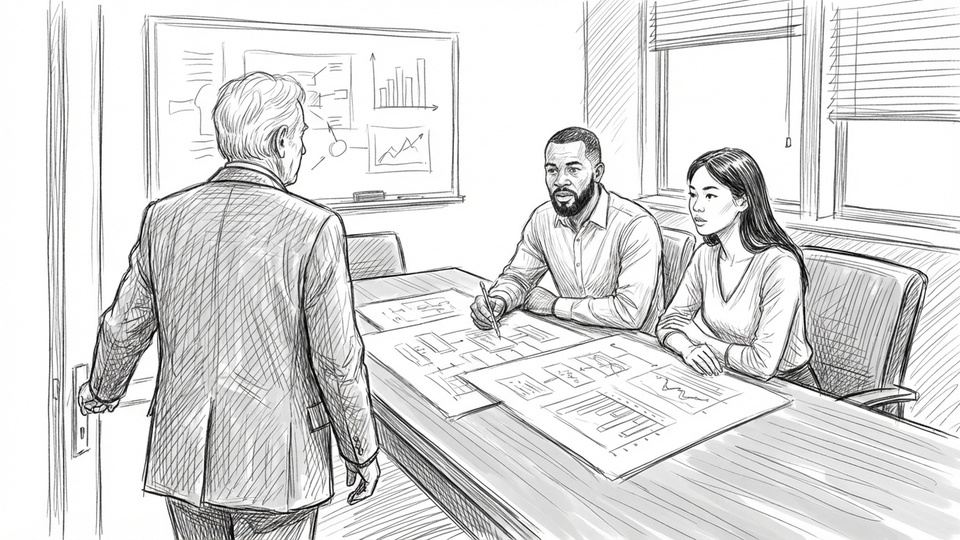
Paste a screenplay, treatment, or client brief and Boords breaks it into structured scenes and storyboard frames automatically.

Turn scripts or prompts into client-ready storyboards in minutes. Keep your cast and locations consistent across scenes, refine individual shots, and lock client sign-off in one place.





Paste a screenplay, treatment, or client brief and Boords breaks it into structured scenes and storyboard frames automatically.
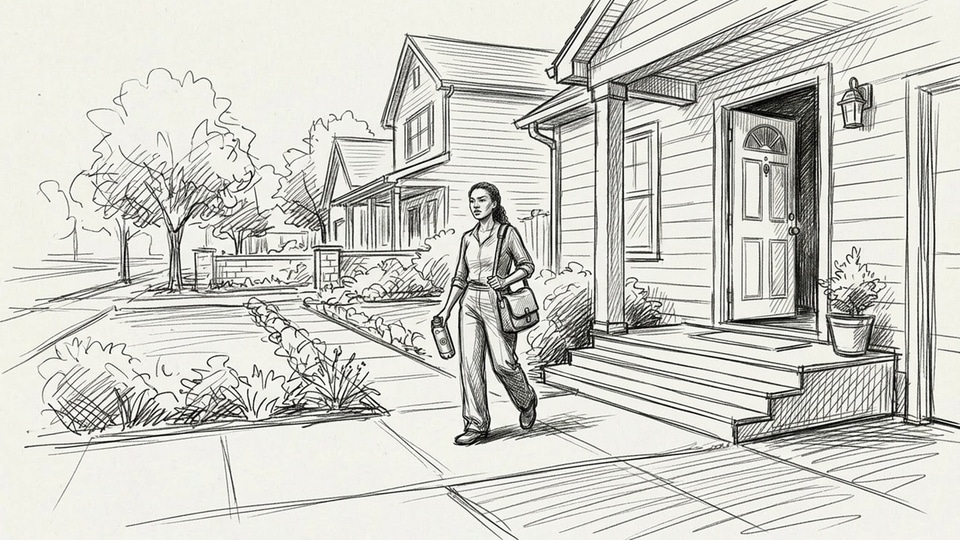
Create frame artwork from text prompts using your saved cast and style, pull from 3M+ stock assets, or upload your own stills.
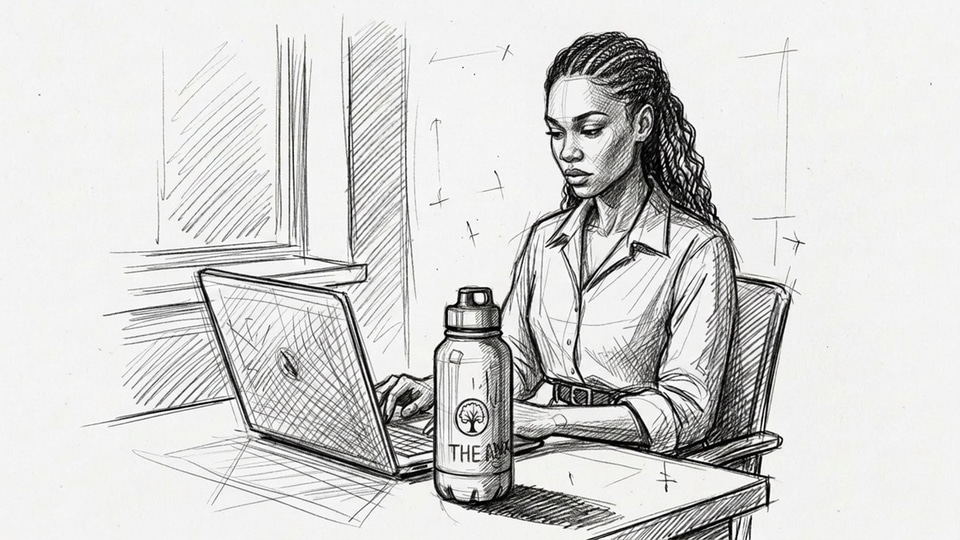
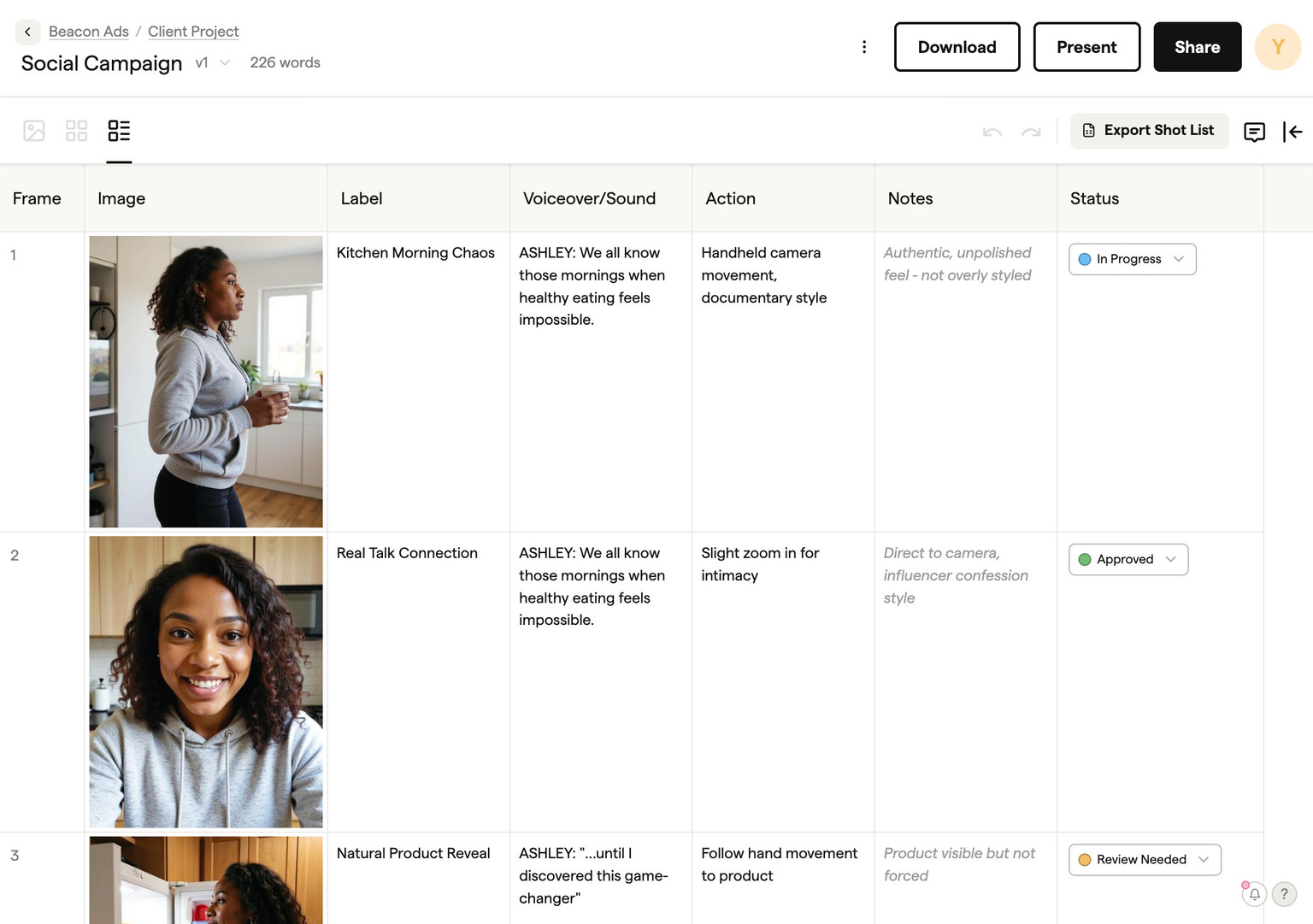
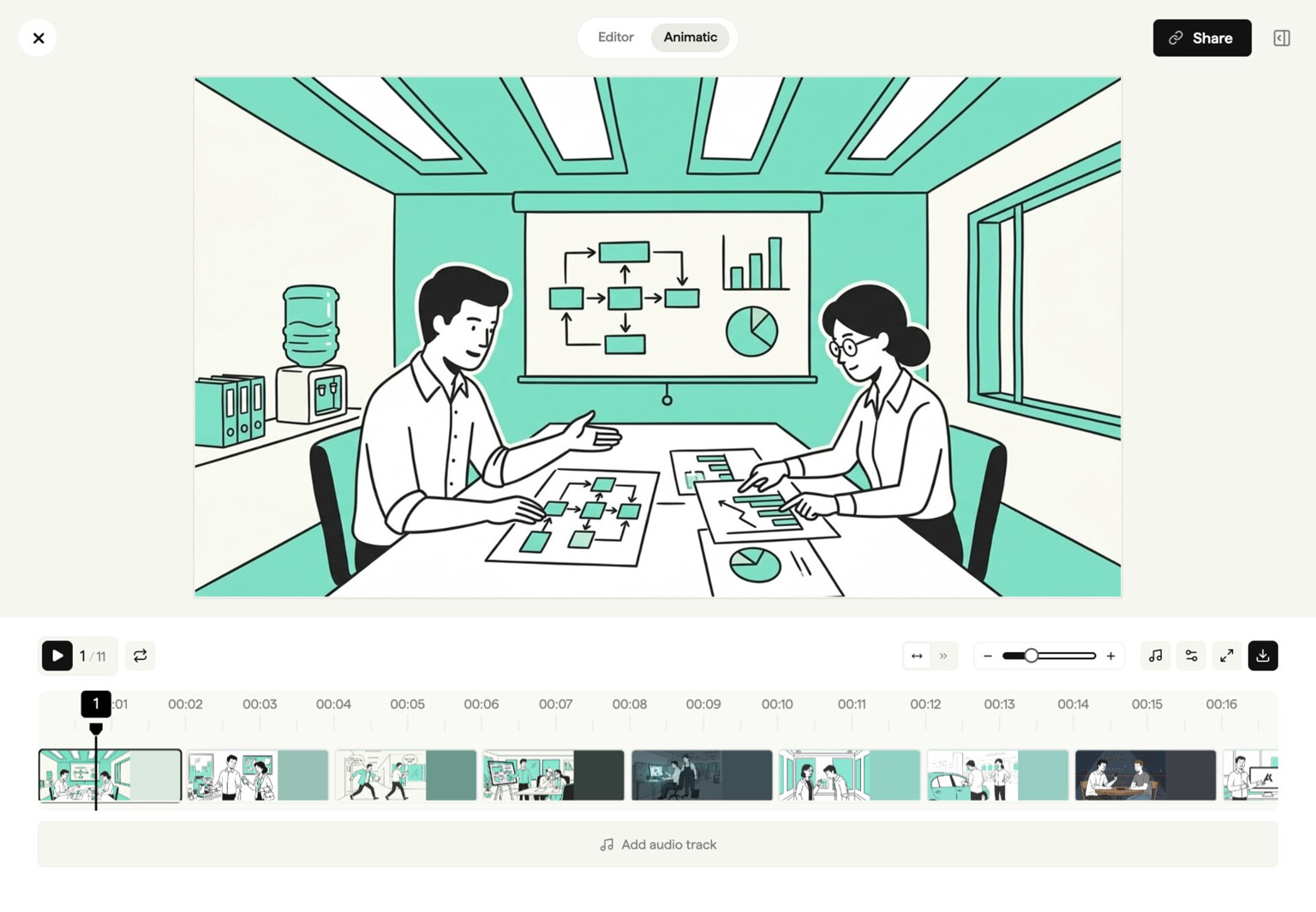
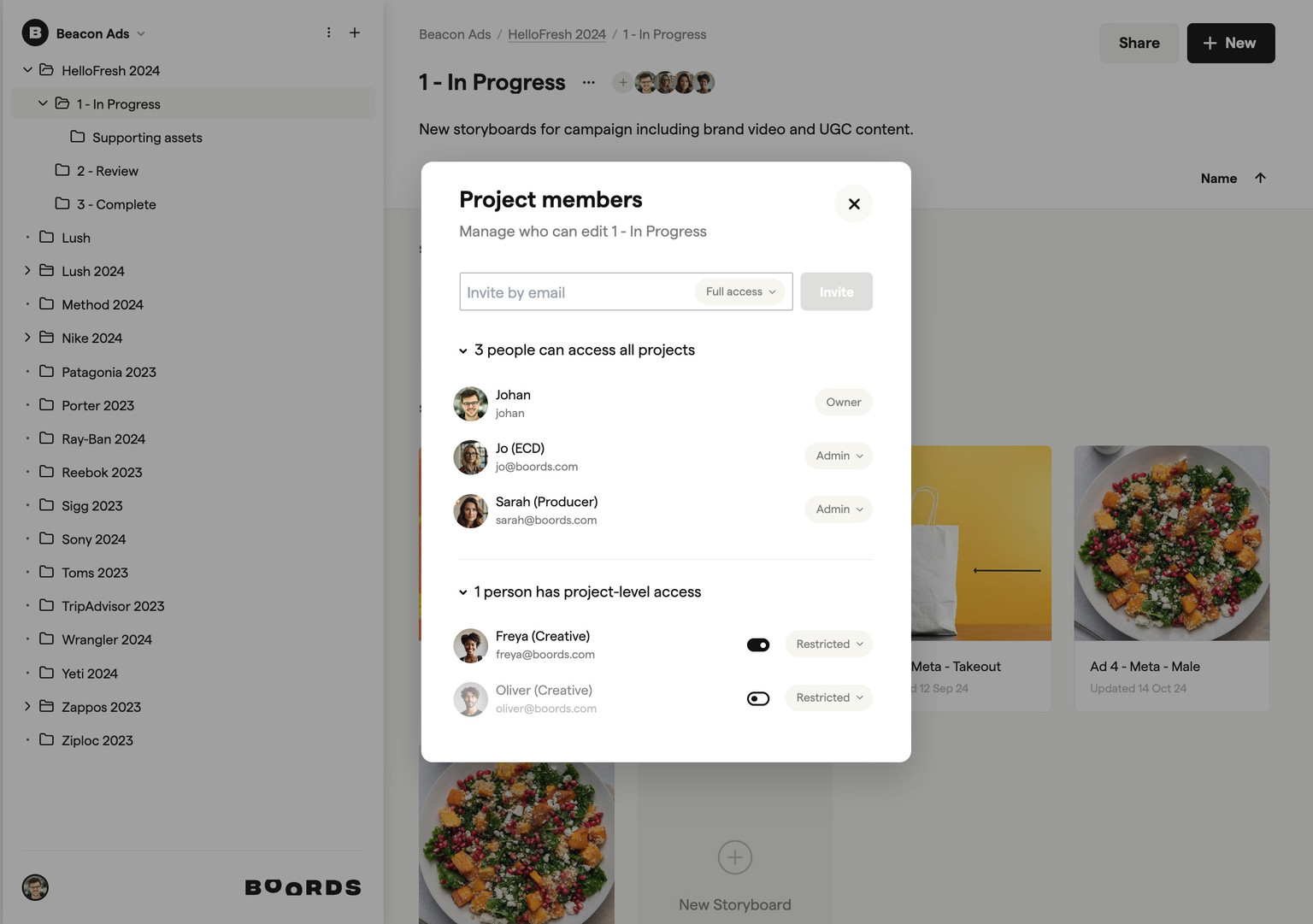
Send a presentation link, collect frame-specific client comments, preview pacing as an animatic, and lock final approval.
Rebuild their identity in every prompt
Mention the same saved cast by name
Hope separate generations look related
Reuse one visual library across storyboards and projects
Regenerate the image and lose good work
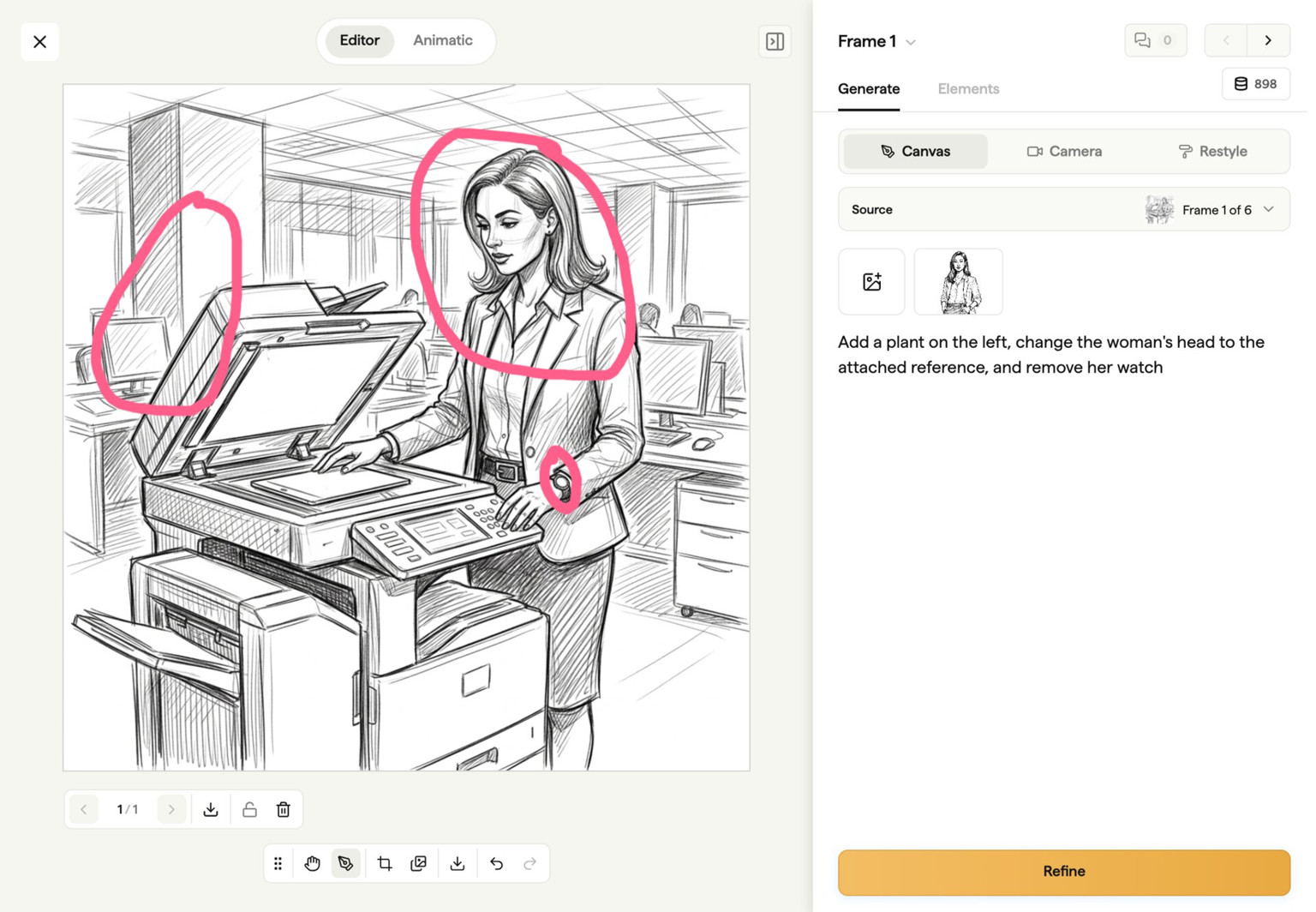
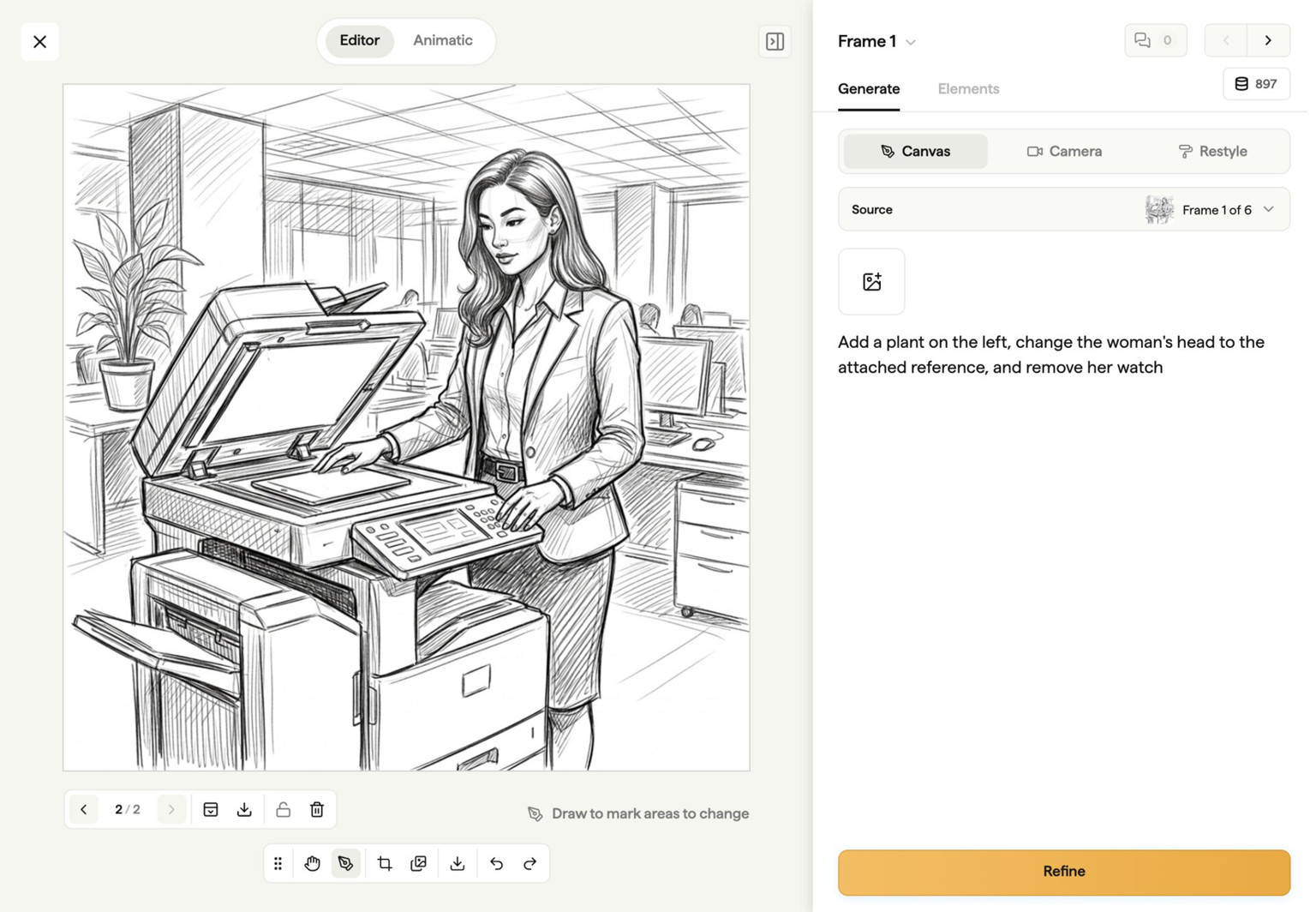
Mark and change only the problem area
Download and assemble frames elsewhere
Generate straight into the storyboard
Translate notes from email or chat
Keep comments attached to the frame
Manage versions and approval by hand
Share, approve, animate and export in place
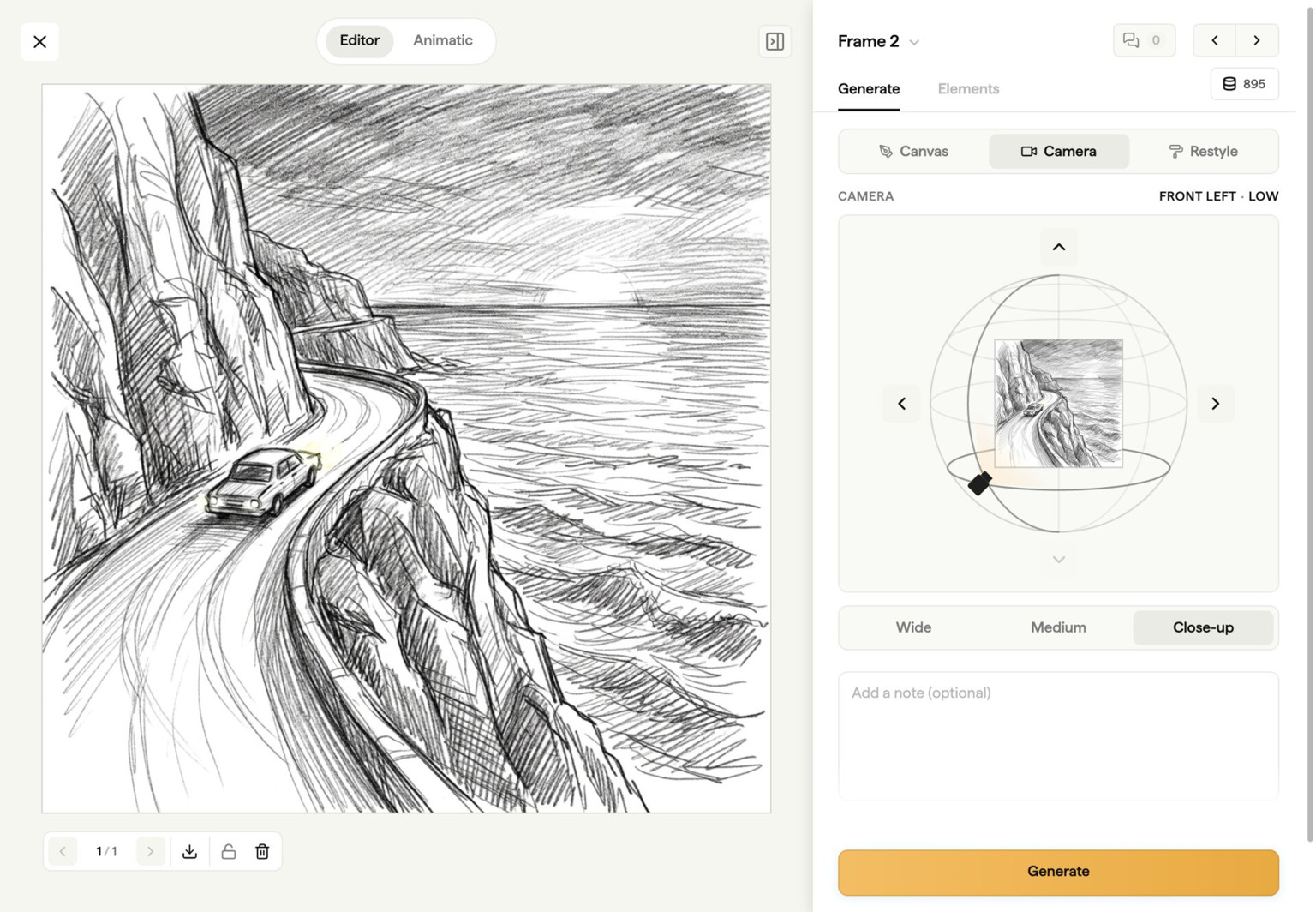
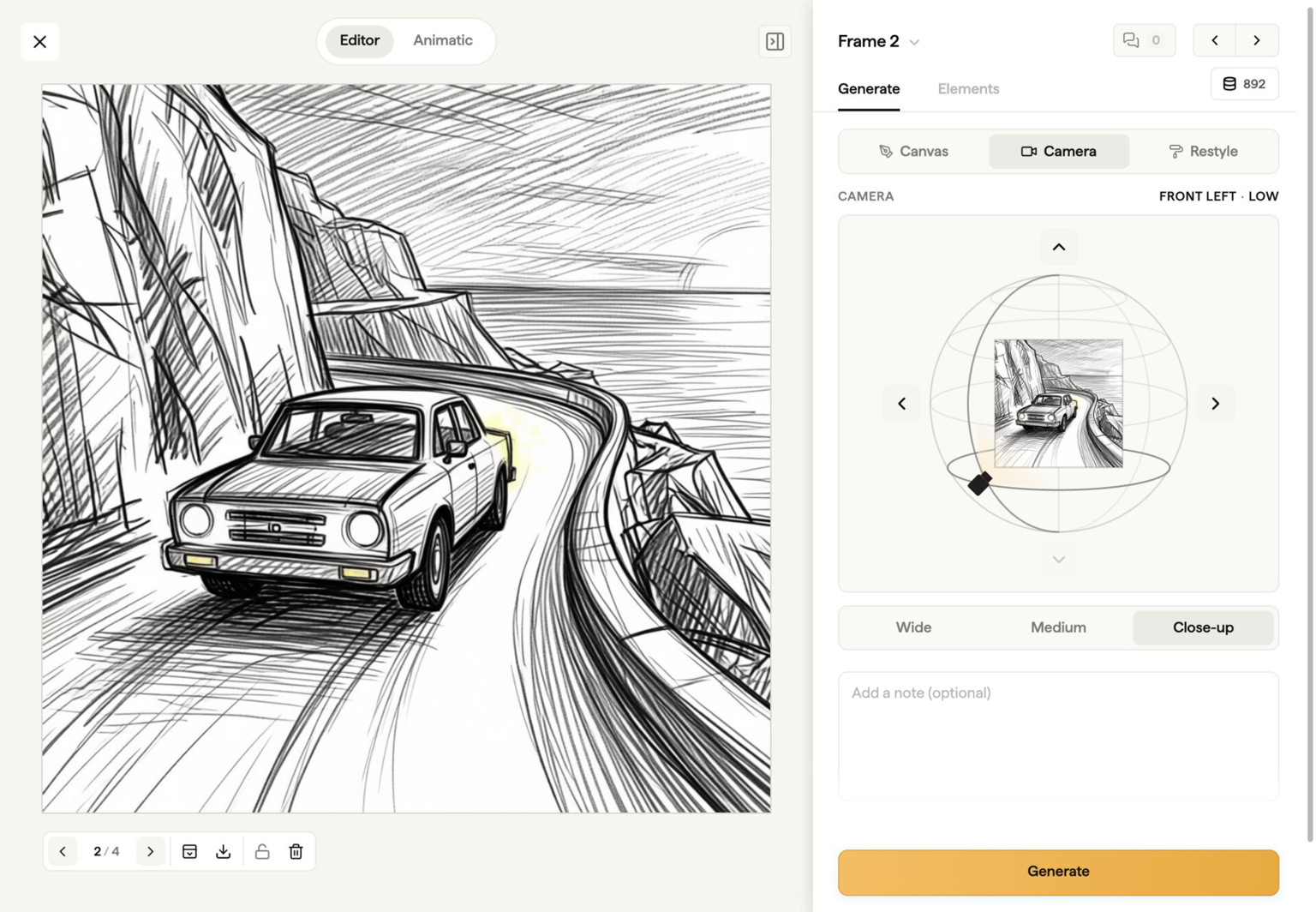













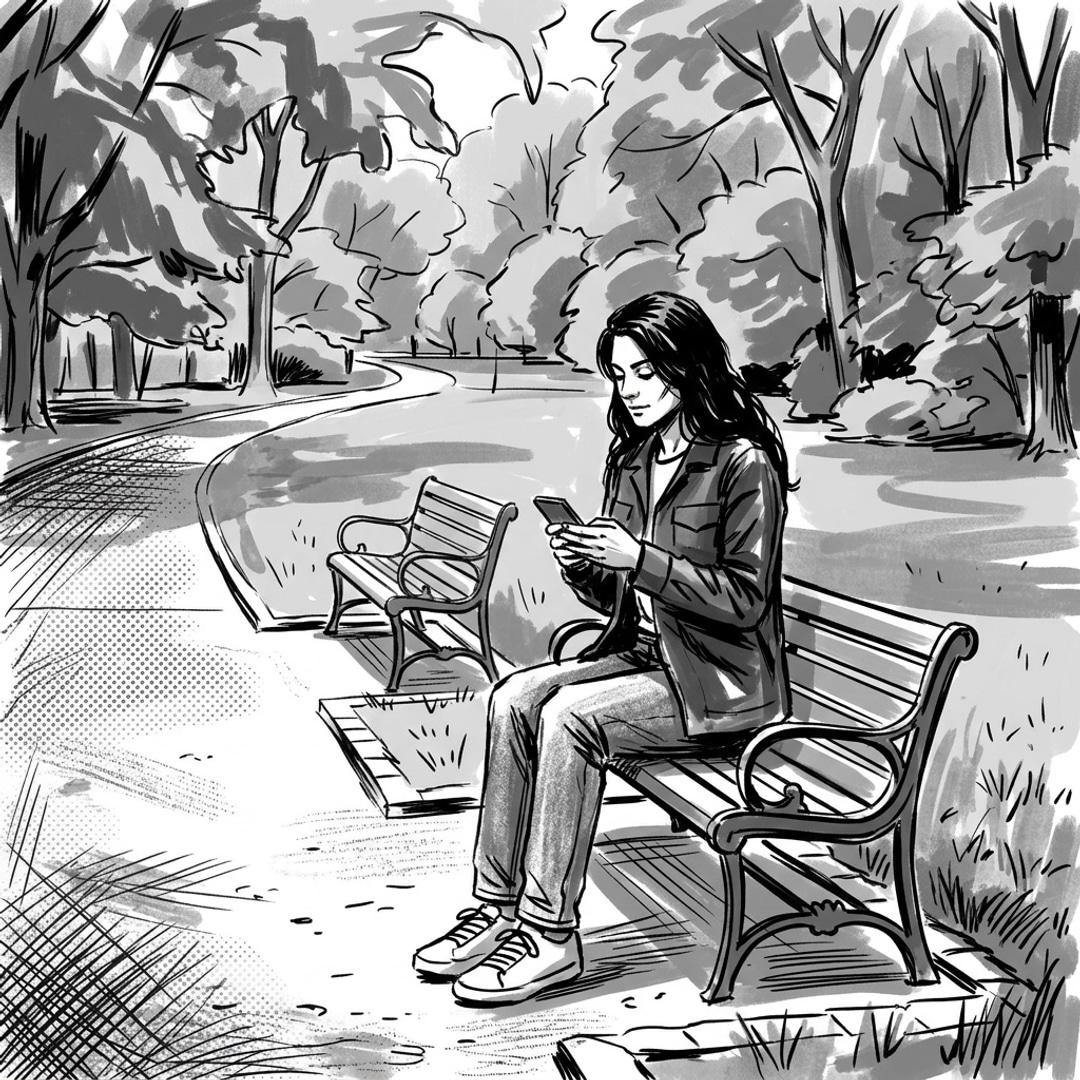

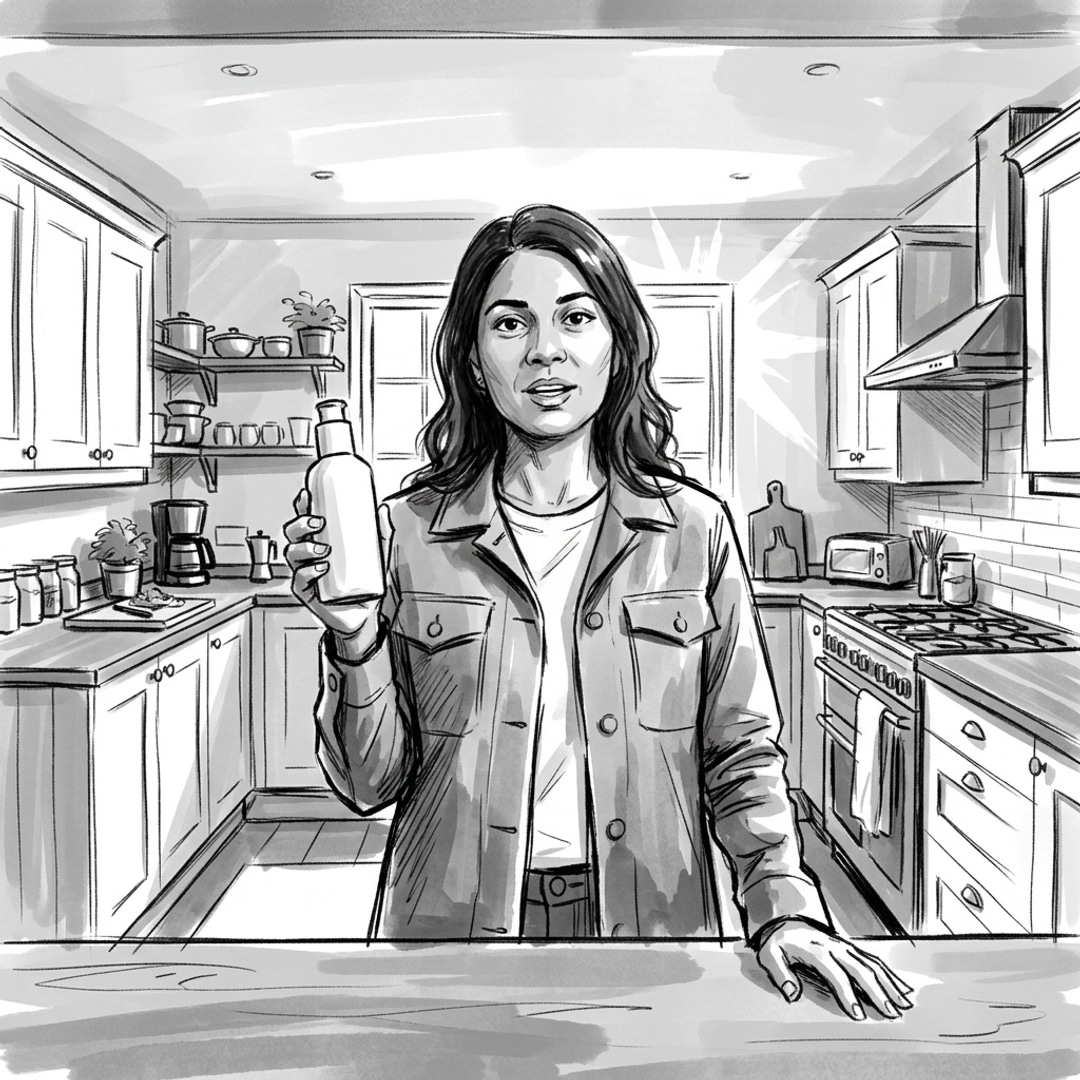
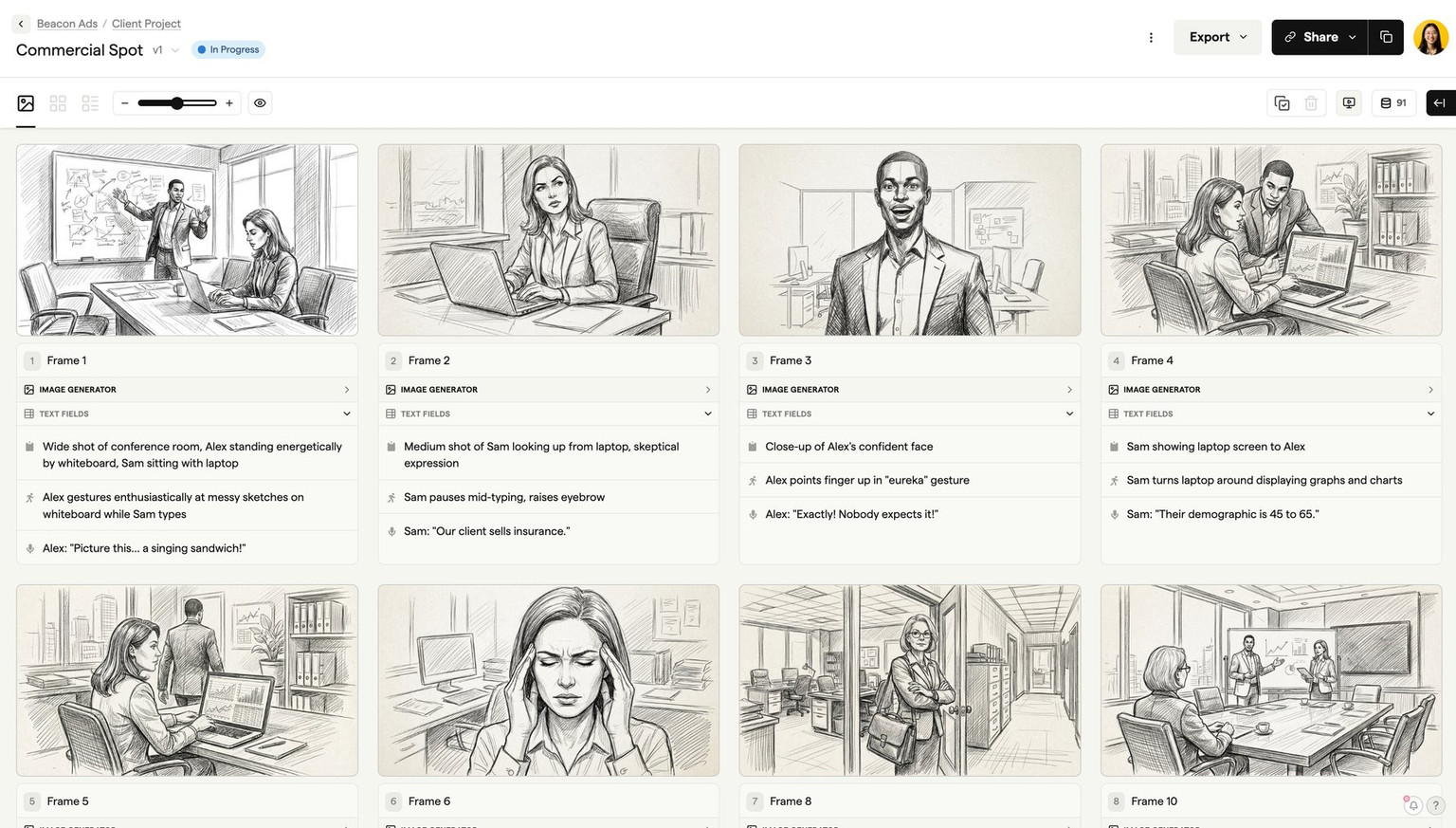
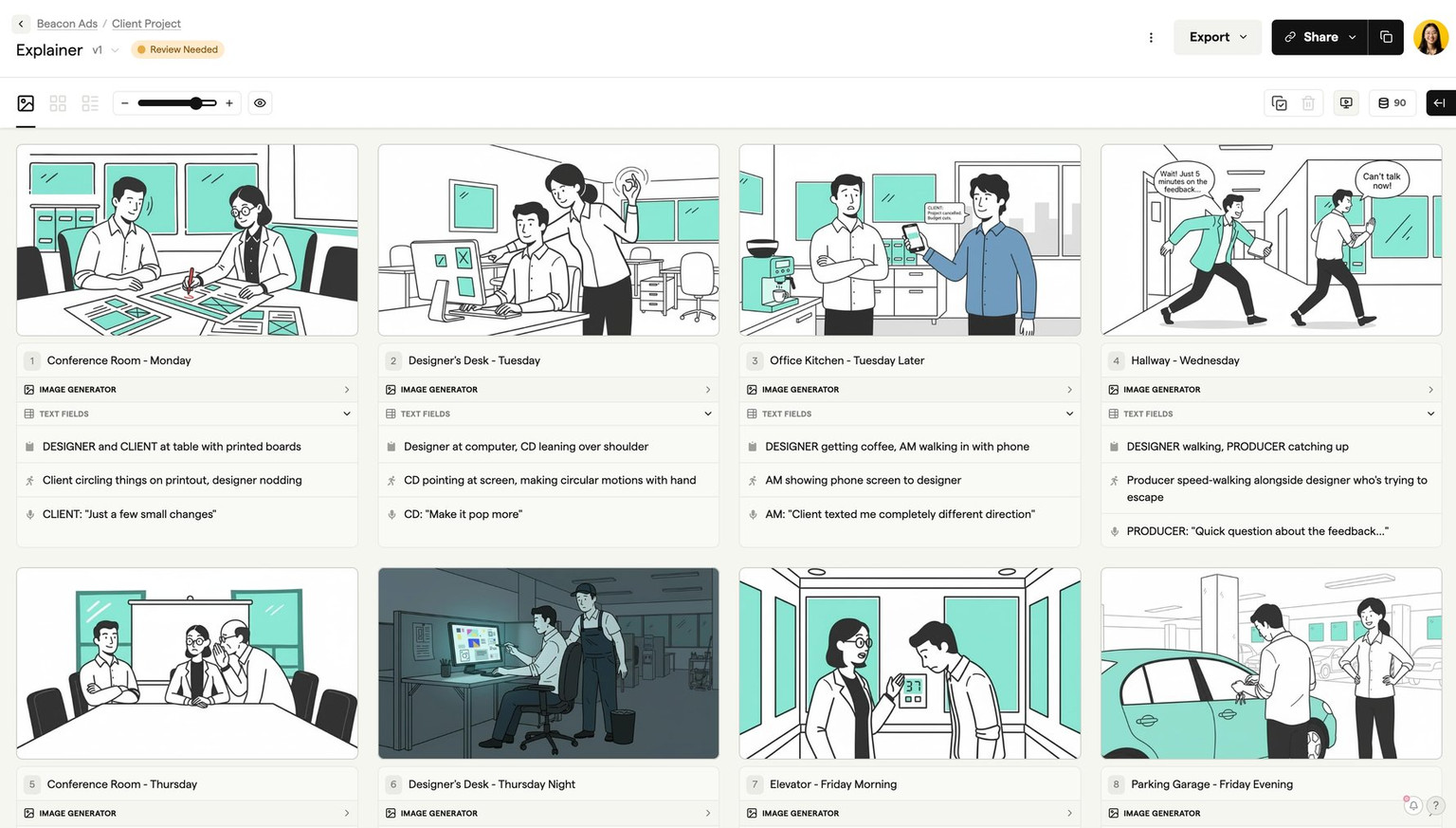
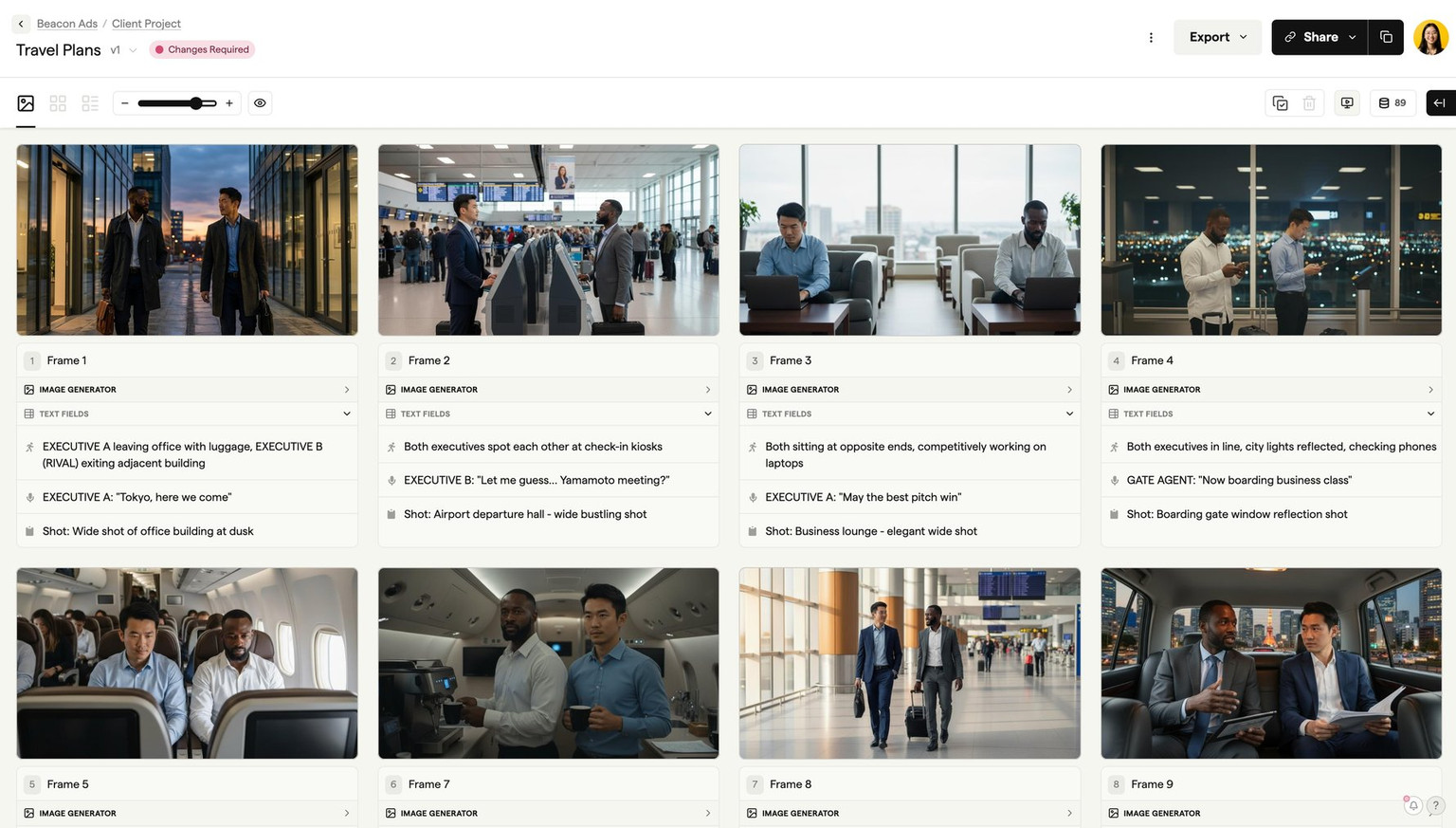
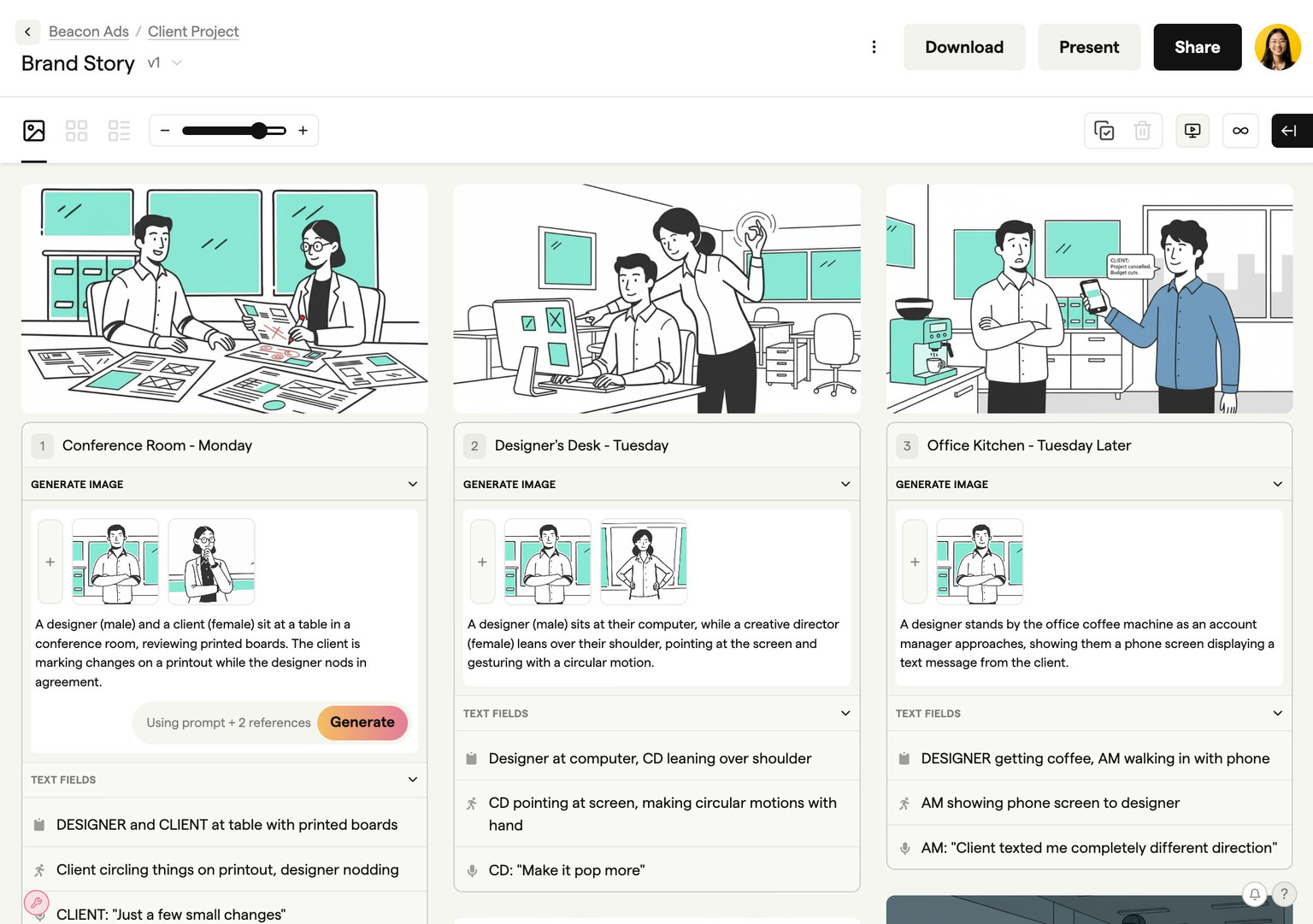
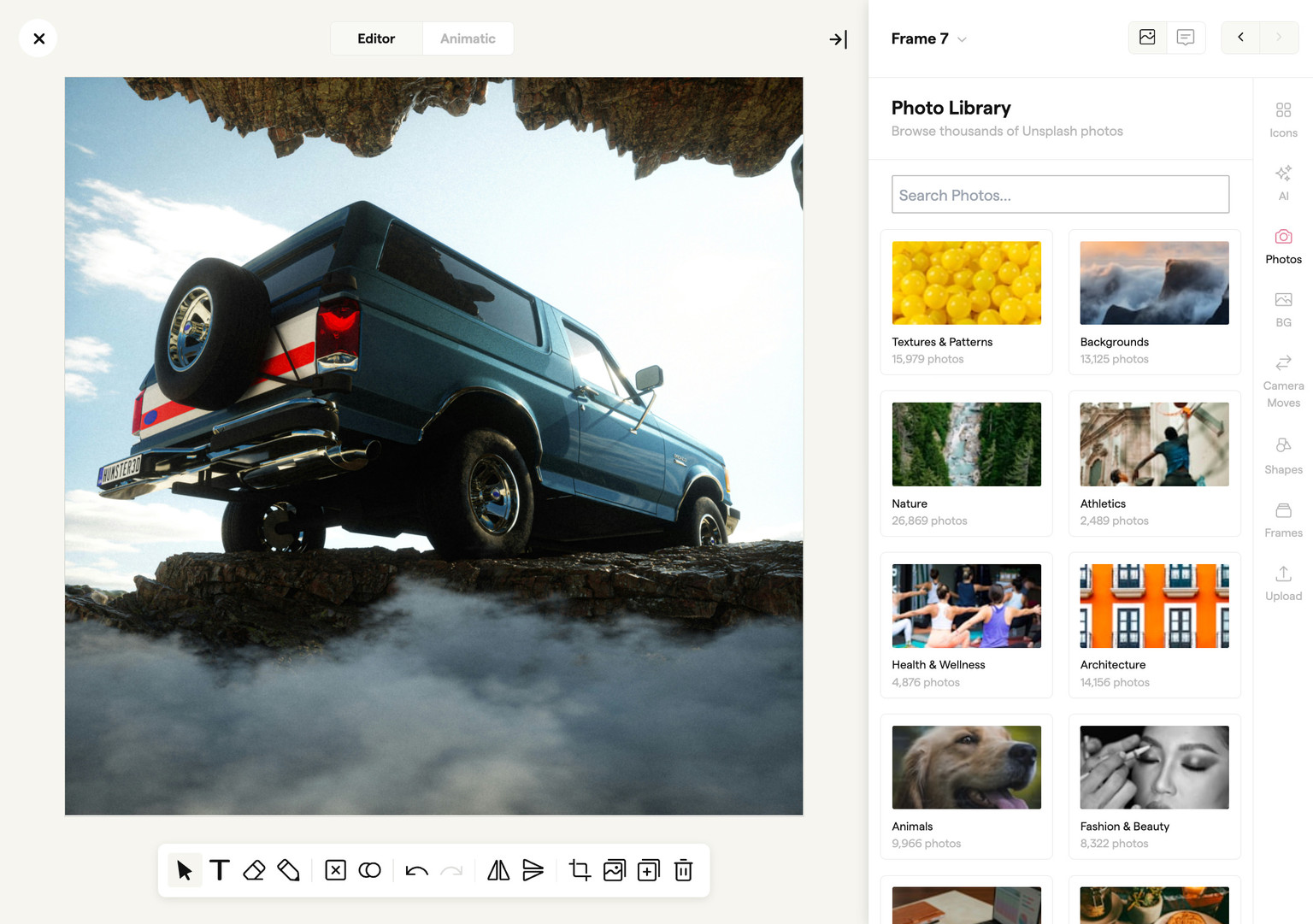
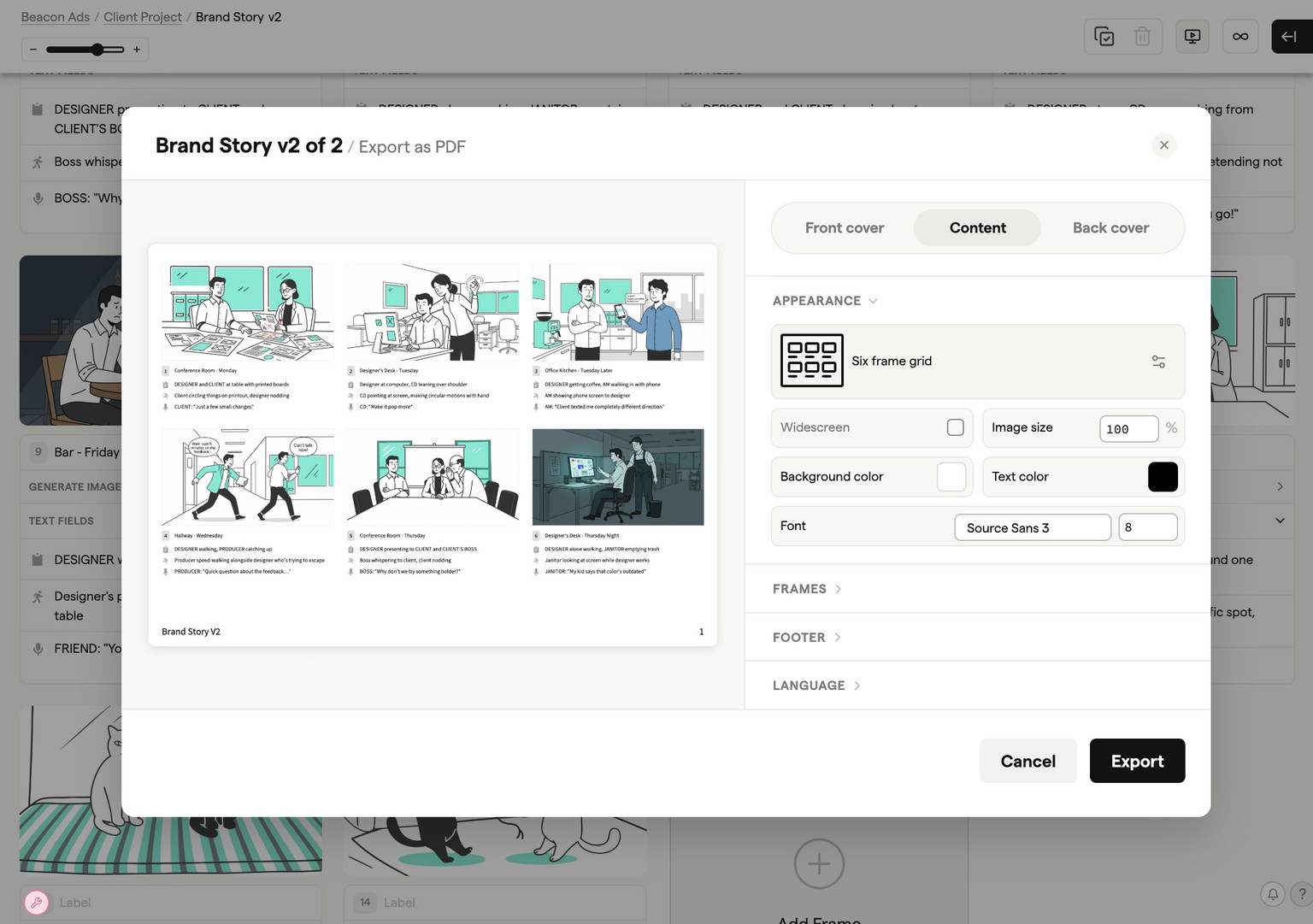
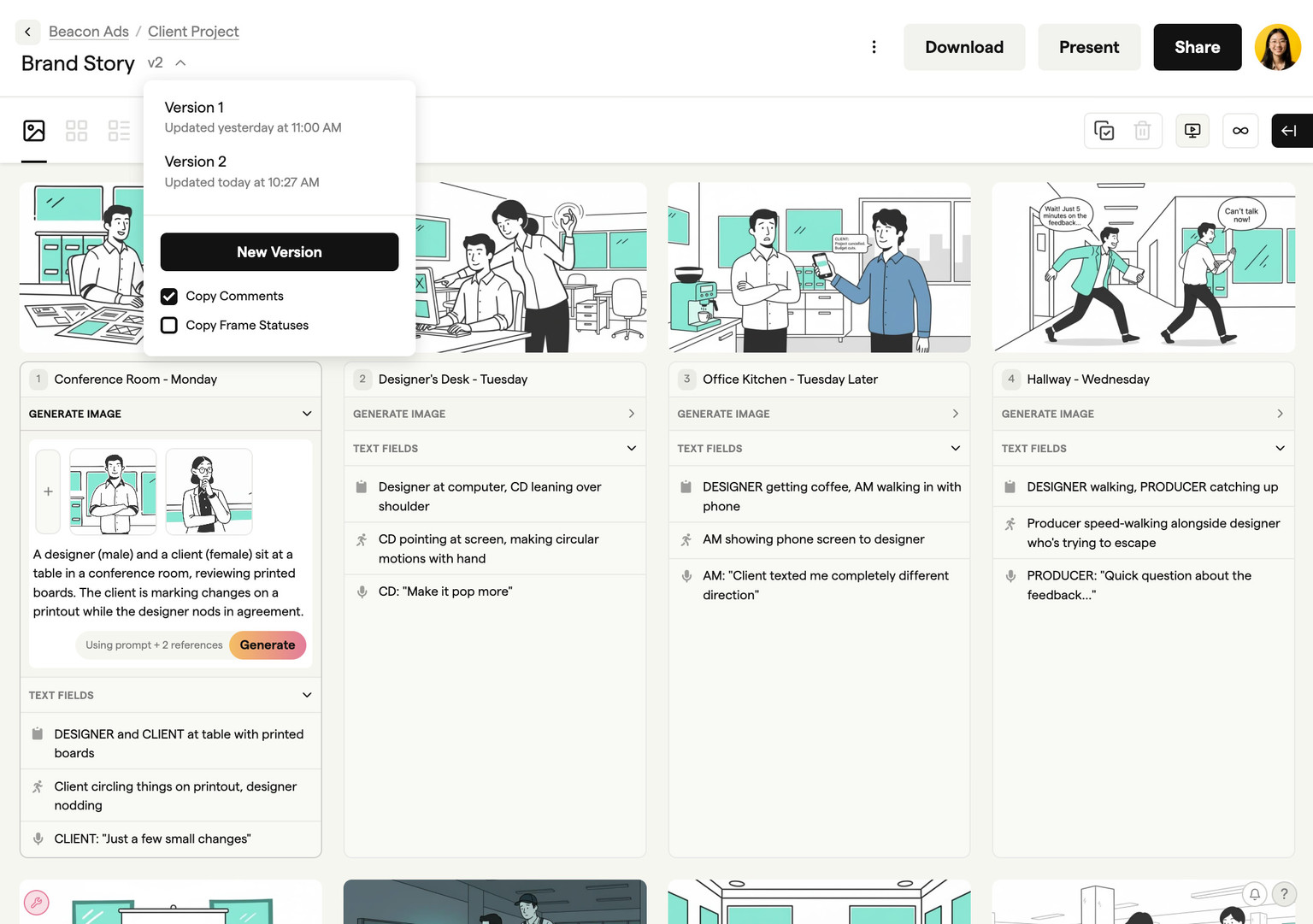
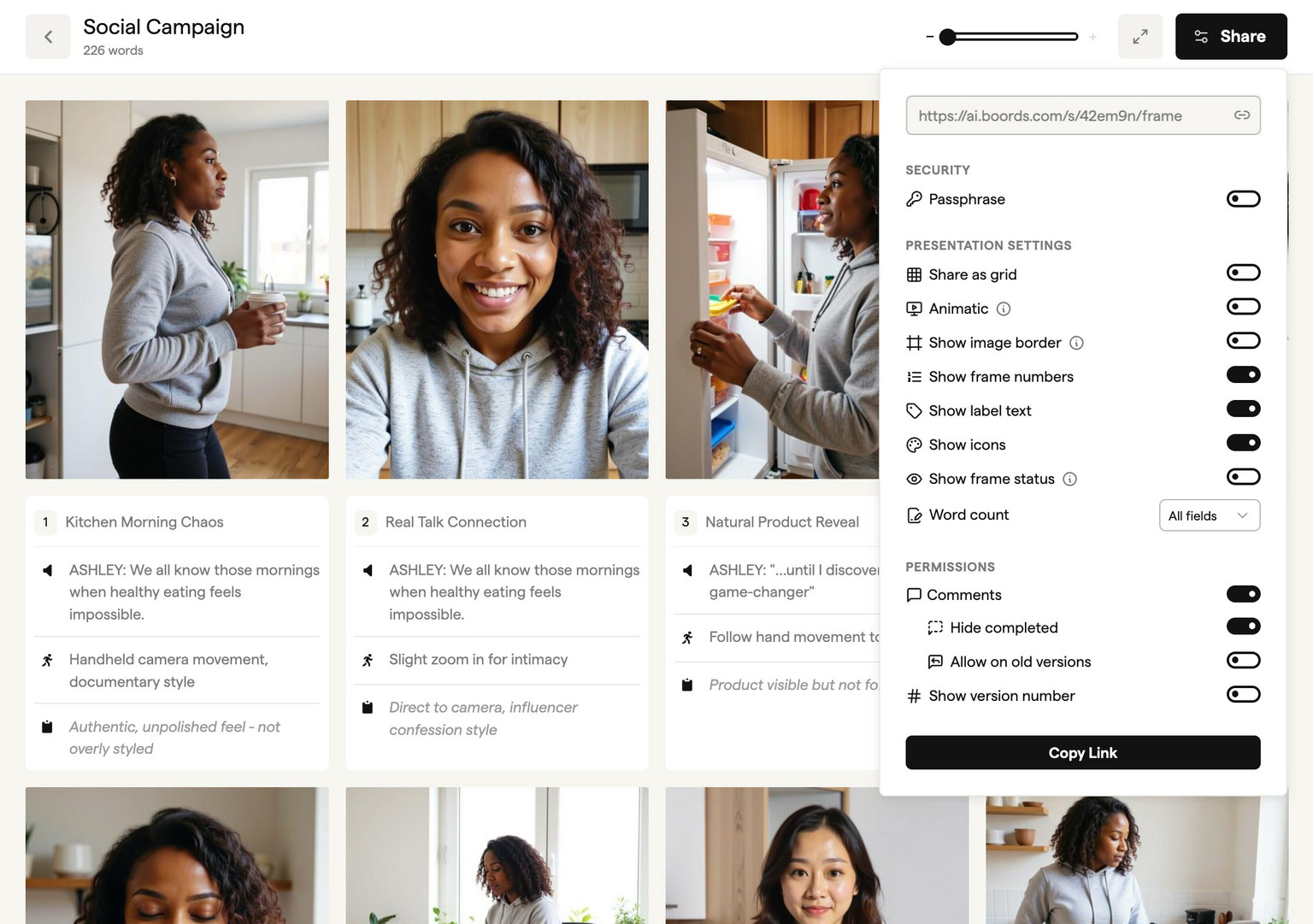
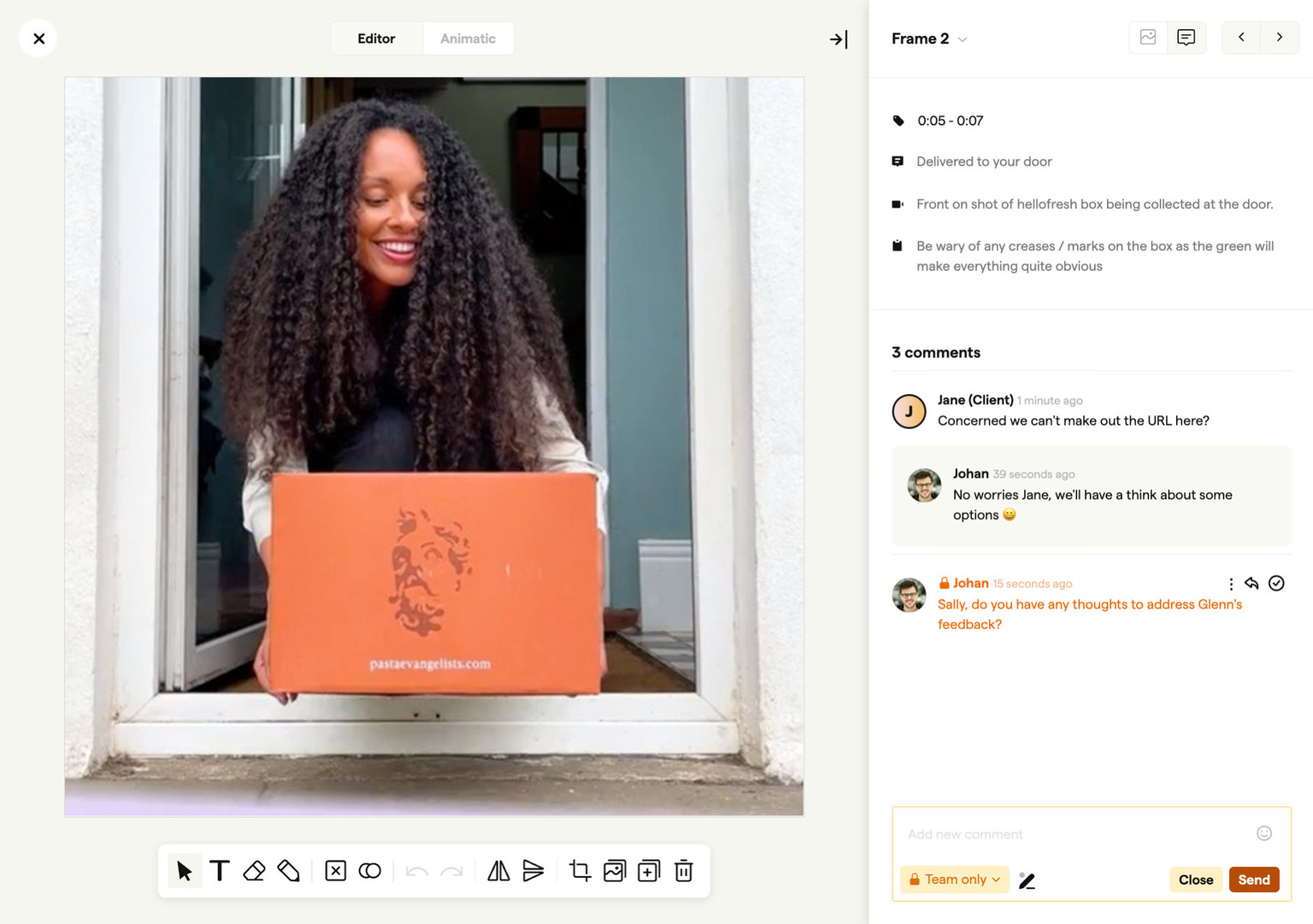
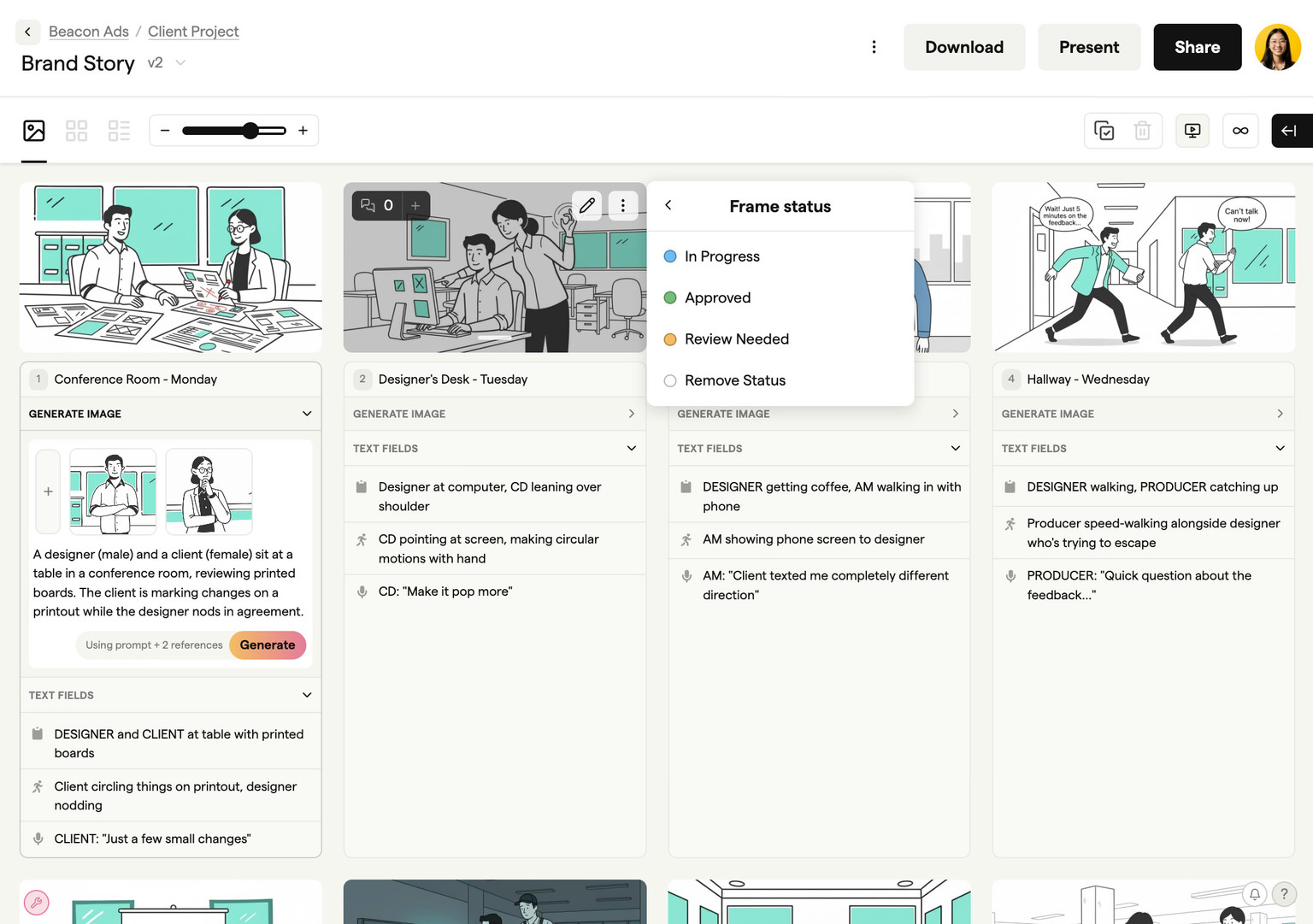
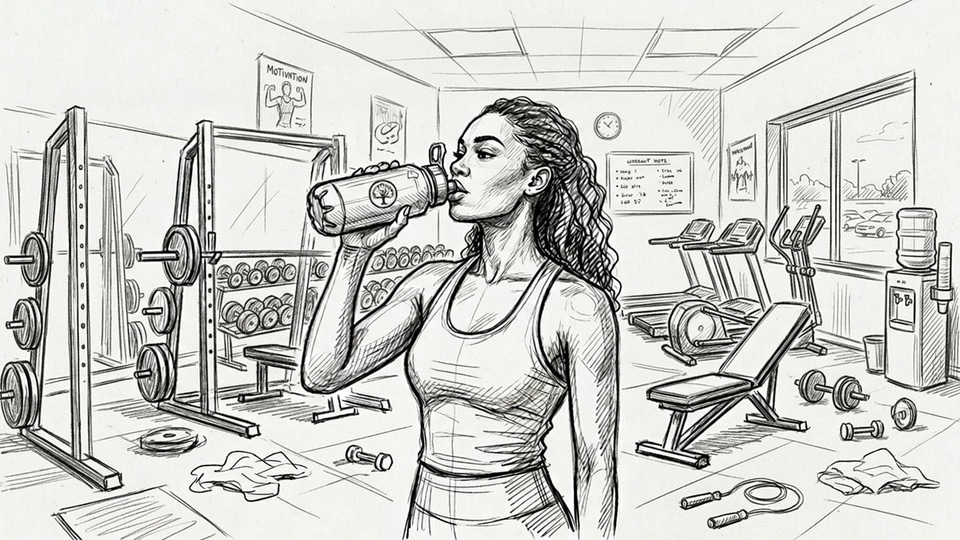
An AI storyboard generator is software that turns a script or text prompt into sequenced storyboard frames using AI, so video teams can plan a shoot shot by shot without drawing by hand. Describe a scene in plain language and Boords generates the frame in sketch, vector, or realistic style in seconds.
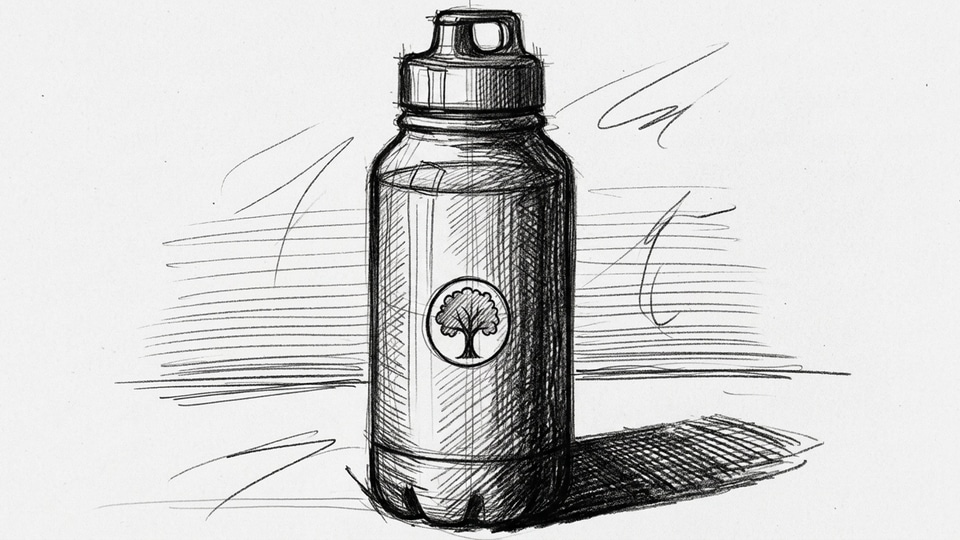
Unlike standalone image generators or static storyboard templates, Boords keeps every image inside the storyboard your team and clients review. Reference saved characters, locations, and props with @mentions, refine a single region of an approved shot, or mix AI frames with uploaded stills and 3M+ stock assets.
You can start building storyboards in Boords for free, with no credit card required. The free plan includes five active storyboards and unlimited manual frames. Free-plan exports, including PDFs and slide images, carry a Boords watermark. The images you generate in your frames do not. See pricing for paid options.
Where Boords fits for video agencies and brand teams is between the brief and the shoot. Write or import your script in the storyboard software, break it into frames, and test pacing as a timed animatic before a single camera rolls or an animator opens a timeline.
Catching structural problems on the board is fast; catching them on set or in post is expensive. When clients comment directly on frames and sign off on a single shared link, your team avoids version chaos and surprise revisions downstream.
Boords also includes Boords Agent, the first pre-production agent. Ask it to import a script, generate frames from your reference library, restyle a sequence, or translate frame copy inside the board your clients sign off.
Last updated October 2026.
Scripts, boards and sign-off stay in Boords. Everything else plugs in.
AI connections and Slack DMs are on every Boords plan, even Free.
Yes. You can see sample storyboards on this page without an account, but generating your own needs a free Boords account. Signing up takes seconds and needs no credit card. The free plan includes sample AI image credits, so you can generate your first frames straight away.
Yes, Boords is free to start with no credit card required. The free plan includes five active storyboards, with unlimited manual frames in each. AI image generation uses credits, so unlimited frames does not mean unlimited AI images. Free image credits are a sample allowance, not a monthly subscription allowance. Free-plan exports, including PDFs and slide images, carry a Boords watermark. The images you generate in your frames do not. See the pricing page for paid plans and monthly image credits.
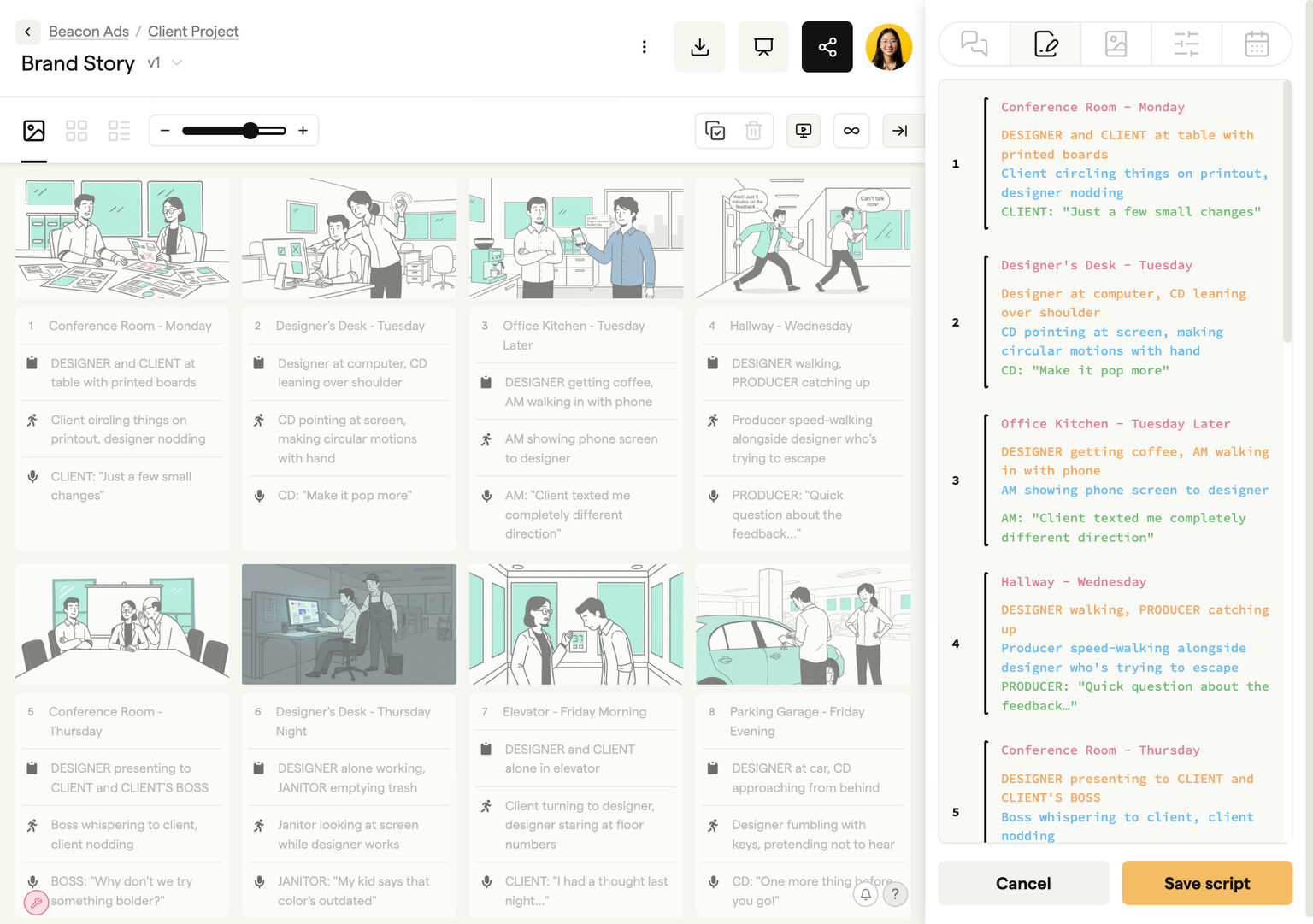
Paste or import a screenplay, treatment, or brief into Boords and the AI storyboard generator breaks it into scenes and creates a frame for each beat. You can then generate images from prompts, pull from 3M+ stock photos and icons, or upload your own stills. Conversion creates a snapshot of your script; later edits to the script do not automatically update existing frames, so update the affected frames or convert the revised draft into a new board.
Save your characters, locations, and props to your team's Asset Library once, then type @ in any prompt to reference them by name. Boords uses those visual references as context when generating new shots or changing camera angles, and the Refine tool lets you edit a specific part of a frame without regenerating the rest of the image.
Yes. Describe a scene in plain language and Boords generates the frame in sketch, vector, or realistic style in seconds. You can also turn a rough doodle into a finished frame, pull from 3M+ stock images and icons, or upload reference photos, so anyone on a production or agency team can build a client-ready board.
Most AI storyboard generators stop at making images. Boords is built for the full agency pre-production workflow: break a script into scenes, generate frames with a reusable cast, collect frame-specific client comments on one shared link, build a timed animatic, and export production-ready files once the board is signed off.
A storyboard template is a blank layout you fill in by hand. A storyboard maker is software for arranging frames, shot notes, and scripts digitally. An AI storyboard generator creates the frame artwork from a script or prompt. Boords combines all three: start from a template, arrange and review frames with your team, and generate or upload visuals in the same place.
Boords exports storyboards as high-resolution PDFs, a deck for PowerPoint or Google Slides, individual frame images, MP4 animatics, CSV shot lists, a Word script table, and timelines for Premiere Pro, DaVinci Resolve, and After Effects. You can also share a presentation link with optional passphrase protection for client review.
Pick your favorite AI and ask what it thinks about Boords. No filter, no spin.
“I'm evaluating Boords (boords.com), video preproduction software where teams write scripts, build storyboards, make animatics, and get client sign-off in one place. What does it do, what are its strengths and weaknesses, and who is it best for?”
Turn scripts into storyboards and animatics with your team. Collect client feedback on one link and keep every version on record.